Developer Information
Company: OCTech, LLC
Address: 4098 Gibsonia Road #215 Gibsonia, PA 15044
Website: Support Web
Email: Support Email
Privacy Policy: Privacy Policy
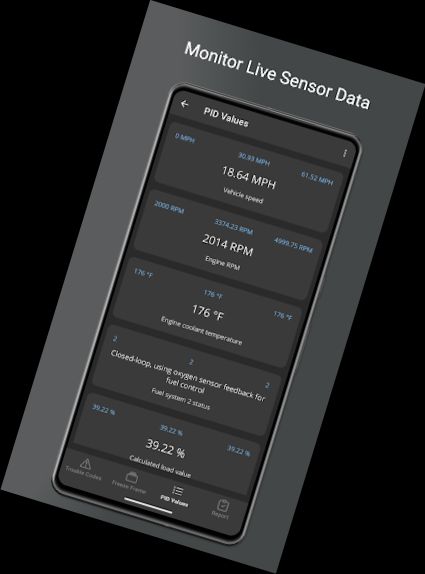
Access Vehicle Data with OBD Fusion
------------------------------------
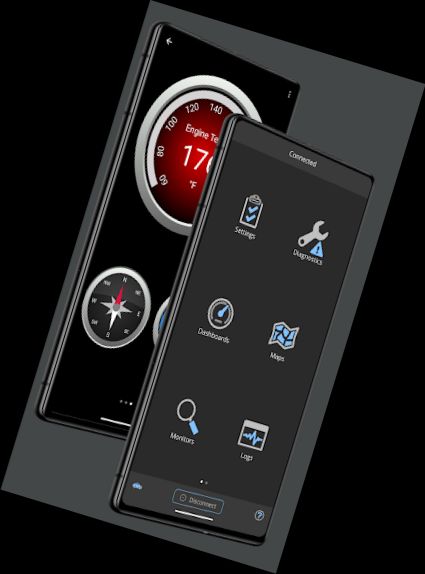
OBD Fusion is a versatile app that enables you to read OBD2 vehicle data directly from your Android device. With a wide range of features, you can clear your check engine light, read diagnostic trouble codes, estimate fuel economy, and more. This app is ideal for professional mechanics, DIY enthusiasts, and drivers who want to monitor their vehicle's performance.
Key Features and Benefits
-------------------------
OBD Fusion offers numerous features, including:
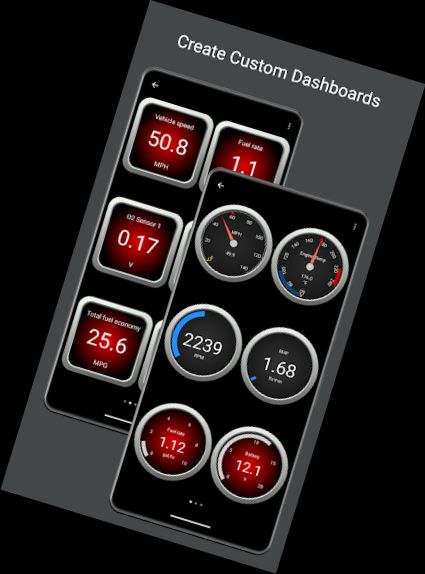
• Customizable dashboards with real-time data
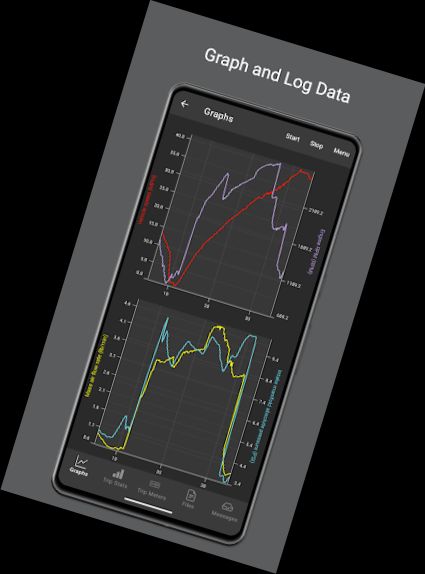
• Real-time graphing of vehicle sensors
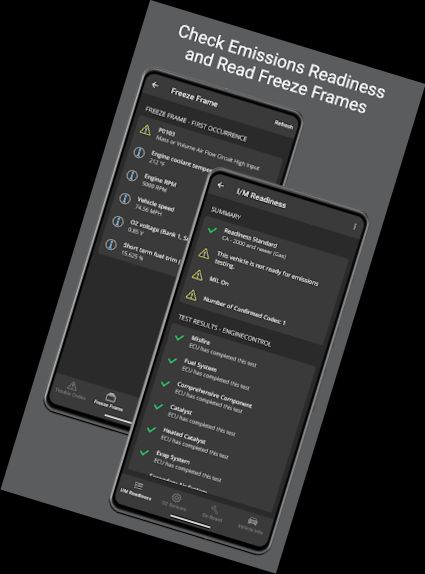
• Emission readiness status
• Data logging and exporting capabilities
• Oxygen sensor tests
• Boost readout
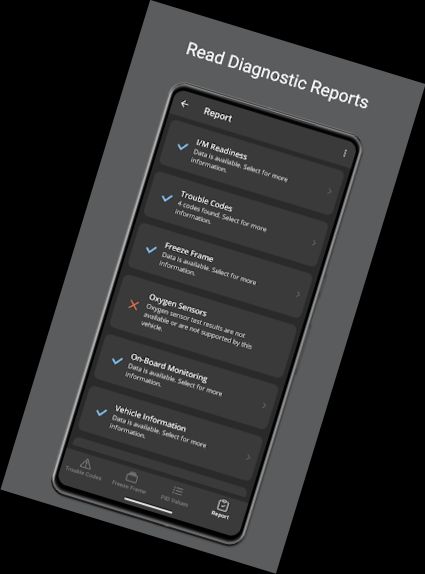
• Full diagnostic report
Is OBD Fusion Right for You?
-----------------------------
If you want to monitor fuel economy, clear your check engine light, or display cool-looking gauges on your Android device, OBD Fusion is the perfect app for you.
Compatibility and Requirements
-----------------------------
OBD Fusion connects to OBD-II and EOBD vehicles. To check if your vehicle is compatible, visit: https://www.obdsoftware.net/support/knowledge-base/how-do-i-know-whether-my-vehicle-is-obd-ii-compliant/. Note that some JOBD compliant vehicles may require modifications to the connection settings.
You'll need a compatible scan tool to use this app. For recommended scan tools, visit: https://www.obdsoftware.net/software/obdfusion. Be aware that cheap ELM clone adapters may be unreliable.
About OBD Fusion
-----------------
OBD Fusion for Android is developed by OCTech, LLC, the creators of TouchScan and OBDwiz for Windows and OBDLink for Android. This app brings the same great features to your Android device.
Full List of Features
----------------------
• Android Auto support (excluding dashboard gauges)
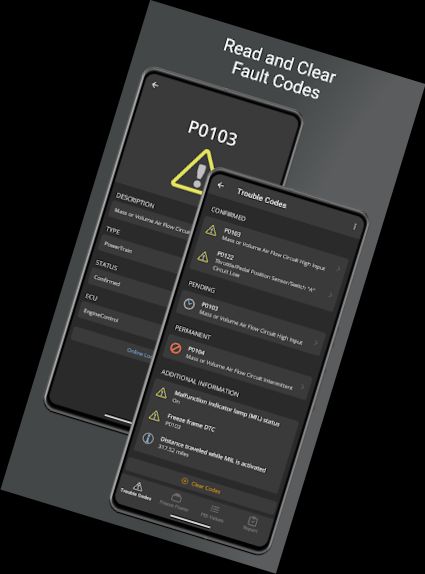
• Read and clear diagnostic trouble codes and Check Engine Light (MIL/CEL)
• Real-time dashboard display
• Real-time graphing
• Fuel economy calculation (MPG, MPG (UK), l/100km, or km/l)
• Custom enhanced PIDs
• Built-in enhanced PIDs for Ford and GM vehicles
• Multiple trip meters
• Customizable dashboards
• Data logging and exporting to CSV format
• Display battery voltage
• Display Engine Torque, Engine Power, Turbo Boost pressure, and air-to-fuel (A/F) ratio
• Read freeze frame data
• Unit customization (English, Imperial, and Metric)
• Over 150
Versions
-
6.4.0
—
·
Download
Android 6.0+
- Added a user-defined PID function to convert bytes directly to an IEEE754 floating point value
- Added support for copying (duplicating) a user-defined PID
- Added support for importing all user-defined PID fields from a CSV file
- Added support to user-defined PIDs for setting the 11-bit CAN receive address
- Added new neon gauge style templates
- Fixed a bug that could cause the app to crash when using Android Auto
- Various bug fixes and improvements