Developer Information
Company: Adobe
Address: Adobe Inc. 345 Park Avenue San Jose, CA 95110-2704
Website: Support Web
Email: Support Email
Privacy Policy: Privacy Policy
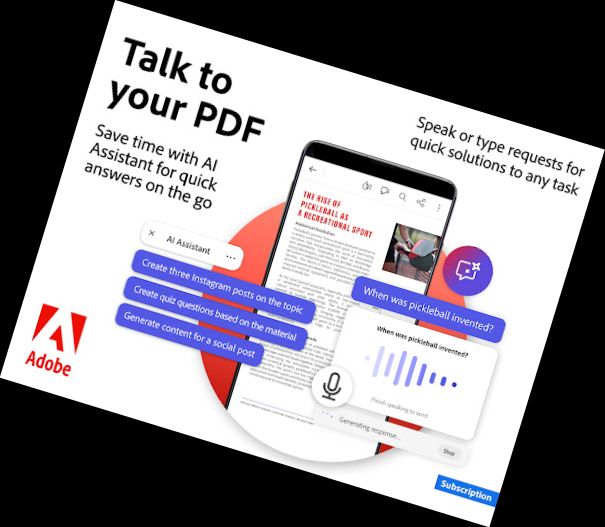
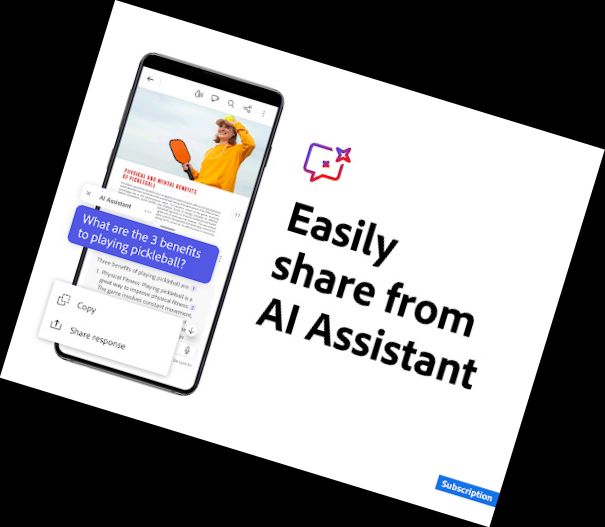

ENHANCED PRODUCTIVITY WITH AI POWERED TOOLS
The new Adobe Acrobat AI Assistant simplifies PDF tasks like never before.
AI ASSISTANT
• Interact with AI chatbot using voice or text
• Receive accurate answers and summaries about document specifics
• Generate content for various formats, including emails, notes, and blogs
• Effortlessly share AI Assistant responses
[AI Assistant is a paid feature*, currently free for a limited time]
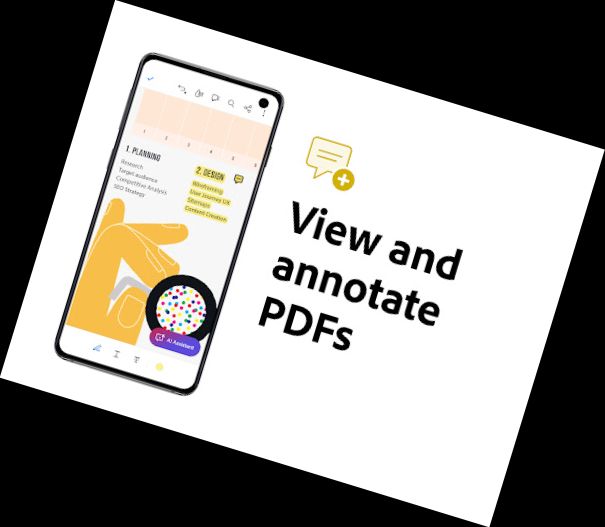
Acrobat Reader is the world's most trusted PDF reader and editor, with over 635 million installs. This all-in-one app allows you to view, share, annotate, comment, and sign documents. Store files online and access them anywhere.
Start your 7-day free trial to experience all Acrobat Reader features.
PREMIUM FEATURES
EDIT PDFs
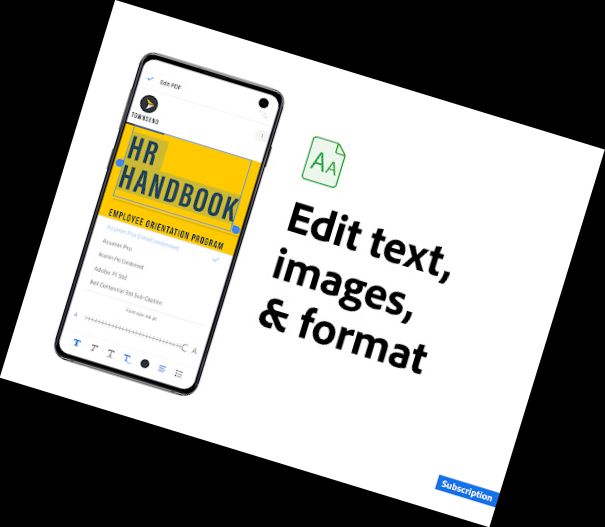
• Edit text and images directly in your PDF (mobile only)
• Correct typos or add paragraphs with the PDF editor
• Easily add, delete, or rotate images
MERGE & ORGANIZE PDFs
• Split or combine multiple files into one PDF using the PDF converter
• Use the PDF editor to insert, delete, rotate, crop, and reorder pages
CREATE, CONVERT & EXPORT PDFs
• Convert files to PDF from various formats, including Microsoft files and images
• Export and convert PDFs to Microsoft Word, Excel, PowerPoint, or image files
COMPRESS & SECURE PDFs
• Compress PDF files for easy saving and sharing
• Password protect PDF documents
Subscribe to access these features and use Acrobat across mobile and web platforms.
FREE FEATURES
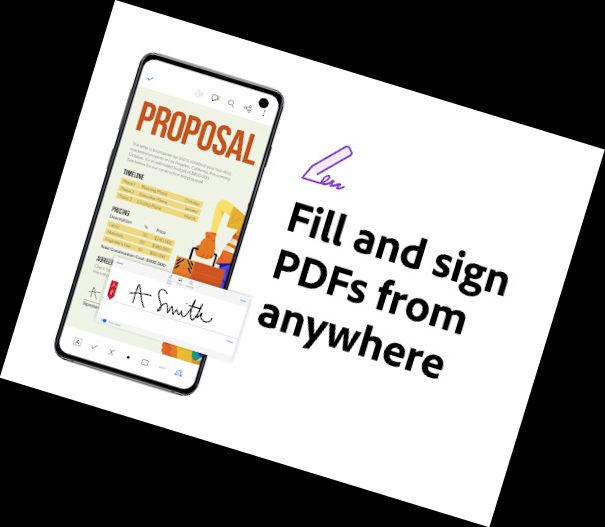
FILL & SIGN
All Adobe Fill & Sign features are free and available in Acrobat Reader. Fill, sign, and send forms quickly and reliably.
RECOGNIZE TEXT
• Optical Character Recognition (OCR) identifies text in PDFs
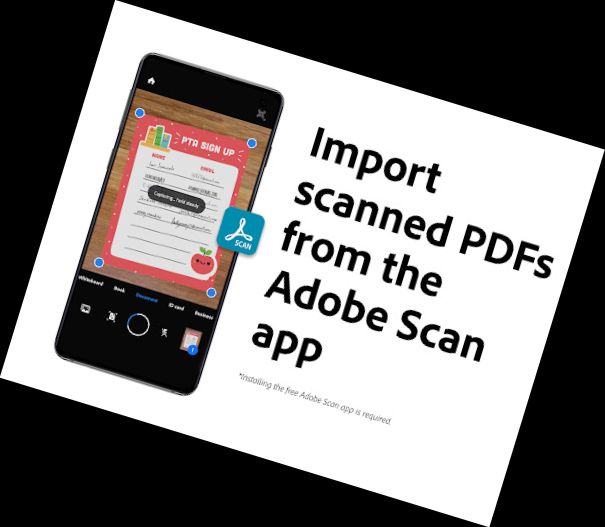
• Extract text and convert scanned documents into editable PDF files
• Automatic font generation matches original fonts
• Export PDFs to Microsoft Word, Office files, or plain text files
• Preserve document layout by saving as smart PDFs
LIQUID MODE FOR OPTIMAL PDF VIEWING
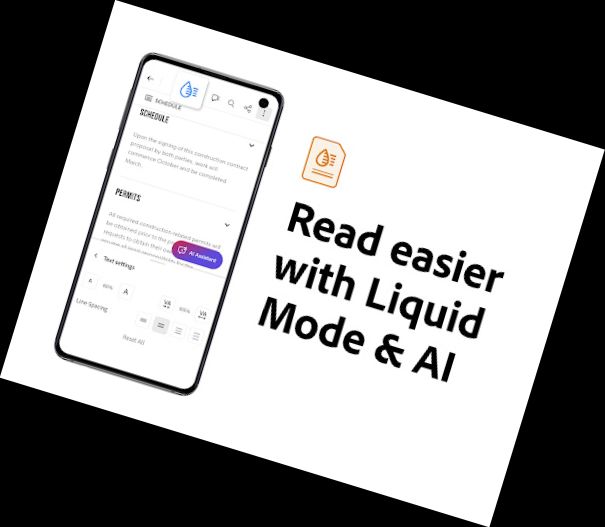
• Enjoy the best PDF reading experience with Liquid Mode
• Quickly navigate and adjust font size or spacing
• PDFs adapt to your screen
• Use Search to instantly find text
SHARE PDFs & COLLABORATE
• Share files for commenting or viewing
• Collect and respond to comments from multiple people in one file
• Receive activity notifications for shared files
• Invite non-collaborators
Versions
-
24.11.0.36250.Beta
—
·
Download
Android 10+
23.11.0
NEW: EASY EDITS FOR PDF SCANS AND IMAGES
Premium users can now edit text in scanned PDFs and images, with new text edits now automatically matching the font of the source text. Available in English, Spanish, French, German, Italian, and Portuguese.
NEW: PDF LINK IMPROVEMENTS
To streamline workflows, clicking on email links within PDFs will now open an email draft within a user’s email application. URL links will now directly open a web page.