
Developer Information
Company: Apple
Address: One Apple Park Way Cupertino, CA 95014
Website: Support Web
Email: Support Email
Privacy Policy: Privacy Policy
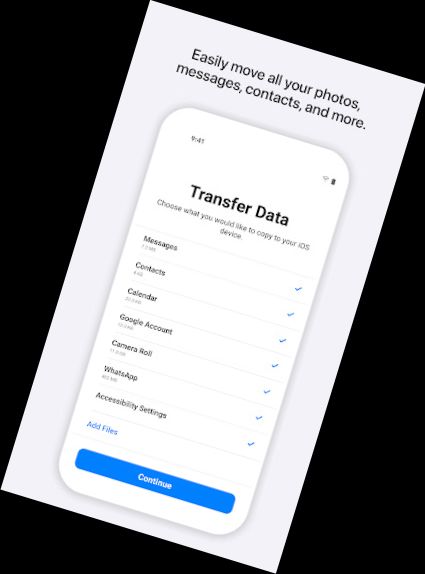
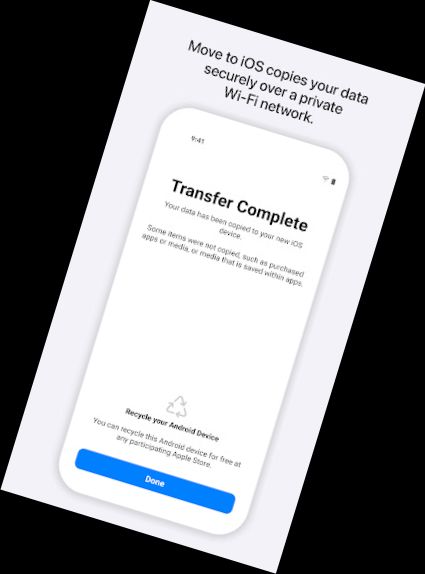
Everything about iOS is made to be simple. Switching to it is no exception. With just a few steps, you can transfer your content automatically and securely from your Android device with the Move to iOS app. No need to save your stuff elsewhere before switching from Android. The Move to iOS app securely transfers various types of data for you:
Contacts
Message history
Camera photos and videos
Mail accounts
Calendars
WhatsApp content
Make sure to keep your devices close and plugged in until the transfer is complete. When you choose to transfer your data, your new iPhone or iPad will set up a private Wi-Fi network and locate your nearby Android device running Move to iOS. After you enter a security code, it will start transferring your content and organize it for you. That's all. Once your content has been transferred, you're all set. That's it — you can start using your new iPhone or iPad and exploring its endless possibilities.
Versions
-
3.5.3
—
·
Download
Android 6.0+
Here is What’s New for v3.5.1.
* Migration is faster with support for network speeds up to 5GHz
* Photo transfers now support individual images above 2GB
* Message migration is improved with support for more variations of Android OS
* Pairing your Android phone is more seamless with support for the latest Android APIs
* Speed and reliability improvements for iOS 14.6 and above