Developer Information
Company: BoostVision
Address: Room 306, Building 8, No. 1480, North Section of Tianfu Road, Gaoxin, Chengdu, Sichuan
Website: Support Web
Email: Support Email
Privacy Policy: Privacy Policy
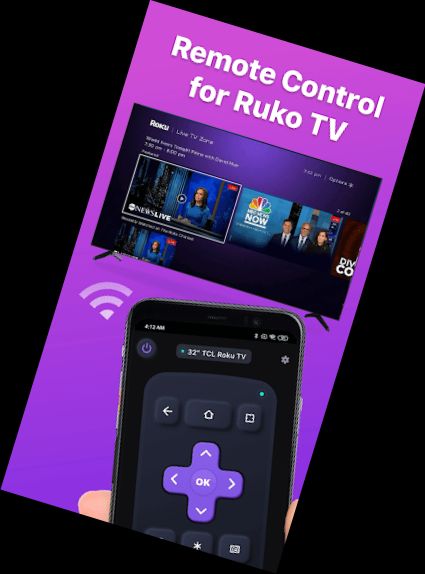
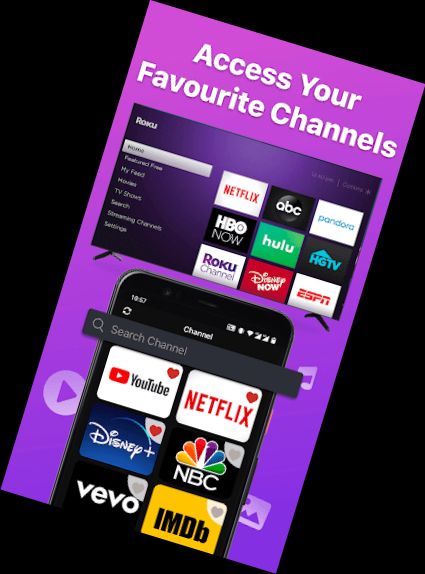
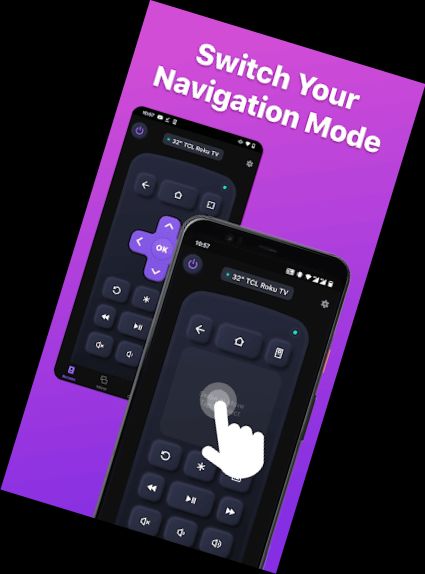
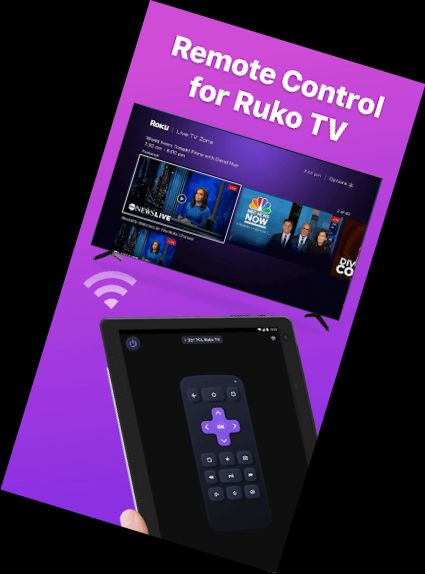
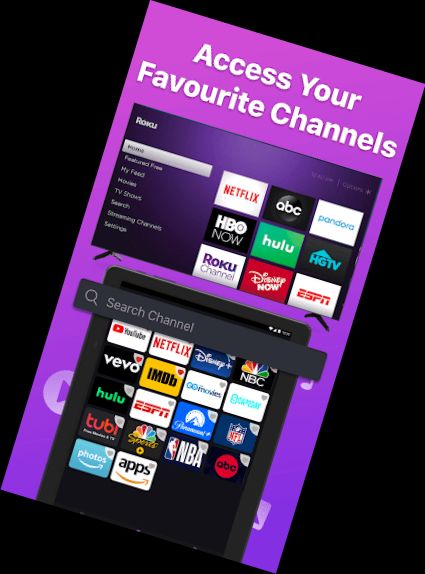
Control your Roku TV with ease using the TV Remote app, a mobile TV remote control application that allows you to use your mobile device to control Roku TVs over WiFi. This app enables you to turn on/off your Roku TV, adjust volume, browse and stream content, and launch channels, just like your physical Roku remote.
The universal TV Remote App is compatible with:
Roku streaming devices: Roku Express, Roku Express+, Roku Streaming Stick, Roku Streaming Stick+, Roku Premiere, Roku Premiere+, Roku Ultra
Roku TVs: TCL, Hisense, Philips, Sharp, Insignia, Hitachi, Element, RCA, Onn
Android mobile device system version: 7.0 or later
This app is compatible with most Roku TV models, making it a perfect solution for those who have misplaced their physical remote or prefer the convenience of using their phone.
Key Features:
- Quick setup: Download the app and connect it to your Roku TV to start using it immediately.
- Intuitive navigation: Easily navigate the Roku TV interface using a touchpad for scrolling and swiping.
- Playback controls: Control playback with usual buttons like Play/pause, fast forward/rewind, and volume control.
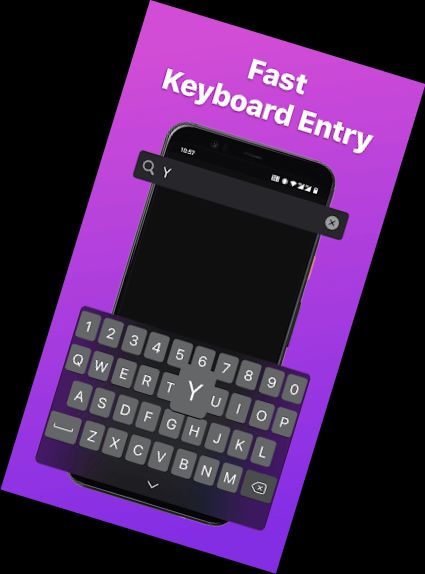
- Keyboard input: Use the virtual keyboard to enter text, passwords, and search queries on Roku TV.
- Channel shortcuts: Create shortcuts for your favorite channels and launch them with a single tap.
- Power control: Turn your Roku TV on or off with a single tap on your mobile device.
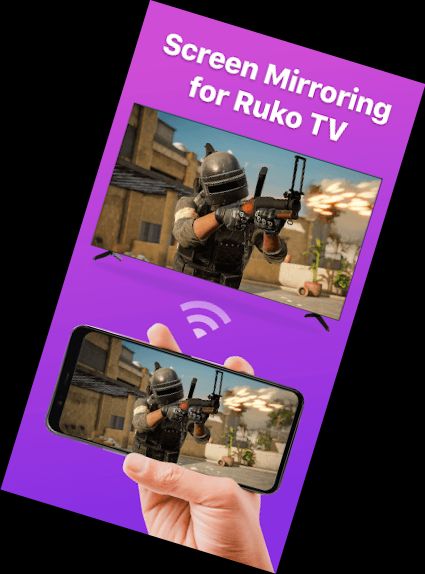
- Screen sharing: Share your screen on smart view TV using the mirroring function.
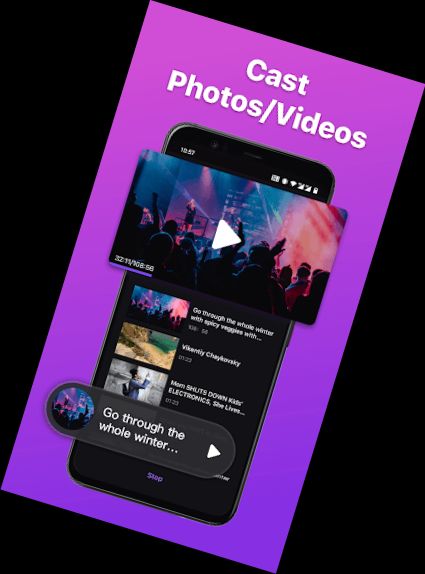
- Cast to TV: Watch local photos and videos on your big TV by casting your screen.
Connecting the Remote Controller App to Roku TV:
1. Ensure your Android smartphone is connected to the same network as your Roku TV.
2. Download and launch the app, then tap to select the target device to connect.
3. Once connected, control your Roku devices with the app.
Troubleshooting:
• The app can only connect if you're on the same WiFi network as your Roku TV device.
• For connection issues, reinstall the app and reboot your TV to resolve most problems.
BoostVision is not affiliated with Roku, Inc, and the TV Remote app is not an official Roku product.
Terms of Use: https://www.boostvision.tv/terms-of-use
Privacy Policy: https://www.boostvision.tv/privacy-policy
Visit Our Page: https://www.boostvision.tv/app/roku-tv-remote
Versions
-
1.4.2
—
·
Download
Android 7.1+
*Bug Fix
*Improving user experience
Remote control for Roku TV, screen mirroring & cast phone screen to Roku TV with one tap!