
Developer Information
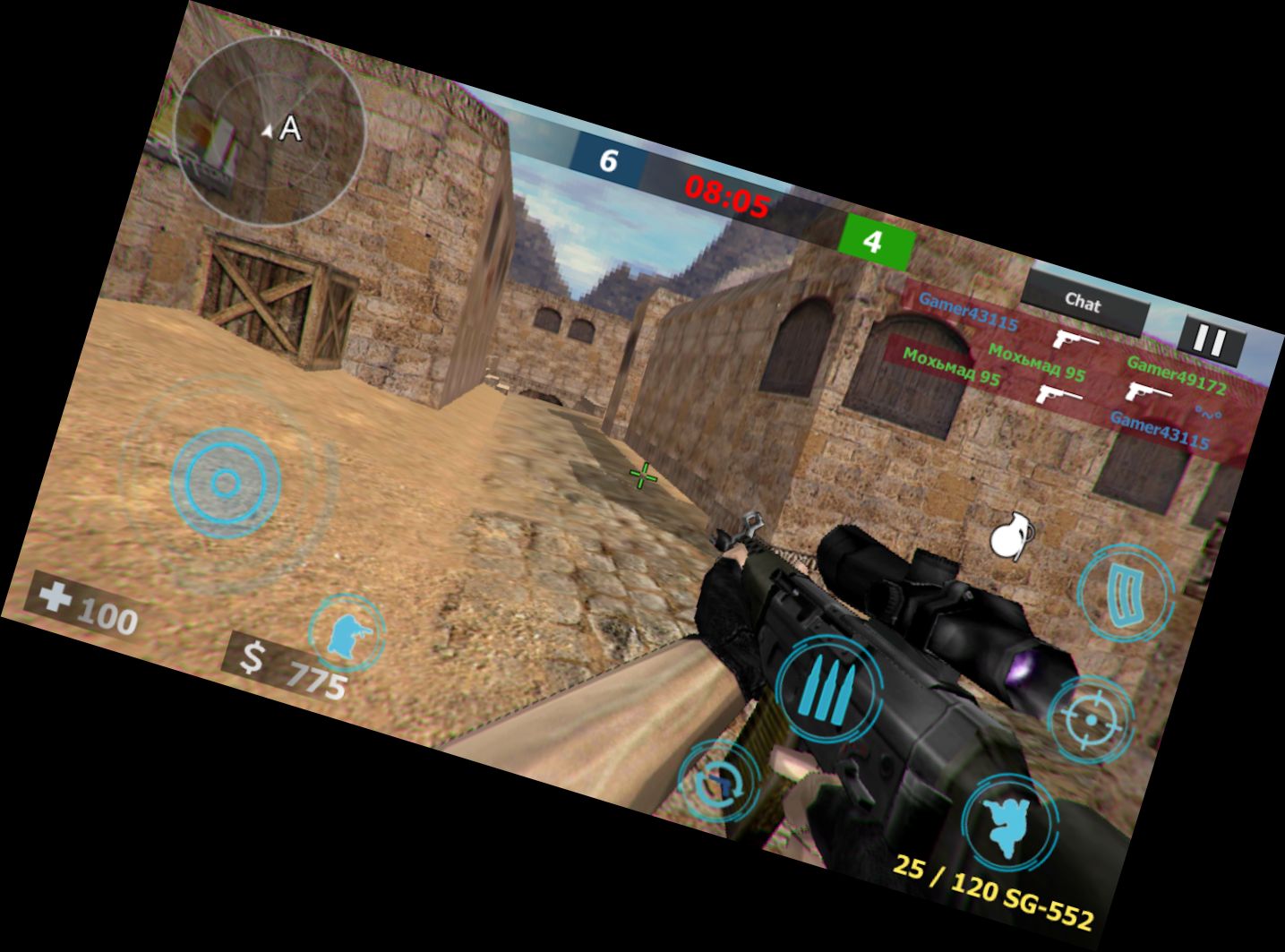
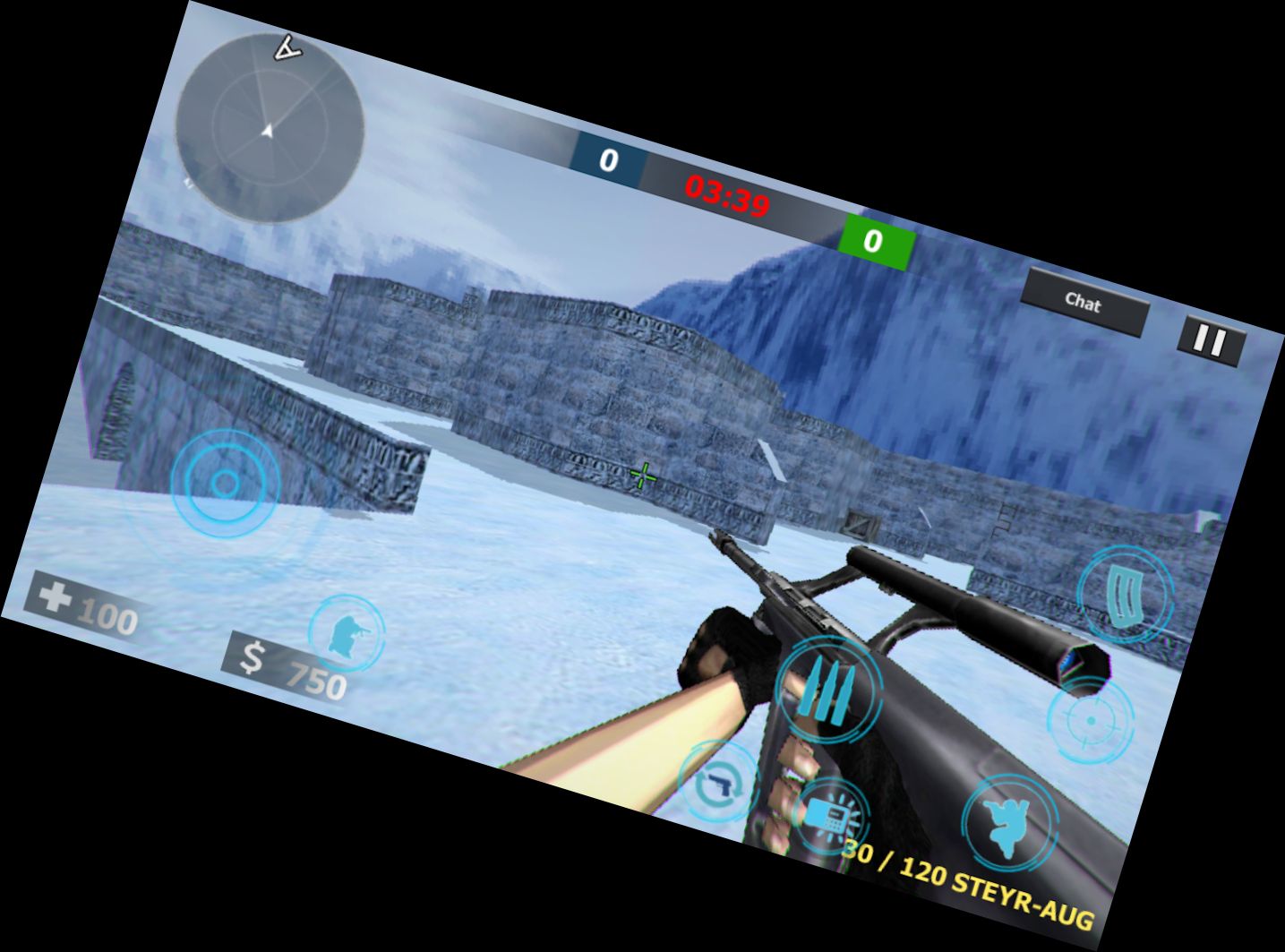
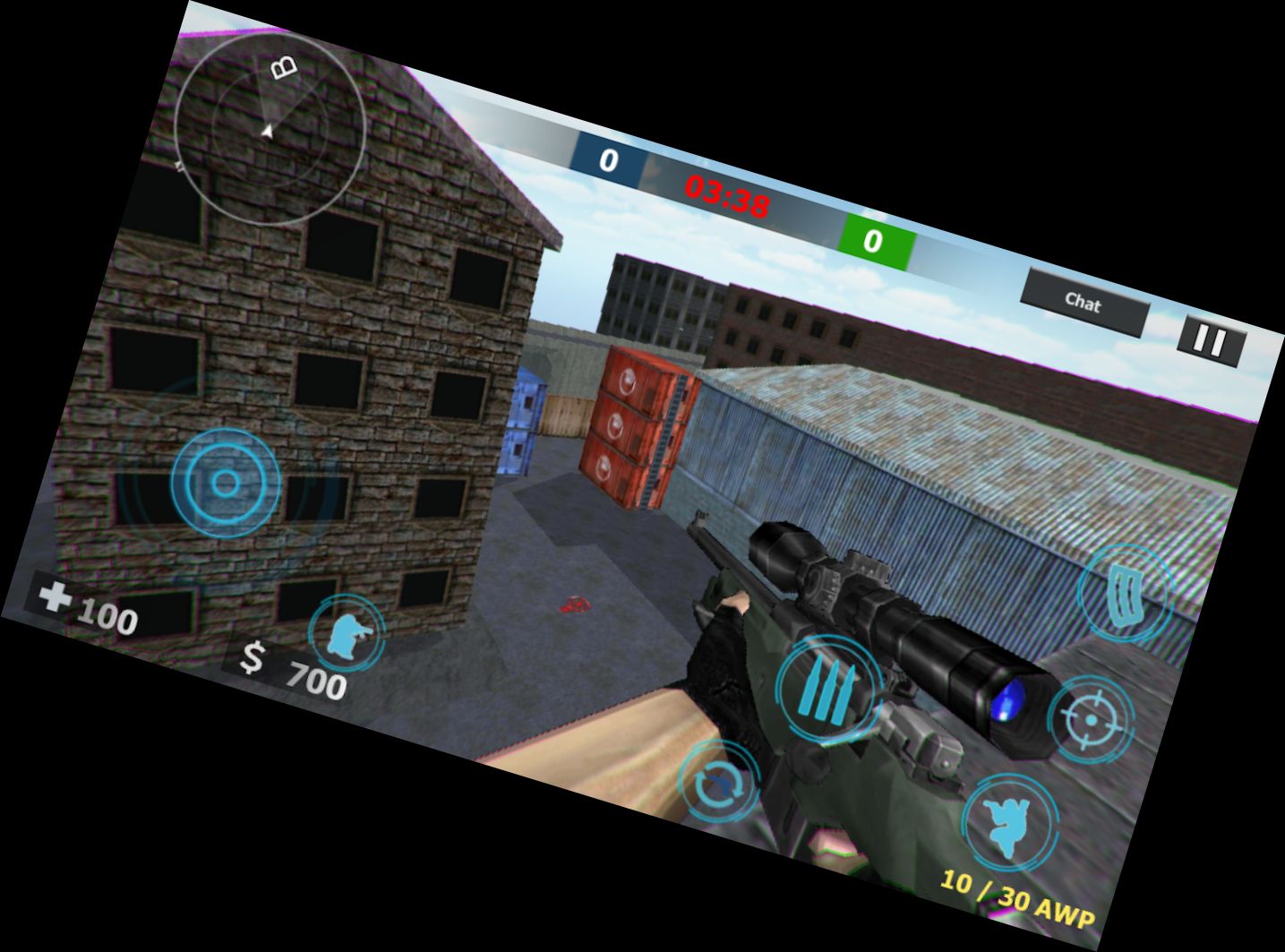
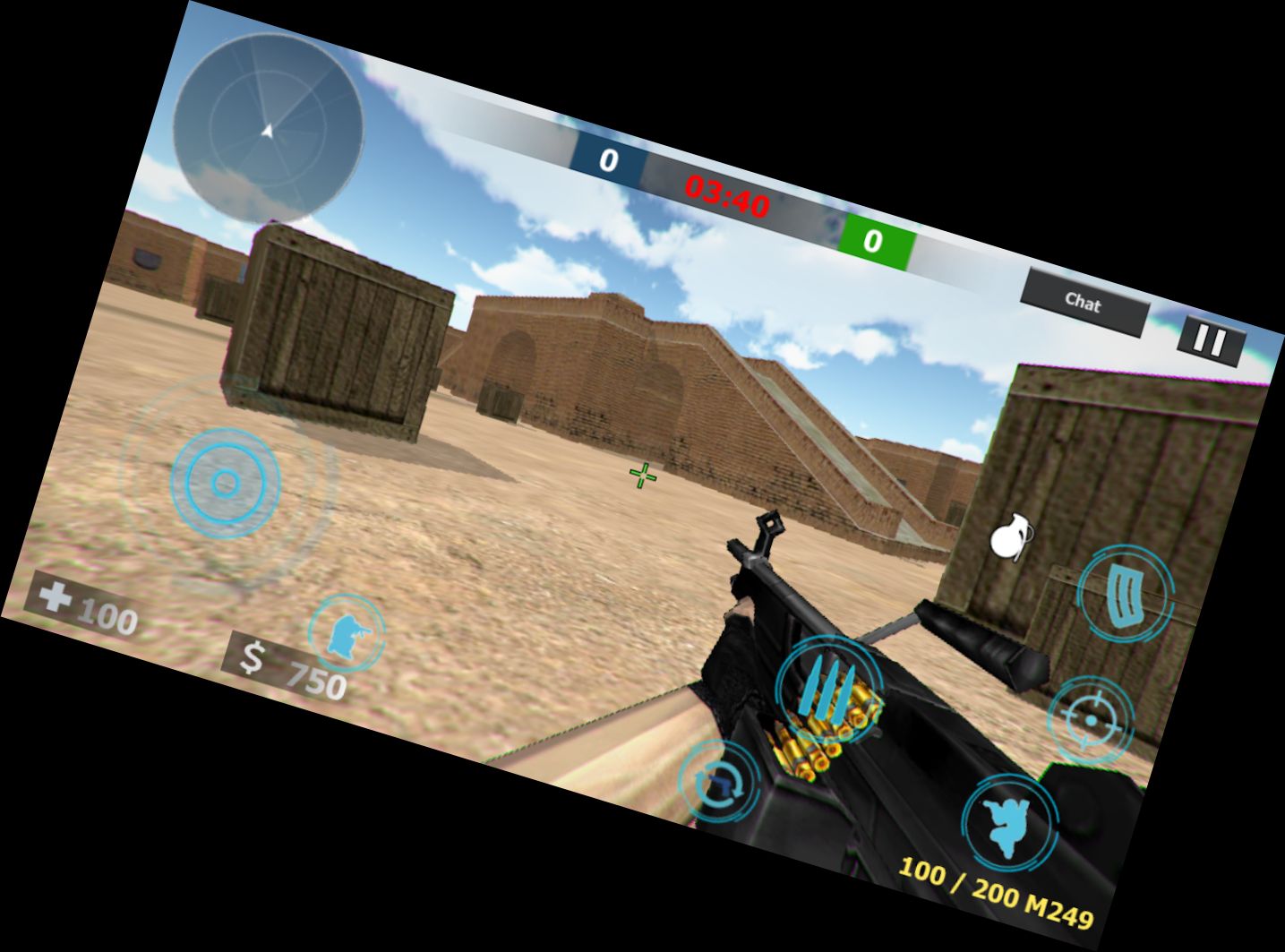
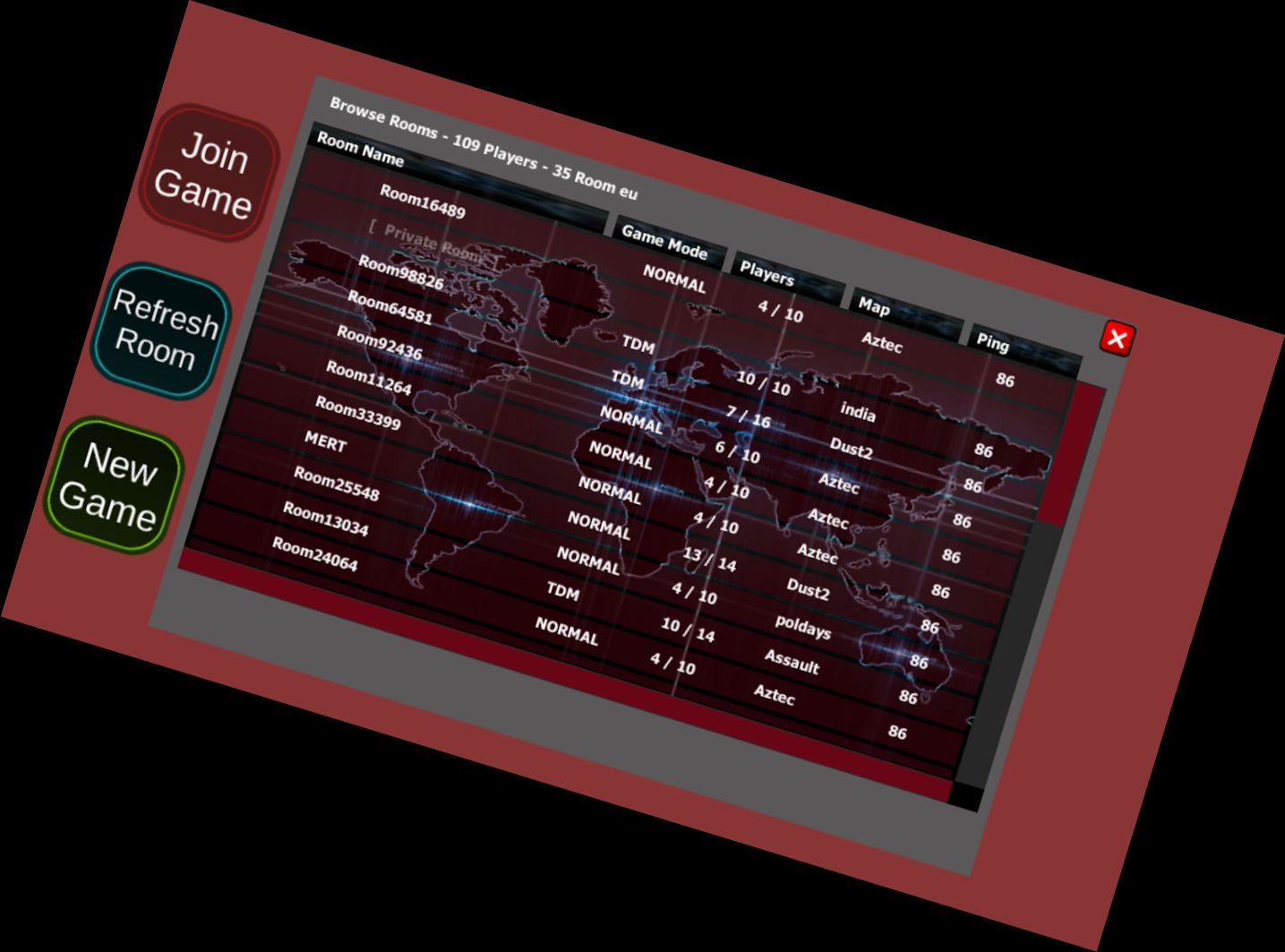
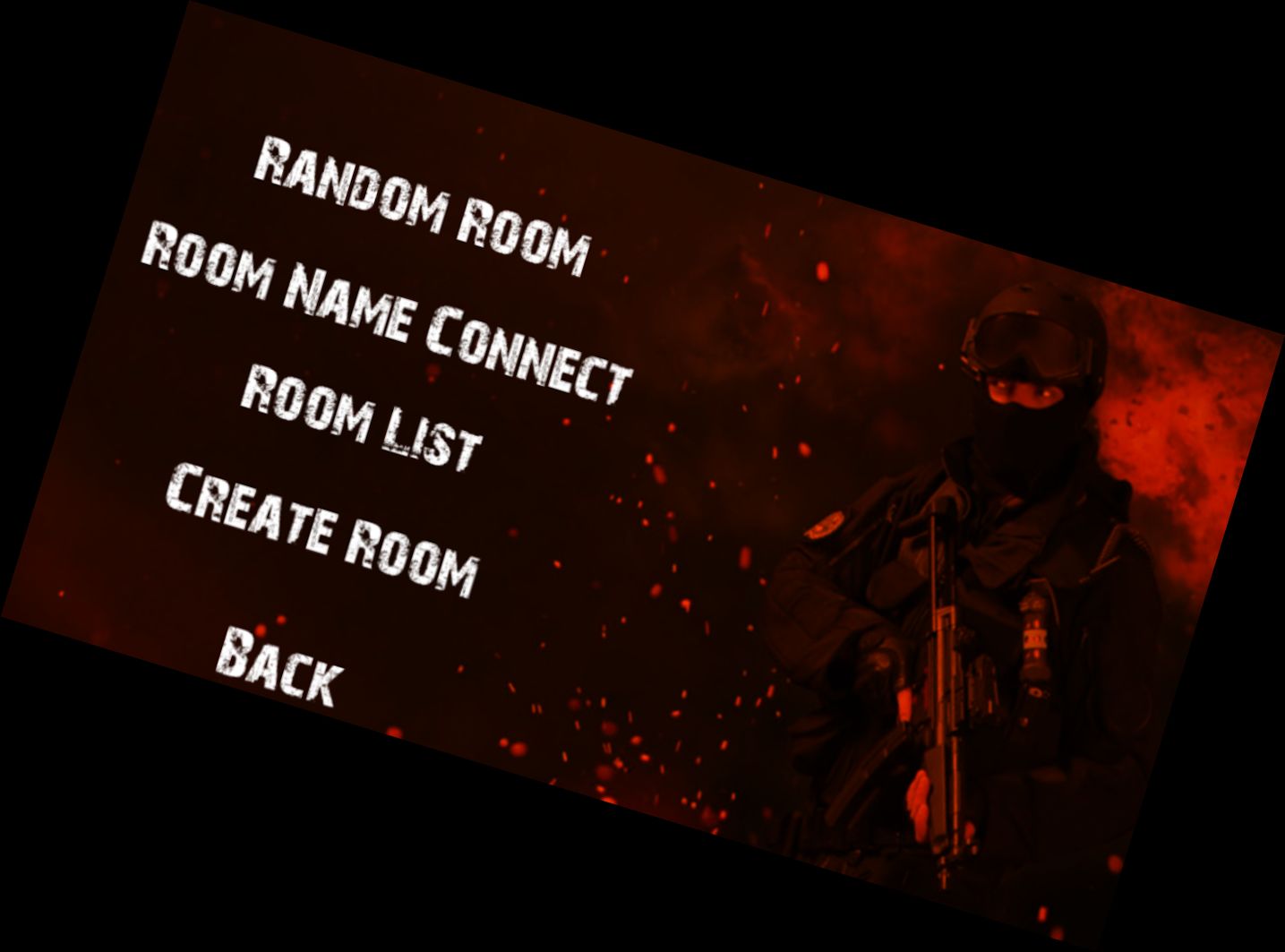
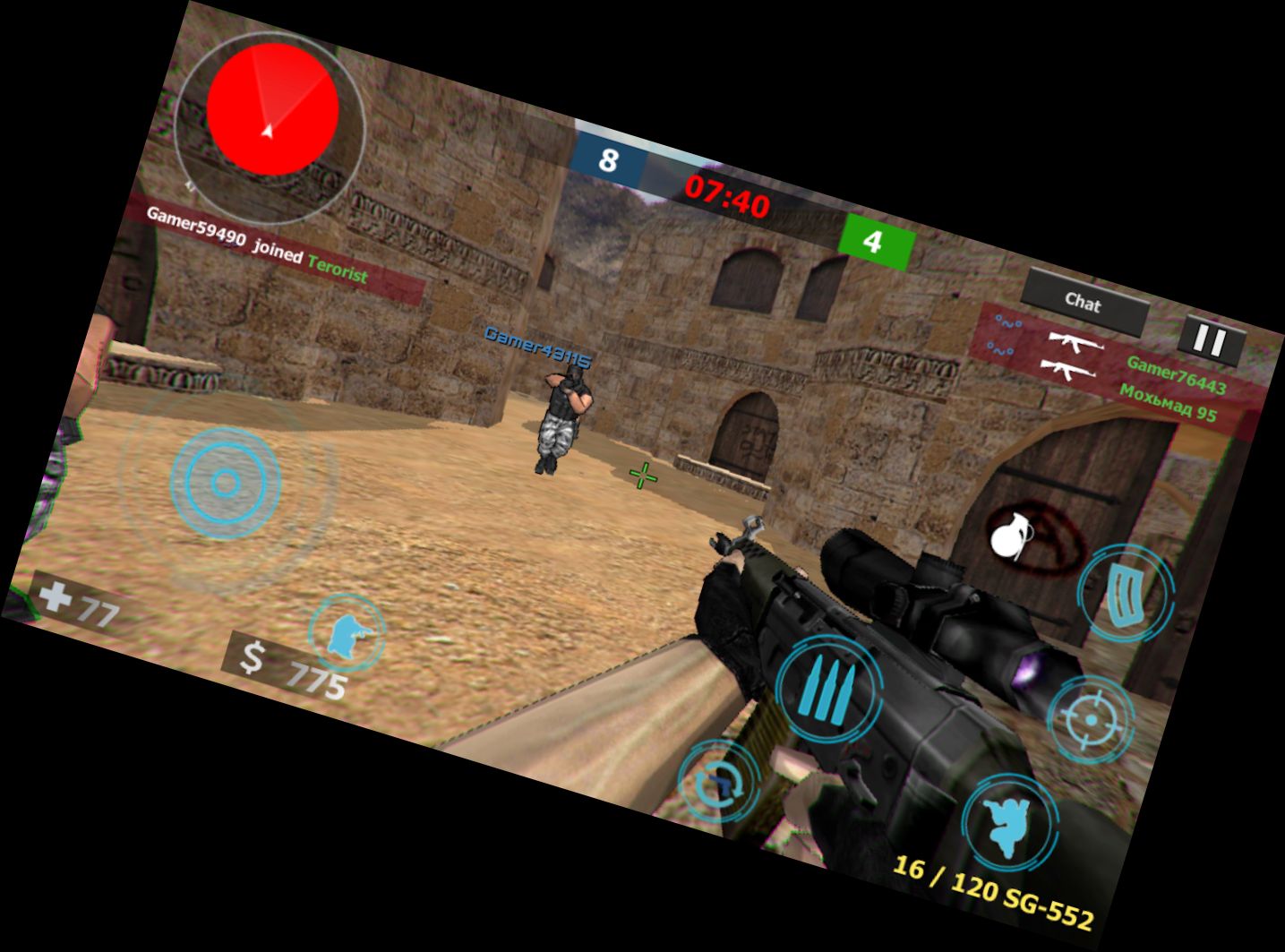
Strike War: Counter Online FPS is a stunning online multiplayer shooter game featuring legendary sections and beloved maps.
How to Play?
First, enter your player name upon initial login, then select your language for clearer navigation.
To start a new game, click the "Install new room" button, or click "Enter random" to join an existing room.
Upon entering the game, select your team using the designated buttons and begin play.
When the game starts, a brief text display will appear, and each successful hit on an enemy will reduce their money and lives.
If other players are in a match, they must wait for it to conclude, but you can expedite the process by notifying them via the chat area.
How to Install a Private Room?
To play privately with friends, enable the private room option when starting a new game, noting the room name and password.
Share the room name with your friends, as it won't appear in the public room list, and they can join by entering the room name upon launching the game.
Avoid using simple room names to prevent unwanted entries.
Strike War: Counter Online FPS offers an exciting experience, and if you'd like to see more online maps added, support us with a 5-star rating. We wish you enjoyable gaming!
Versions
-
3.2
—
·
Download
Android 5.1+
Optimizasyon Yapıldı