Developer Information
Company: Dev47Apps
Address: 1088 Richards St, Vancouver, Canada
Website: Support Web
Email: Support Email
Privacy Policy: Privacy Policy
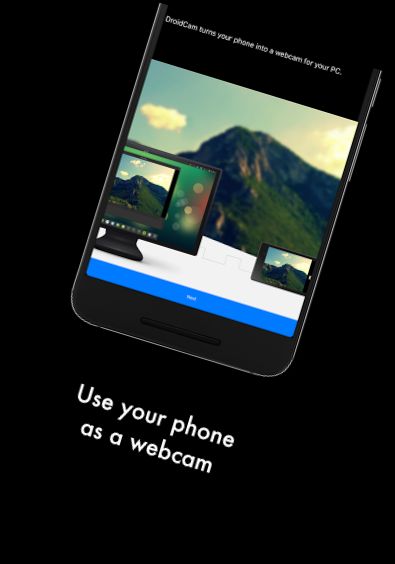
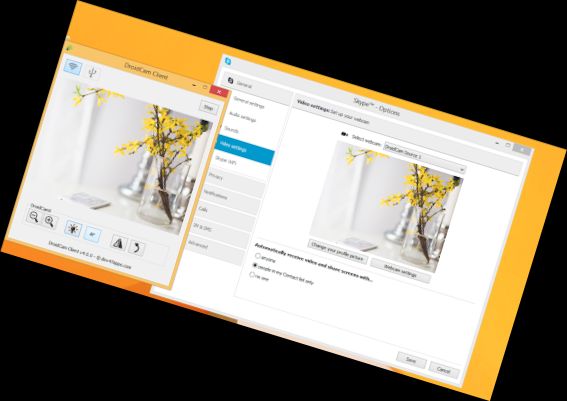
DroidCamX transforms your Android device into a webcam.
- Engage in video conversations using "DroidCam Webcam" on your computer, featuring both audio and video.
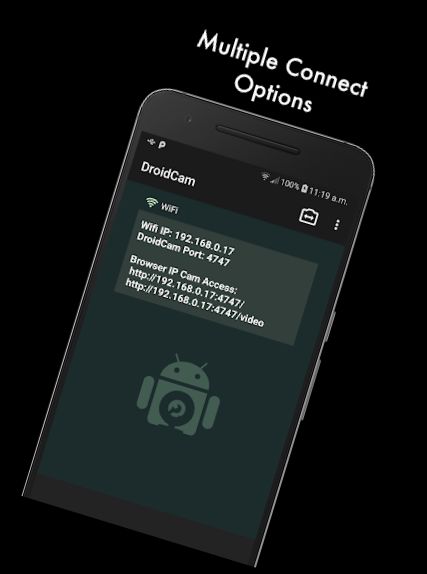
- Establish a connection via WiFi or USB*.
- Enjoy high-quality video in 720p/1080p with HD Mode enabled.
- Activate the "Smooth FPS" option in settings for a more stable video feed.
- Run other non-camera apps simultaneously with DroidCamX in the background.
- The app continues to function even when the screen is off, conserving battery life.
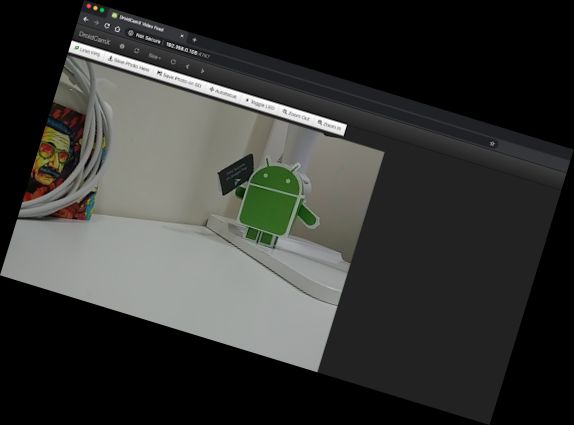
- Access the camera via IP Webcam MJPEG from a browser or another device.
- Utilize camera controls, including auto focus, zoom, flash light, and more.
- Capture individual image frames on either your phone or computer while the app is active.
- Access advanced controls on the Windows Client, including Mirror, Flip, Brightness, Contrast, and more.
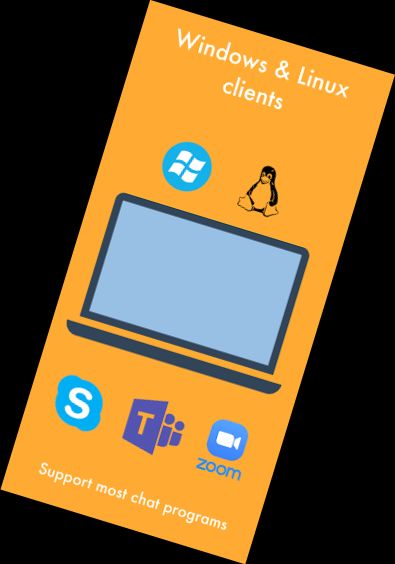
To use the app, download and install the PC client, which links your computer to your phone. Clients for Windows and Linux are available; visit www.dev47apps.com on your computer for download, installation, and usage instructions.
* A USB connection may necessitate additional configuration.
If the Play Store experiences issues downloading or verifying the app, verify your order status in your Play Store account and attempt the download again. Alternatively, use the web version at https://play.google.com/store on your computer to bypass caching and account synchronization problems.
Versions
-
VARY
—
·
Download
Android VARY+
Updated Android libraries.