Developer Information
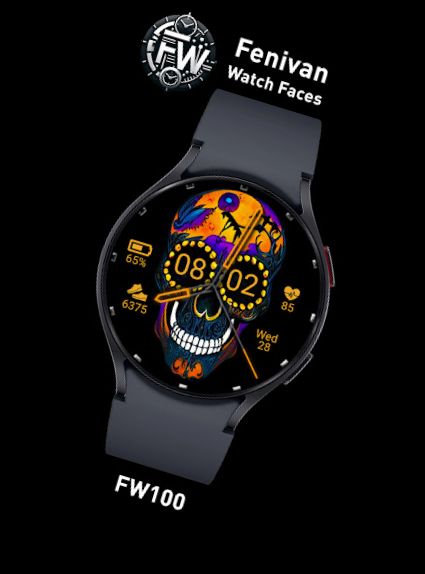
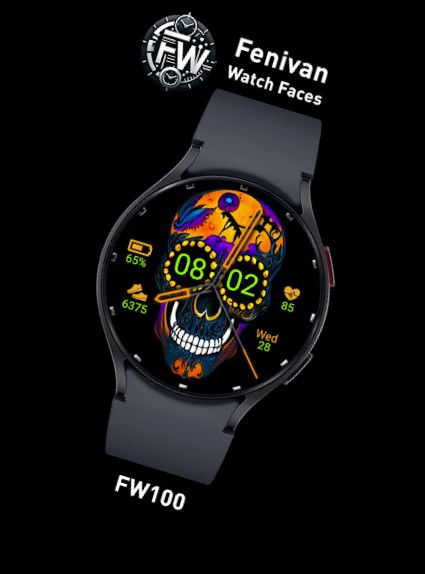
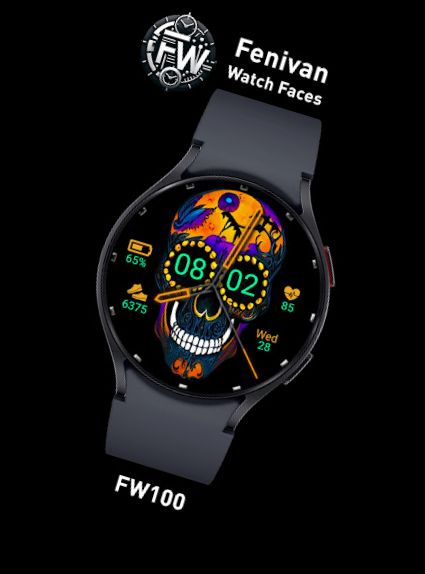
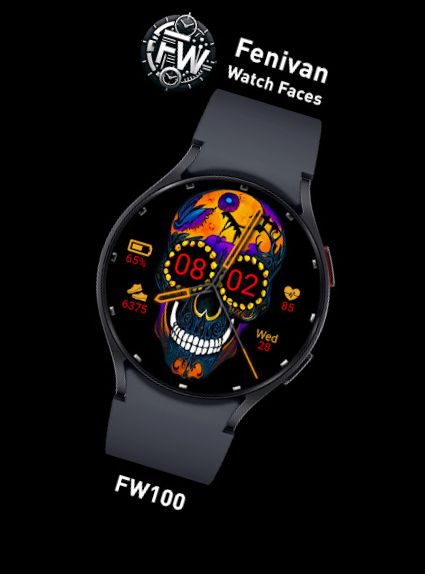
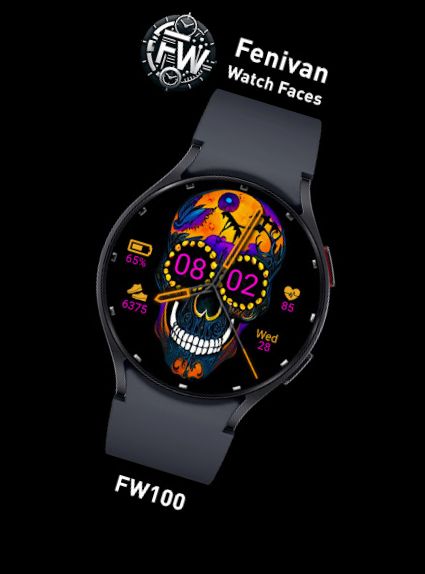
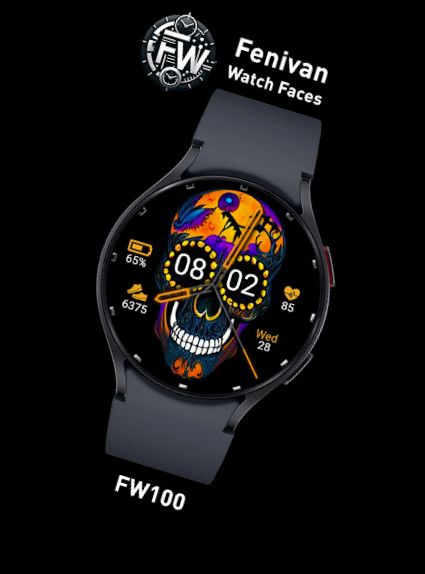
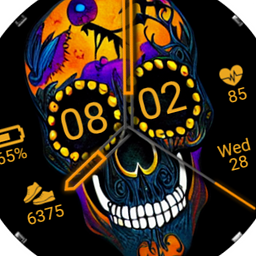
Watch face for Wear OS
FW100 features:
Digital and Analog time (12h / 24h); date,
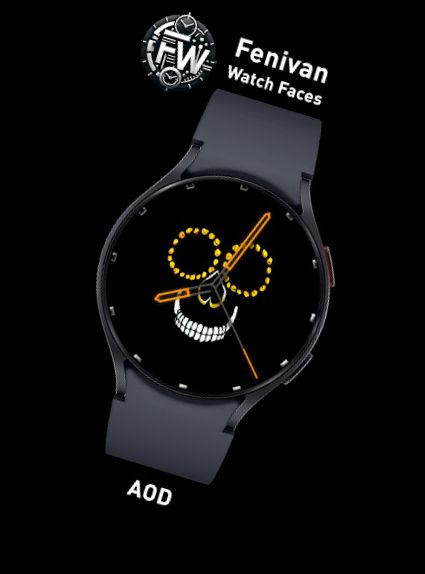
Always-On Display (AOD),
Heart rate monitor,
Step counter,
Battery life data,
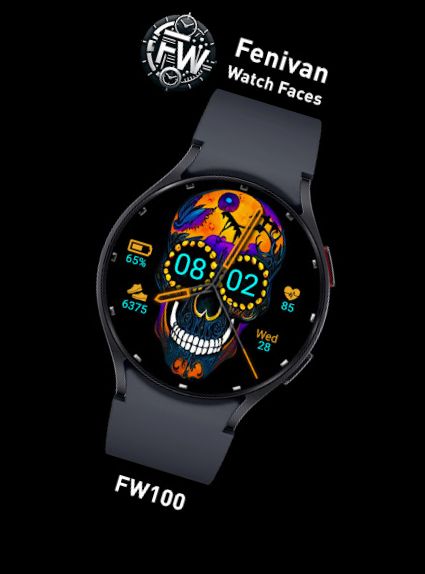
Theme color personalization.
INSTALLATION GUIDE:
- On your watch, tap install in the companion app (if prompted, try restarting bluetooth/wifi on your watch)
(if you're asked to pay again, don't worry, it's a Google sync issue and will resolve in minutes)
- Tap the install button on your watch, then activate the watch face.
- Long press the screen, swipe left, and tap "Add watch face" from the Downloaded section
-OR: Open the Galaxy Wearable App by Samsung on your phone, select "downloaded watch face" tray, and choose this watch face.
Alternatively, find the watch face through your browser or Play Store app, then choose to install it on your preferred watch from the dropdown menu.
This watch face is compatible with all Wear OS devices with API Level 30+, including Galaxy Watch 4, 5, 6, Pixel watch...
Versions
-
VARY
—
·
Download
Android VARY+
- Fixed bug where Time wouldn't be able to switch between 12h and 24h modes.
- Time can now be colored different from other widgets.
- Added 2 new colors for everything.
- Added open app interaction for hearth rate, calendar and battery.