
Developer Information
Company: Google LLC
Address: 1600 Amphitheatre Parkway, Mountain View 94043
Website: Support Web
Email: Support Email
Privacy Policy: Privacy Policy
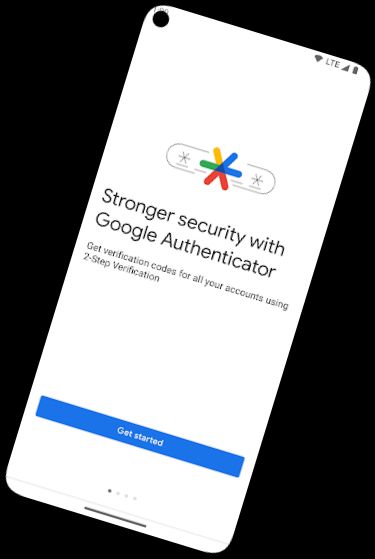
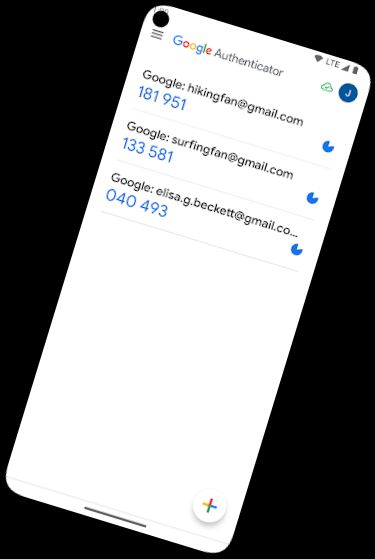
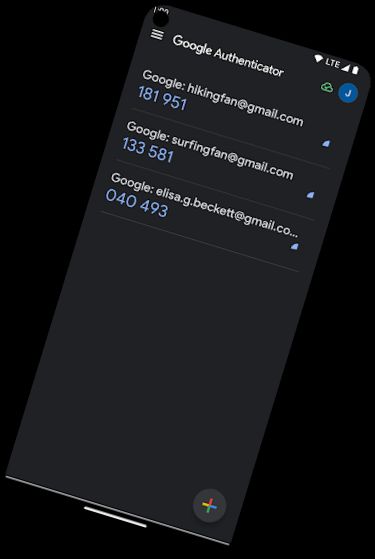
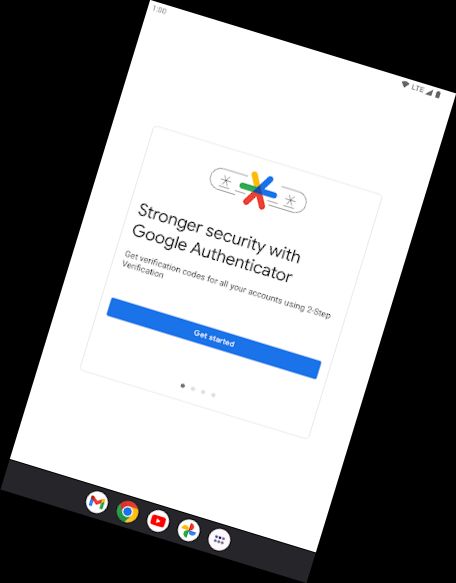
Google Authenticator enhances online account security by introducing a secondary verification step during sign-in.
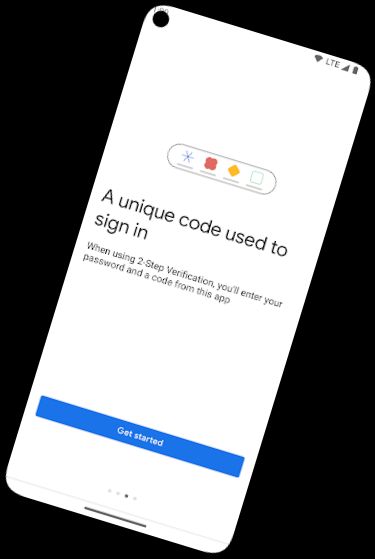
This requires entering a code generated by the Google Authenticator app on your phone, in addition to your password.
The Google Authenticator app on your phone can generate verification codes without a network or cellular connection.
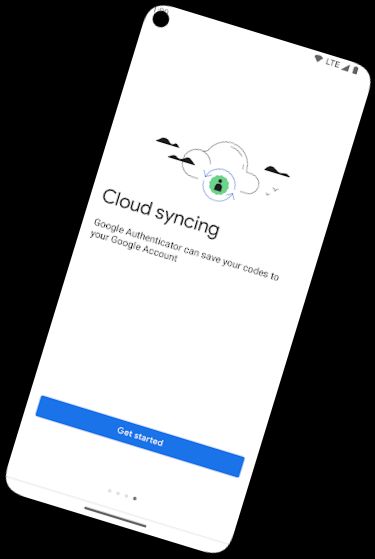
* Synchronize Authenticator codes with your Google Account across devices, ensuring access even if your phone is lost.
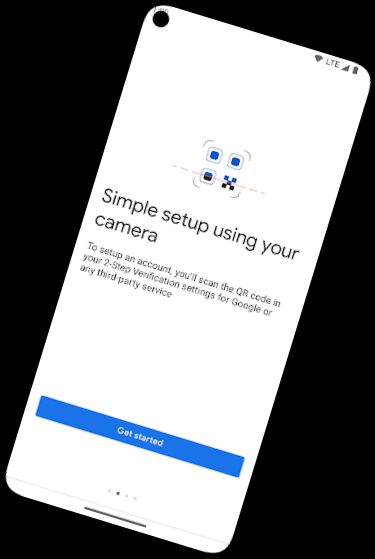
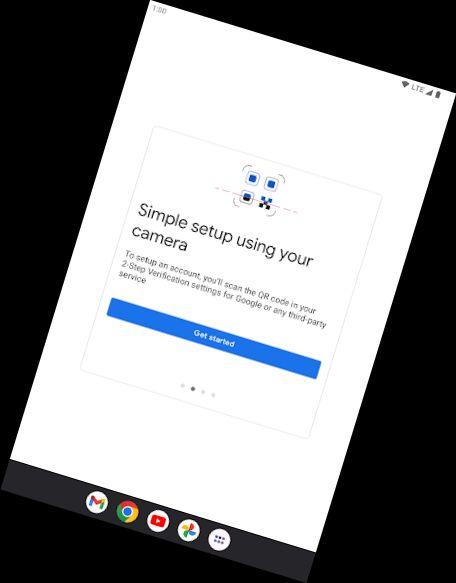
* Automatically set up Authenticator accounts using a QR code, a quick and easy process that ensures correct setup.
* Manage multiple accounts with the Authenticator app, eliminating the need to switch between apps during sign-in.
* Choose between time-based and counter-based code generation to suit your needs.
* Transfer accounts to new devices using a QR code, a convenient method for device changes.
* To use Google Authenticator with Google, enable 2-Step Verification on your Google Account at http://www.google.com/2step
Permission notice:
Camera: Required for adding accounts via QR codes
Versions
-
7.0
—
·
Download
Android 7.0+
* Added device encryption to storage of secret values.