Developer Information
Company: LumaTouch
Address: 1106 E South Union Ave Suite 2 Midvale, UT 84047
Website: Support Web
Email: Support Email
Privacy Policy: Privacy Policy
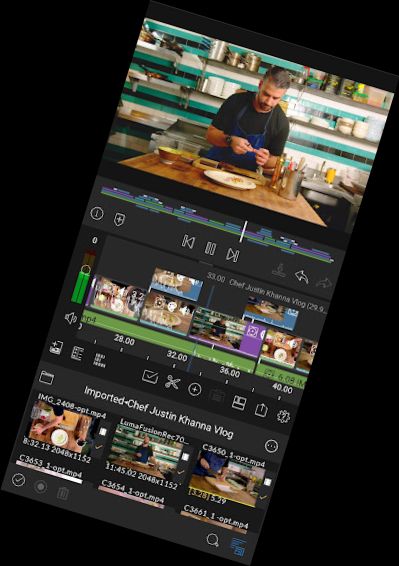
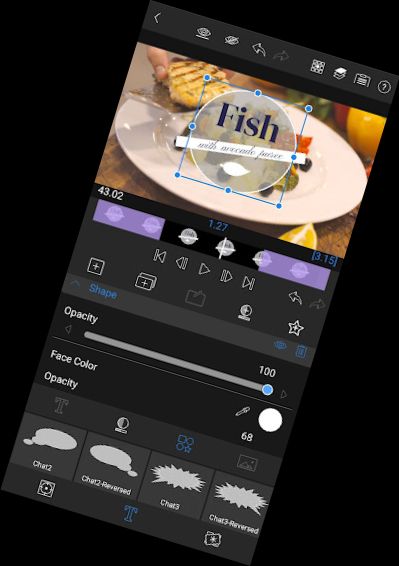
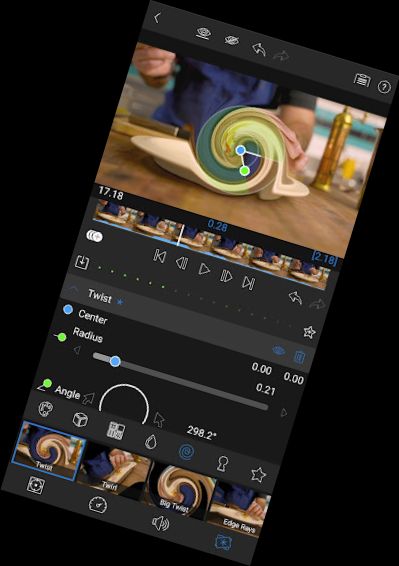
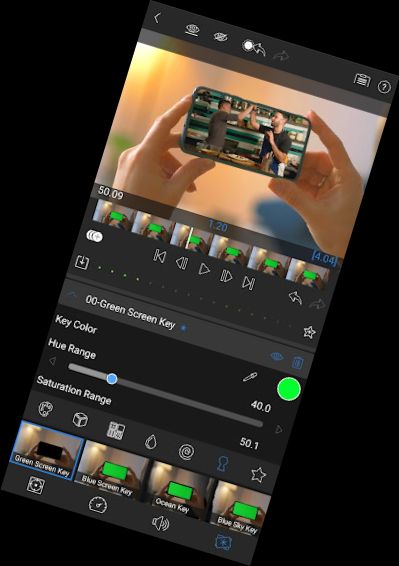
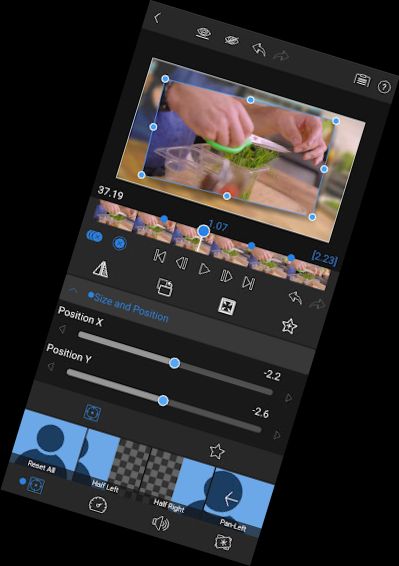
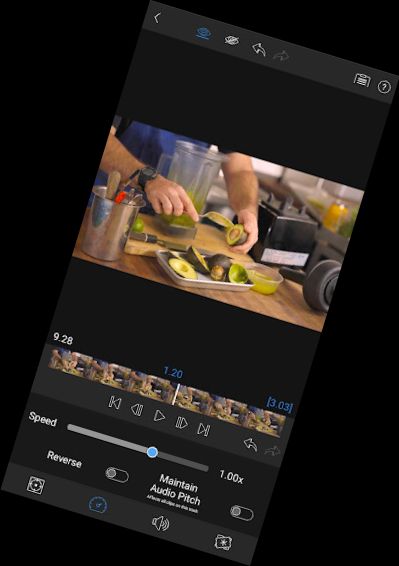
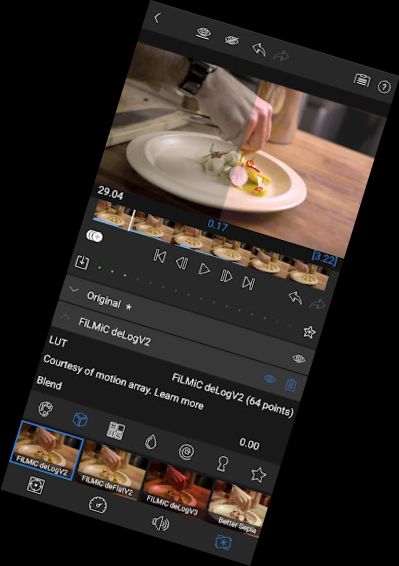
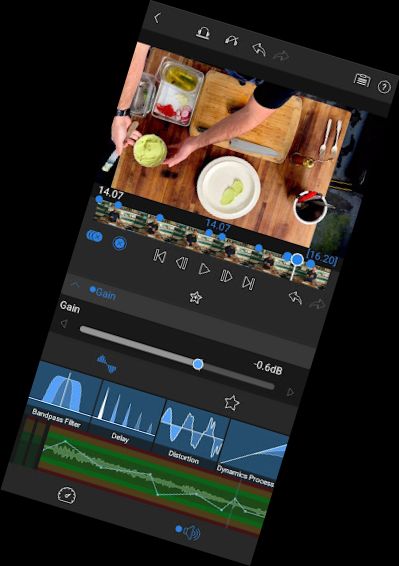
The most powerful, award-winning video editor for mobile devices is now available for Android and ChromeOS! Experience professional-caliber video editing with a fluid, intuitive and natural multitouch screen experience inspired by and designed for touch screens.
LumaFusion offers a simple, elegant yet powerful video editing experience, thoughtfully designed by post production industry veterans, within a fluid, intuitive and inspiring storytelling environment at your fingertips.
LumaFusion is equipped with every pro feature needed to complete projects and share stories, including multiple aspect ratios and framerates, track layering, cropping, audio mixing, custom titling, and multi-layer effects with keyframing.
Find out why filmmakers, YouTubers, influencers, journalists, educators, businesses, and video enthusiasts have made LumaFusion the number 1 choice for creative storytelling.
Buy once, edit forever:
EDITING
• Layer up to 6 video and 6 audio tracks (determined by device type)
• Enjoy the powerful magnetic timeline with insert/overwrite and link/unlink clips
• Display track headers for locking, hiding, and muting tracks
• Use preset effects or create your own
• Add markers with notes
• Cut, copy, paste in your timeline and between projects using multiselect
EFFECTS
• Layer effects: green screen, luma and chroma keys, blurs, distort, styles, and color
• Use powerful color correction tools
• Select from included color LUTs like FiLMiC deLog or import your own.cube or.3dl
• Animate with unlimited keyframes
• Save and share effect presets
SPEED FX
• Create slow motion/fast motion forward and reverse
• Create smooth slow motion using 120 and 240fps files
• Edit with time-lapse video
AUDIO
• Keyframe audio levels, panning, and EQ for perfect mixes
• Fill-from-left / right for dual-mono audio captures
• Duck music during dialog with Auto-ducking
TITLER
• Create multilayer titles with shapes and images
• Adjust font, color, face, border, and shadow
• Save and share title presets
PROJECT MANAGER
• Create projects with various aspect ratios (including landscape, portrait, square, widescreen film)
• Work in frame rates from 18fps to 240fps
• Duplicate, add notes, and use color-tag projects
MEDIA LIBRARY
• Use media directly from your device
• Link to media on USB-C
Versions
-
1.2.5.6
—
·
Download
Android 10+
IMPROVED:
• UI layout for some devices
• Horizontal scrolling with mouse and keyboard
FIXED:
• Issues with Transitions, Titles, Fonts, and more