Developer Information
Company: Pygraphics, Inc.
Address: PO Box 399 Argyle TX 76226
Website: Support Web
Email: Support Email
Privacy Policy: Privacy Policy
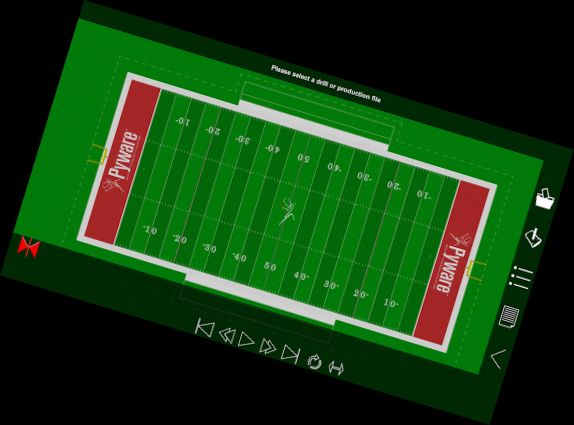
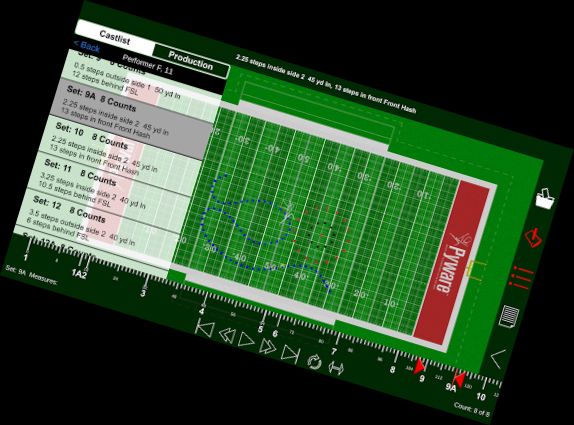
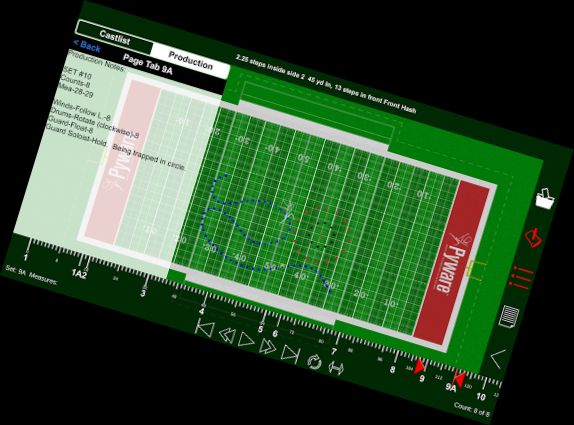
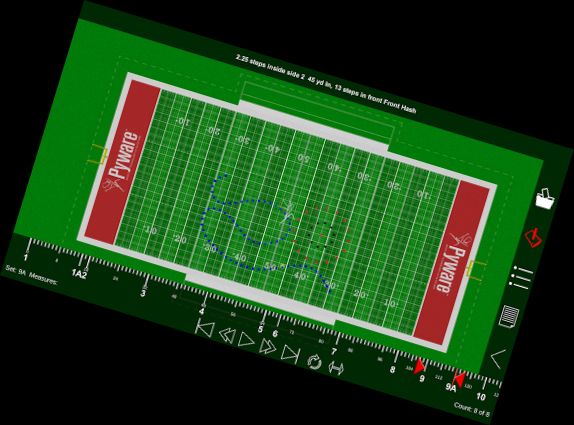
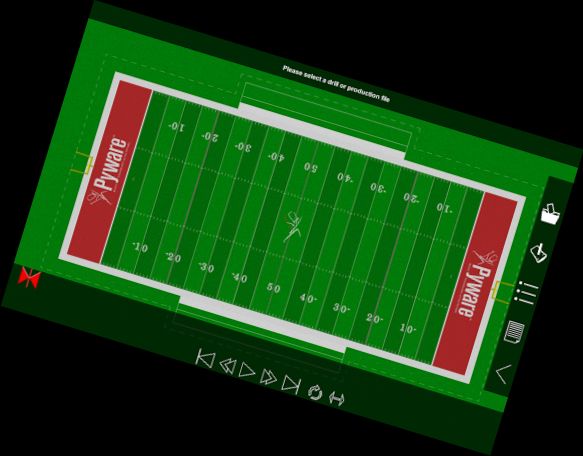
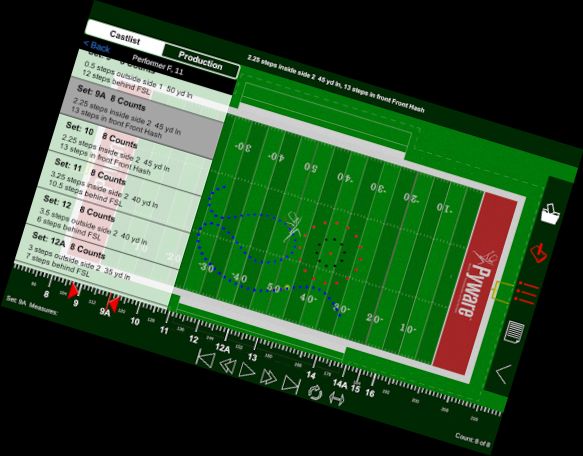
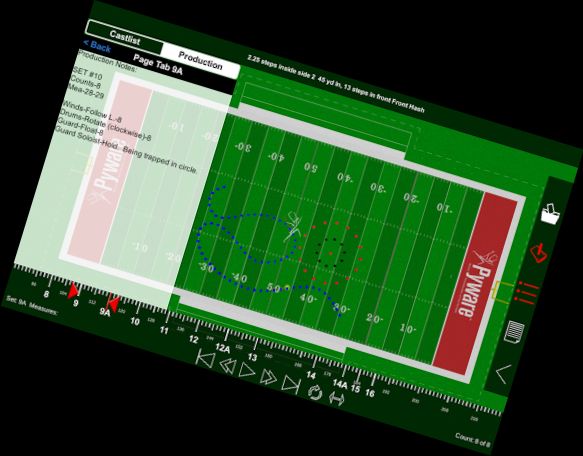
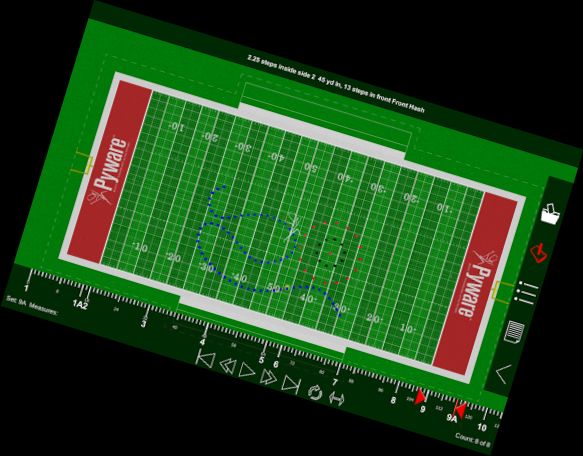
Pyware 3D Viewer enables you to access your Pyware 3D drills anywhere! Suitable for both instructors and performers, the Pyware 3D Viewer app eliminates printing needs.
You'll see your drills animate as intended, since Pyware 3D Viewer opens actual Pyware 3D files! Animations, including floats, Follow-The-Leaders, and curved pathways, play smoothly in both fluid and step-time modes.
Easily update files with a single button press. View Production Sheet and Text Box instruction details. Open drill files for any venue - football fields, gymnasiums, parade routes - if it's designed in Pyware 3D, it can be opened in Pyware 3D Viewer!
Key Features
-Open Pyware 3D mobile drill files (.3da)
-Access files from cloud storage via link or QR code scan
-Zoom, rotate, tilt, and shift to view drills from any angle
-Animation displays true performer pathways
-Fluid or step-time animation
-Up to 8x animation speed
-Repeat and Play All animation controls
-Count Track for stopping and viewing any drill count
-View entire Production Sheet and Text Box instructions
-Search performers in the Cast List
-Switch between ensemble and performer views
-View detailed performer coordinates for any drill count
-Spotlight individual performers
-Switch between 3D surfaces, flat color, and high contrast for the performance area
-Load grids for any performance area
-Toggle step grid on/off
-Refresh drill files to download latest changes
Requires Pyware 3D version 8 or higher.
Versions
-
1.0.13
—
·
Download
Android 8.0+
Support for new Android OS.
Download app file from Portal.