
Developer Information
Company: SyncTech Pty Ltd
Address: PO Box 611 Stanhope Gardens NSW 2768 Australia
Website: Support Web
Email: Support Email
Privacy Policy: Privacy Policy
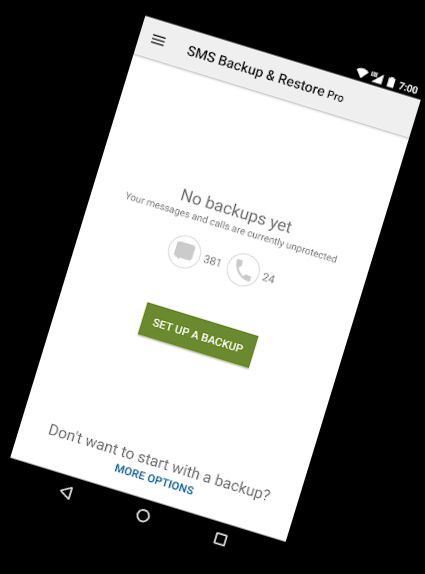
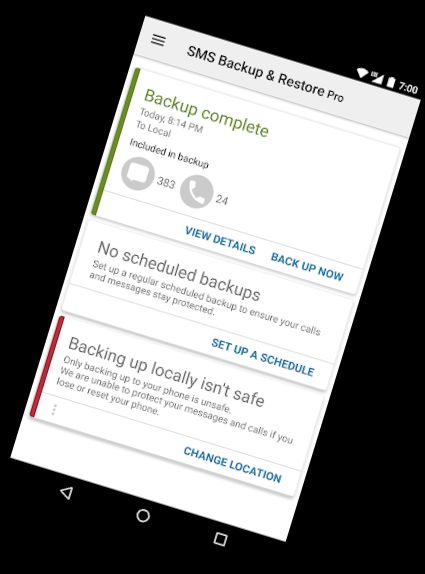
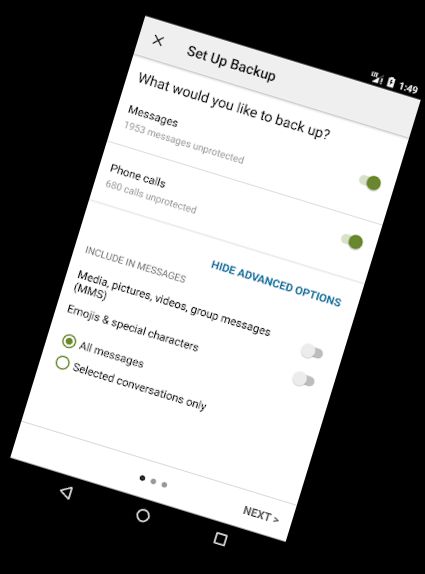
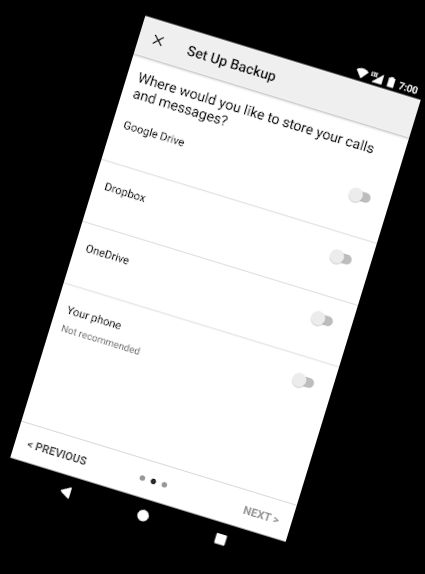
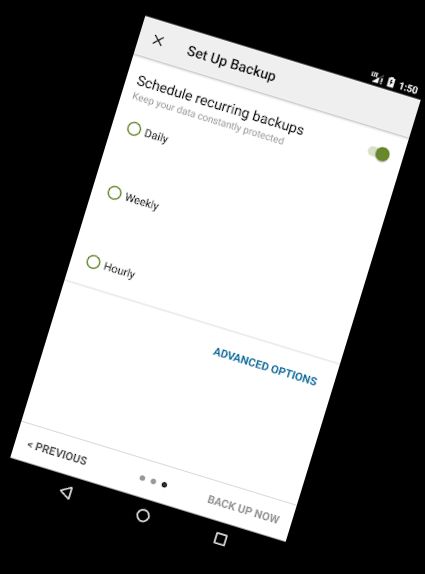
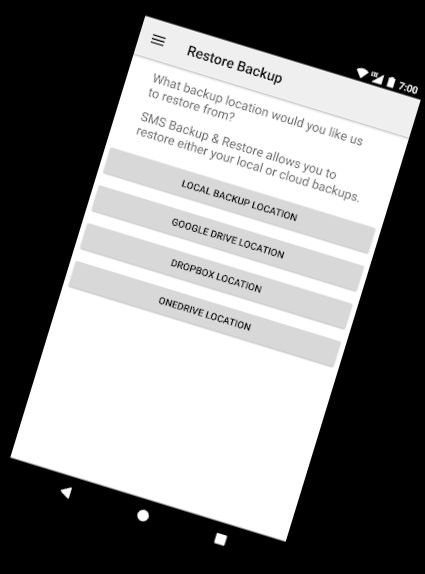
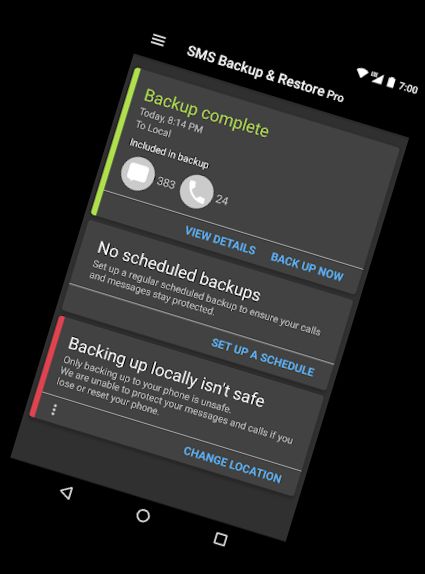
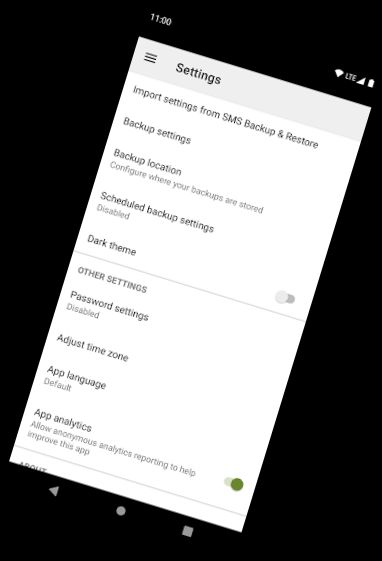
SMS Backup & Restore Pro is an application that duplicates and saves SMS and MMS messages and call logs currently stored on the phone. It can also retrieve messages and call logs from existing backups. This is a paid version of the app without ads.
Note: Existing backups are required to restore call logs and messages. Without backups, nothing can be recovered.
For questions or issues, visit: https://synctech.com.au/sms-faqs/
---------------------------------------------------------
APP FEATURES:
Exclusive features not in the free version:
- Compress and secure backups with encryption.
- Use WebDAV as a backup location.
OTHER FEATURES:
- Save SMS messages, MMS, and call logs in XML format.
- Store backups locally and optionally upload to Google Drive, Dropbox, or OneDrive.
- Compress and encrypt backup files for security.
- Set a recurring schedule for automatic backups.
- Choose which conversations to save or restore.
- View and explore local and cloud backups.
- Search for specific backups.
- Transfer backups to another phone. The backup format is compatible with all Android versions, making it easy to transfer data between phones.
- Fast transfer between phones using WiFi direct.
- Free up space on the phone by deleting all SMS messages or call logs.
- Email backup files.
- View XML backups on a computer at https://SyncTech.com.au/view-backup/
Notes:
- Compatible with Android 5.0 and higher.
- Only restores backups created by this app.
- Backups are stored locally, with options to upload to Google Drive, Dropbox, OneDrive, or Email. Files are not sent to the developer.
- Ensure a copy of the backup exists outside the phone before performing a factory reset.
This App requires access to:
* Messages: Backup and restore messages. Receive SMS permission is required to handle incoming messages.
* Calls and contacts: Backup and restore call logs.
* Network communication: Connect to WiFi for backup.
* Social information: Display and store contact names in the backup file.
* Start-up: Begin scheduled backups.
* Prevent phone from sleeping: Prevent the phone from sleeping during backup or restore operations.
* Account information: Authenticate with Google Drive and Gmail for cloud uploads.
* Location: Requested and used during WiFi direct transfer due to Android security requirements.
Versions
-
10.20.002
—
·
Download
Android 5.0+
Fix for some MMS messages failing to restore on Android 14 devices.