Developer Information
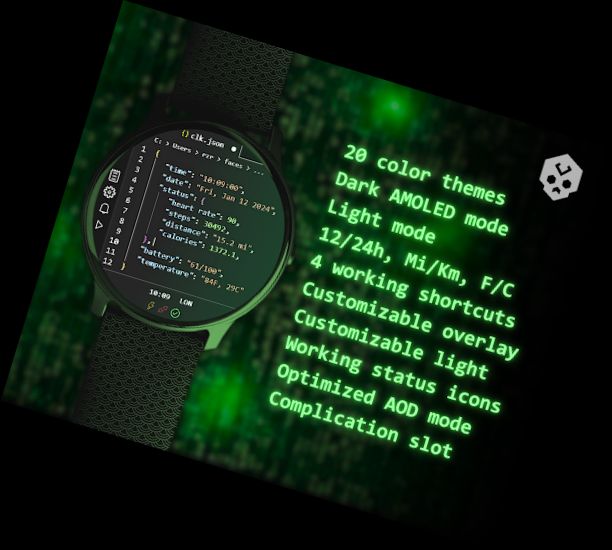
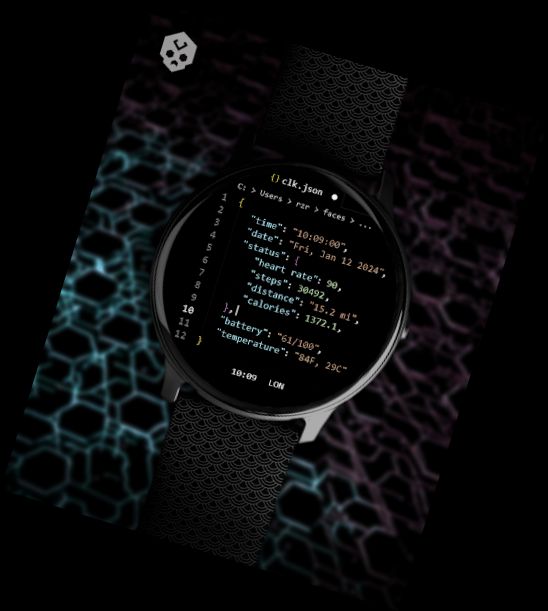
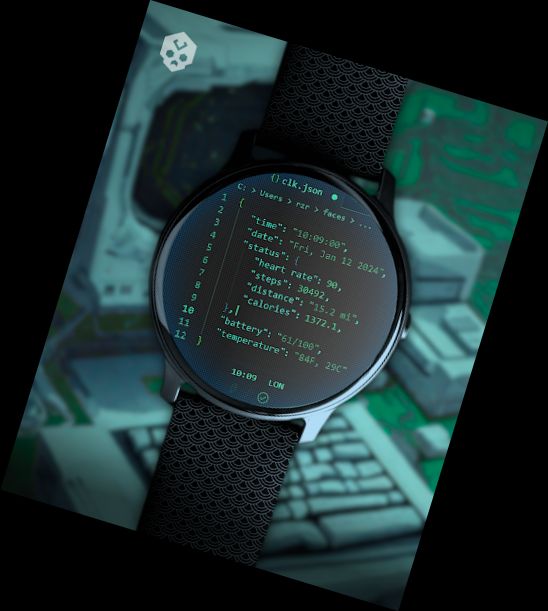
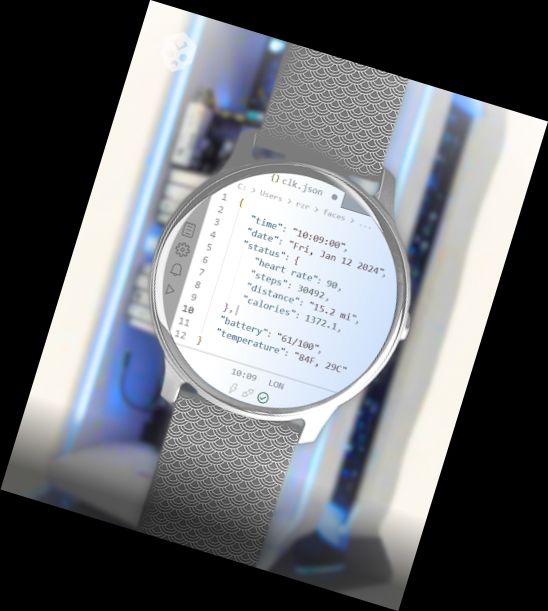
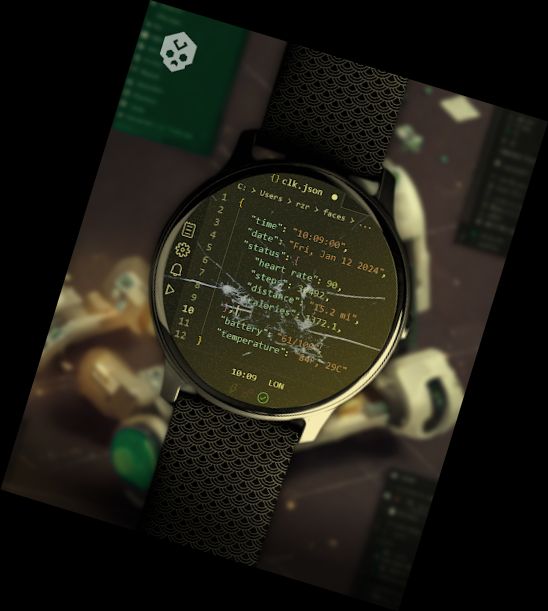
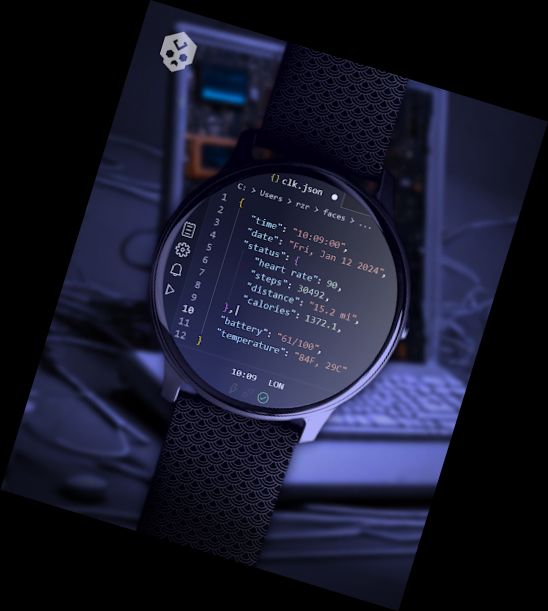
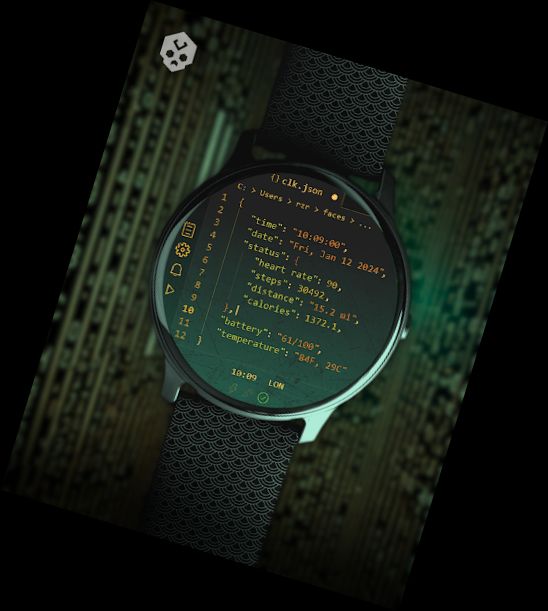
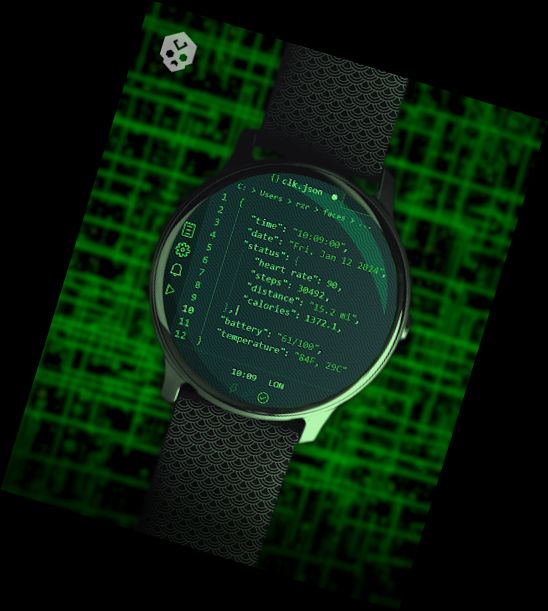
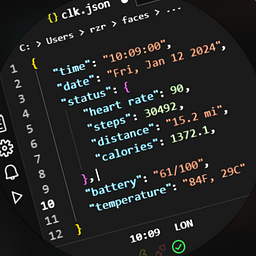
A watch face inspired by Visual Studio Code, perfect for programmers and coding enthusiasts, packed with information and highly customizable (including an amoled theme)!
Introduction
This is a standalone Wear OS watch face, compatible with numerous smartwatches from brands like Samsung, Mobvoi Ticwatch, Fossil, Oppo, Xiaomi, and more.
It's entirely handcrafted to stand out.
Features
This watch face offers:
◉ 20 distinct color schemes
◉ Various customization options
◉ Support for 12/24 hours format
◉ Multiple date formats and units (kilometer / miles, fahrenheit / celsius)
◉ A wealth of information at a glance: calories, distance, steps, heart rate, steps goal, notifications, date, battery status, and temperature.
◉ Customizable Overlay and background
◉ 4 quick shortcuts (settings, alarm, music, calendar)
◉ Responsive to low battery, notifications, and charging
◉ Customizable complication!
◉ Intuitive companion app for easy use (and uninstallation)
Installation
Installation is simple, don't worry!
Here's the step-by-step process and a quick Q&A:
◉ Install the app on your smartphone
◉ Open it and connect your Wear OS smartwatch
◉ If connected, tap the "view and install on smartwatch" button. (If not, refer to the Q&A)
◉ Check your watch for the watch face and install button (if you see the price, refer to the Q&A)
◉ Install on your smartwatch
◉ Long press your current watch face
◉ Swipe left to the "+" button and tap
◉ Find the new watch face and tap
◉ Done. You can now uninstall the companion app if desired.
Q&A
Q - I'm being charged twice! / The watch is asking me to pay again / I'm unhappy
A - Remain calm. This occurs when your smartphone and smartwatch accounts differ. Use the same account (as Google can't verify your purchase otherwise).
Q - I can't press the companion app button despite my smartwatch being connected, why?
A - Your device might be incompatible (e.g., an old Samsung smartwatch or non-Wear OS device). Check if your device runs Wear OS before installing. If you're sure it does and still can't press the button, search for the watch face on the Play Store on your watch.
Q - I have a Wear OS device, but it's not
Versions
-
VARY
—
·
Download
Android VARY+
- Removed unnecessary comma
- 2 new color palettes