
Developer Information
Company: Sam Ruston
Address: Butler's House Rotherham S62 7TW United Kingdom
Email: Support Email
Privacy Policy: Privacy Policy
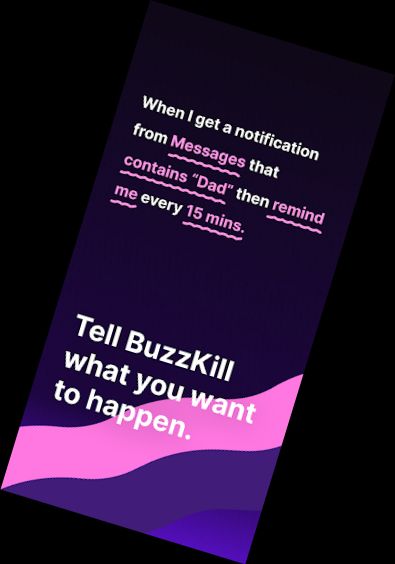
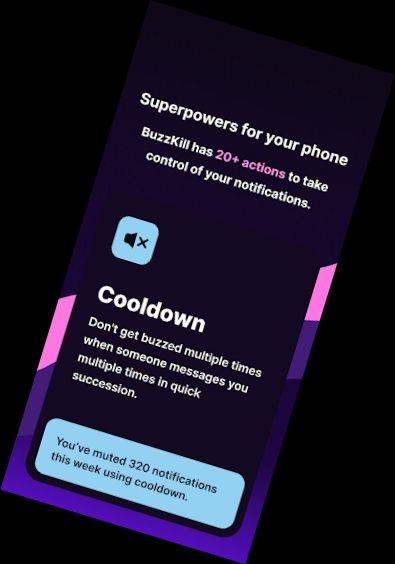
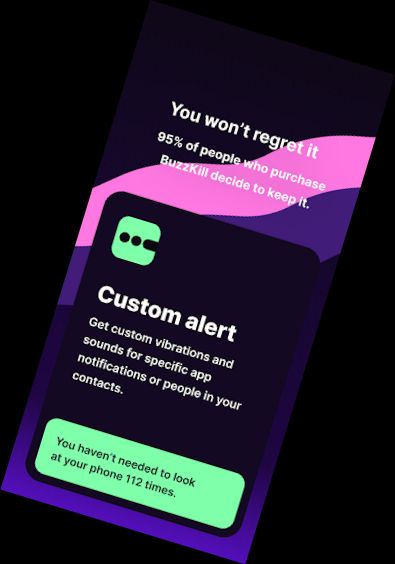
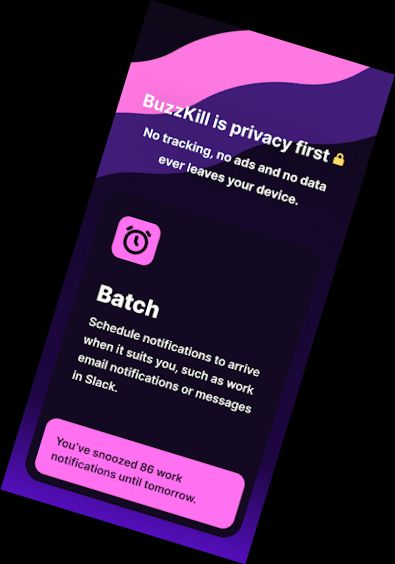
Control the notifications you receive with precision using BuzzKill, which filters out unwanted alerts and allows you to customize when and how you see notifications. Some key features of BuzzKill include:
• Cooldown - Avoid multiple consecutive notifications from the same sender
• Custom alert - Assign personalized sounds or vibration patterns to specific contacts or keywords
• Dismiss - Automatically clear unwanted notifications without hiding all alerts from an app
• Reply - Send a response to a message if it remains unseen after a set time
• Vibration - Create custom vibration patterns for apps or contacts to identify senders without looking at your phone
• Remind me - Continue receiving notifications until you acknowledge them
• Undo - Recover accidentally swiped notifications
• Snooze - Receive notifications in batches at scheduled times
• Alarm - Prioritize urgent notifications, such as security alerts
• Secret - Hide notification content
• And many more...
FAQ: https://buzzkill.super.site/
BuzzKill prioritizes user privacy, featuring no ads, trackers, or data transmission. Unlike most apps, it doesn't require internet access, ensuring your data remains secure.
Free Trial
Since BuzzKill can't connect to the internet, it doesn't offer in-app trials. However, if you're unsatisfied with your purchase, contact support through the app for a refund, even outside the Google Play returns period.
Wear OS Integration
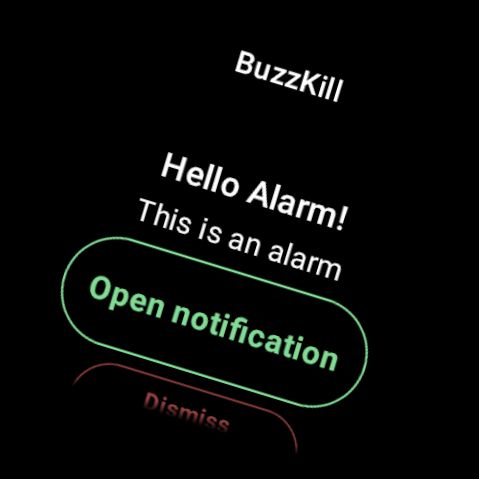
The BuzzKill companion app for Wear OS enables you to trigger watch actions based on phone rules. For example, create a rule to trigger an alarm on your watch when receiving a specific notification.
Accessibility Service API
BuzzKill includes an optional accessibility service to automate device actions. This feature allows you to create rules that interact with notifications, without collecting or transmitting data. Enable the accessibility service only when creating rules that require it.
Versions
-
VARY
—
·
Download
Android VARY+
Improvements to bluetooth matching
Improvements to unsilence rule
Add 5 second delay option
Swap & to "or" on rule creation screen