Developer Information
Company: Samsung Electronics Co., Ltd.
Address: 129, Samsung-ro, Yeongtong-gu, Suwon-si, Gyeonggi-do, 16677, Rep. of KOREA
Website: Support Web
Email: Support Email
Privacy Policy: Privacy Policy
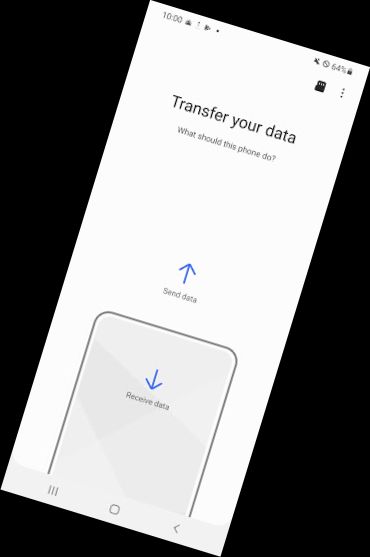
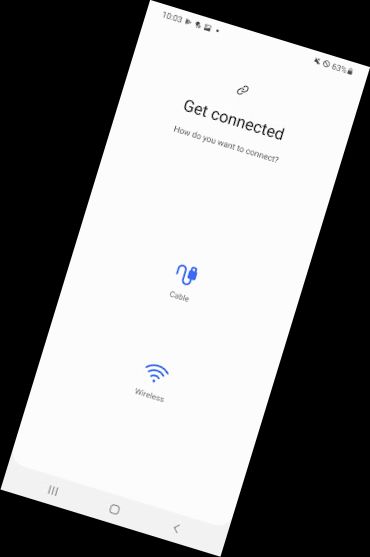
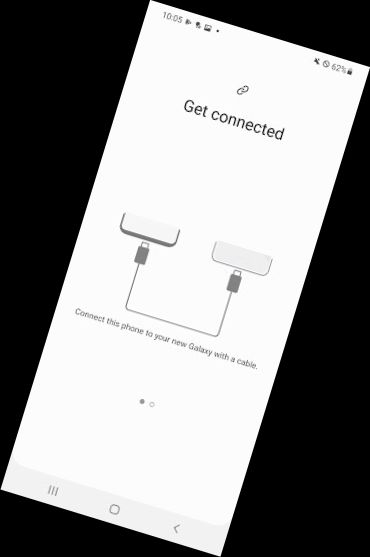
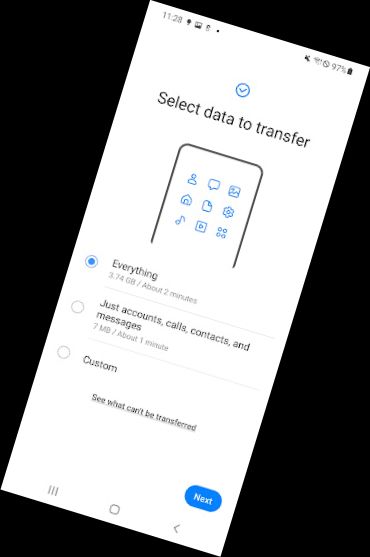
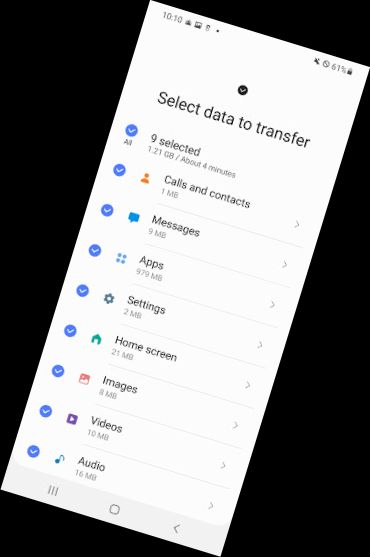
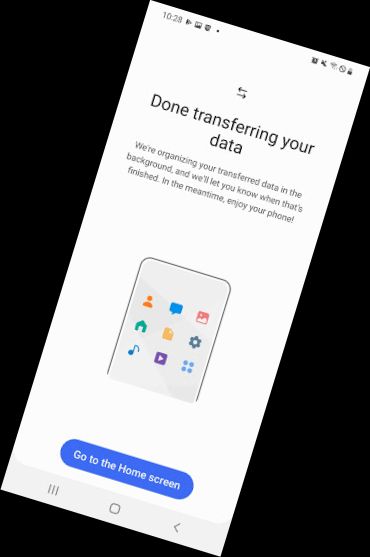
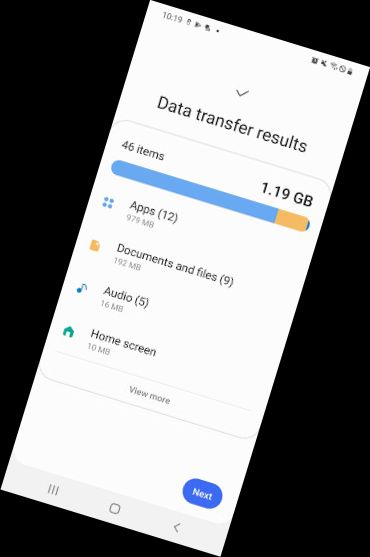
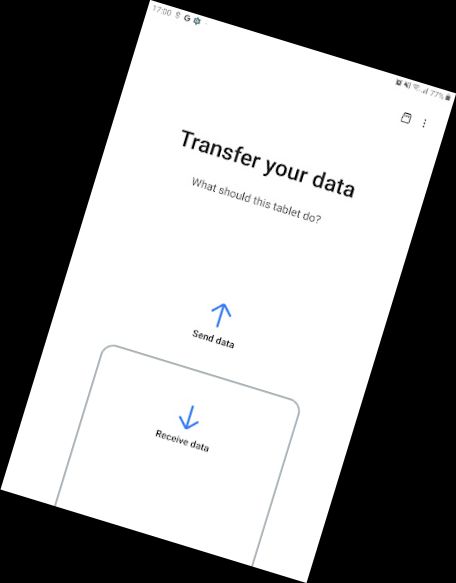
▣ Experience the convenience of Smart Switch, which allows you to transfer your contacts, music, photos, calendar, text messages, device settings, and more to your new Galaxy device. Additionally, Smart Switch helps you discover your favorite apps or suggests similar ones on Google Play.
▣ Who is eligible to transfer?
• Android owners
- Wireless transfer: Requires Android 4.0 or higher
- Wireless transfer from a compatible Android device to a Galaxy device: Android 4.0 or higher (Note that non-Samsung devices with Android versions lower than 6.0 require a Galaxy device that supports a mobile AP for connection)
- Wired transfer: Requires Android 4.3 or higher, a charger cable, and a USB connector
• iOS owners - choose the best option for you:
- Wired transfer from your iOS device to your Galaxy: Requires iOS 5.0 or above, an iOS device cable (lightning or 30 pin), and a USB connector
- Import from iCloud: Requires iOS 4.2.1 or higher and an Apple ID
- PC/Mac transfer using iTunes: Get started with Smart Switch PC/Mac software - http://www.samsung.com/smartswitch
▣ What can be transferred?
- Contacts, calendar (device content only), messages, photos, music (DRM-free content only, not supported for iCloud), videos (DRM-free content only), call logs, memos, alarms, Wi-Fi, wallpapers, documents, app data (Galaxy devices only), and home layouts (Galaxy devices only)
- To transfer app data and home layouts, upgrade your Galaxy device to M OS (Galaxy S6 or higher)
▣ Which devices are supported?
• Galaxy: Recent Galaxy mobile devices and tablets (from Galaxy S2)
• Other Android devices:
- HTC, LG, Sony, Huawei, Lenovo, Motorola, PANTECH, Panasonic, Kyocera, NEC, SHARP, Fujitsu, Xiaomi, Vivo, OPPO, Coolpad, RIM, YotaPhone, ZTE, Gionee, LAVA, MyPhone, Cherry Mobile, and Google
* Due to device compatibility, it may not be possible to install and use Smart Switch on certain devices.
1. Both devices require a minimum of 500 MB free space in their internal memory for data transfer.
2. If your non-Samsung device constantly disconnects from the wireless network, go to Advanced Wi-Fi settings, disable the “Wi-Fi initialize” and “Disconnect
Versions
-
9.5.03.0
—
·
Download
Android 4.0.1 - 4.0.2+
If you can't download, you can open Smart Switch from device's Settings menu (Settings > Accounts and backup > Smart Switch).