
Developer Information
Company: 沈垚 / ShenYao China
Address: [email protected]
Website: Support Web
Email: Support Email
Privacy Policy: Privacy Policy
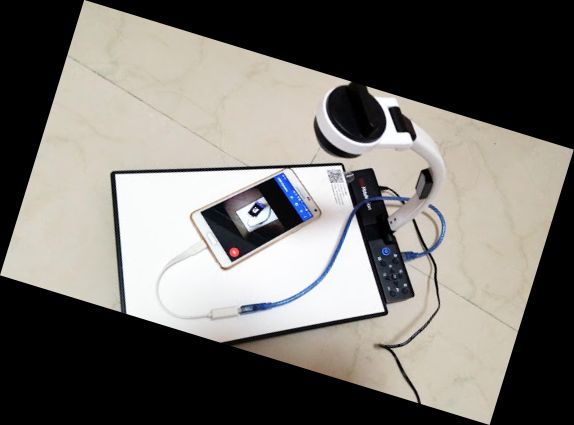
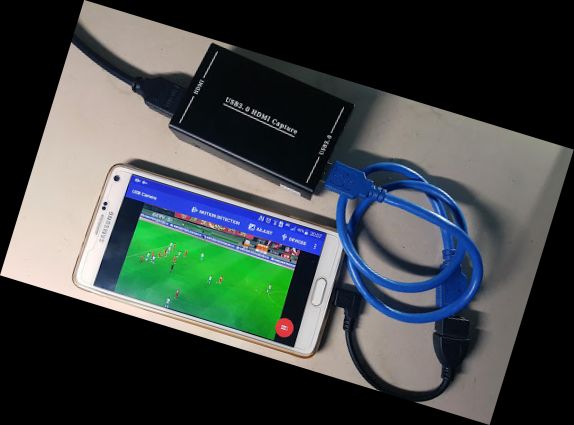
Using USB 3.0 HDMI capture card: https://youtu.be/WkmuyfwKVrs
Using UVC H.264 device: https://youtu.be/j-71QMNuDr0
Connecting multiple devices: https://youtu.be/2znw4eVazDs
RTSP real-time stream: https://youtu.be/-Qzc0RSDerg
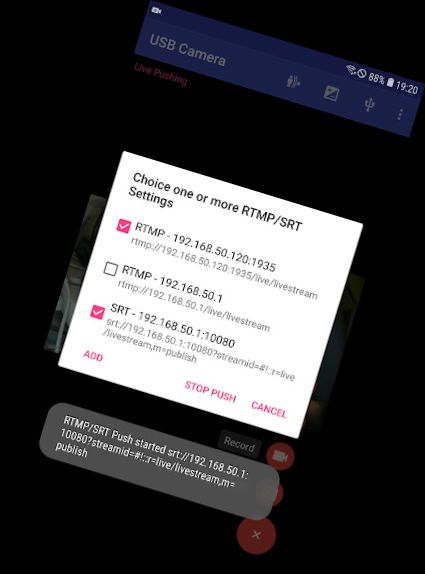
RTMP live streaming: https://youtu.be/S5Bc1r57CUU
Picture In Picture: https://youtu.be/Mbturdxyi5c
VR/FPV View: https://youtu.be/zEqBXLNFnE0
Display Video On Lock Screen: https://youtu.be/Hdf2H_YusO
Device Support:
1) UVC WebCam with microphone or external USB Audio input (Supports H.264, H.265, HEVC, MJPG, YUY2, P010, NV12, etc.)
2) UVC video grabber with audio input or external USB Audio input (Up to 4K via HDMI, Supports H.264, H.265, HEVC, MJPG, YUY2, P010, NV12, etc., Supports progressive and interlaced video)
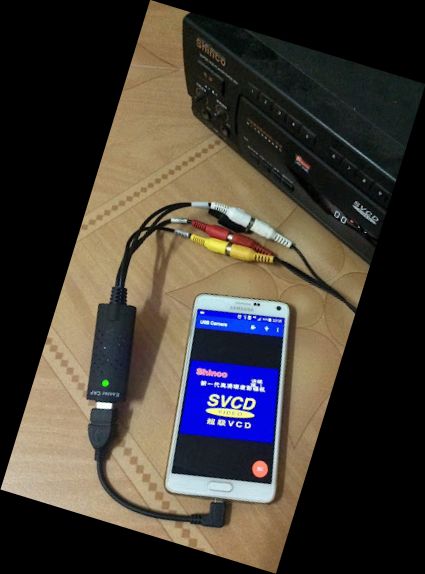
3) EasyCap with audio (UTV007 / HTV600 / HTV800 chipsets, VID_1B71&PID_3002)
4) EasyCap with audio (STK1160 + SAA7113/GM7113 + AC97 chipsets, Audio 48kHz stereo version, VID_05E1&PID_0408)
5) EasyCap with audio (STK1160 + SAA7113/GM7113, Audio 8kHz mono version, VID_05E1&PID_0408)
6) EasyCap with audio (EM2860 + SAA7113/GM7113 + AC97 chipsets, VID_EB1A&PID_2861)
7) EasyCap with audio (SMI2021 + SAA7113/GM7113 + ES7240/CS5340 chipsets, VID_1C88&PID_0007, PID_003C, PID_003D, PID_003E, PID_003F, PID_1001)
Tips:
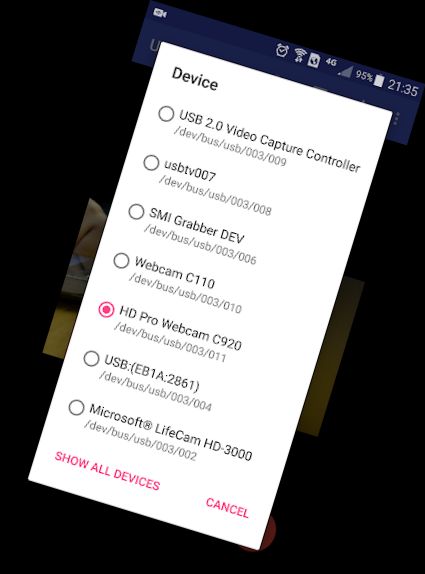
Click the USB icon in the toolbar to open the Device dialog if your device is not detected.
Switch the video Standard (PAL/NTSC/SECAM) if video freezes when using Easy
Versions
-
VARY
—
·
Download
Android VARY+
* Improve compatibility with GC553 capture card
* Improve video recording quality at low resolution
* Now you can Pause the video recording
* Fix unable to capture built-in audio when goto background
* The audio will continue playing after entering the background
* New 'High Performance Render' option can reduce 1-3 frames of latency
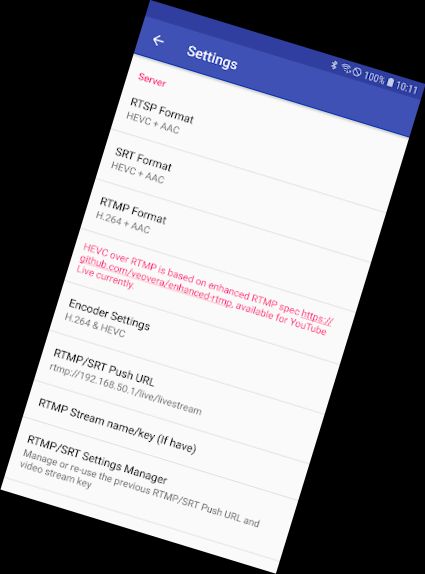
* Optimized SRT url input and now you can add more options on it