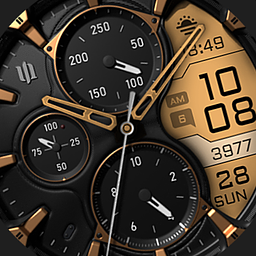
Developer Information
Company: styles4you
Address: M.Adler Sterndamm 38 12487 Berlin
Website: Support Web
Email: Support Email
Privacy Policy: Privacy Policy
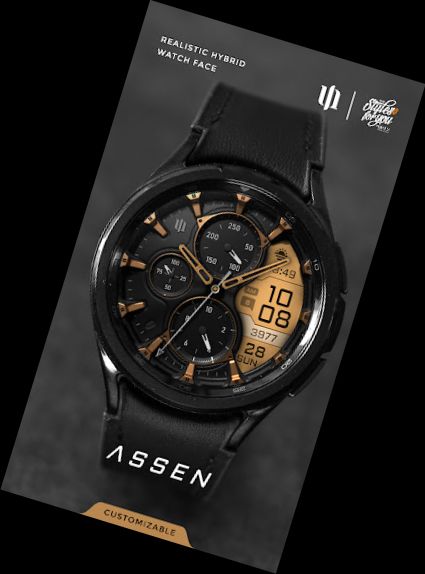
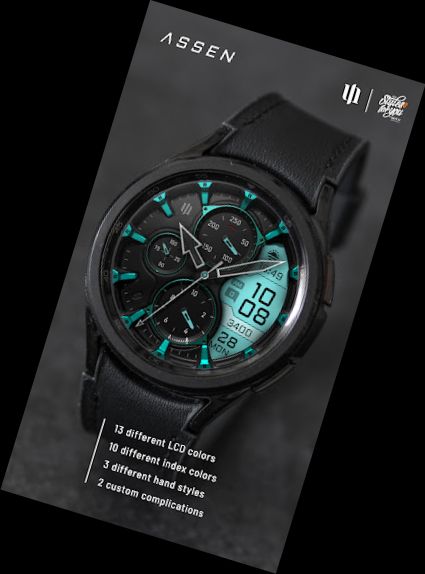
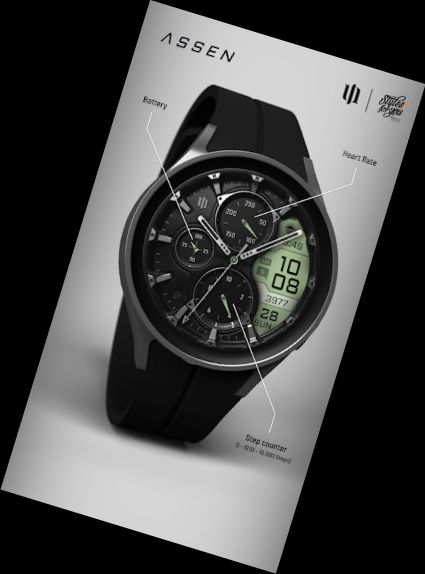
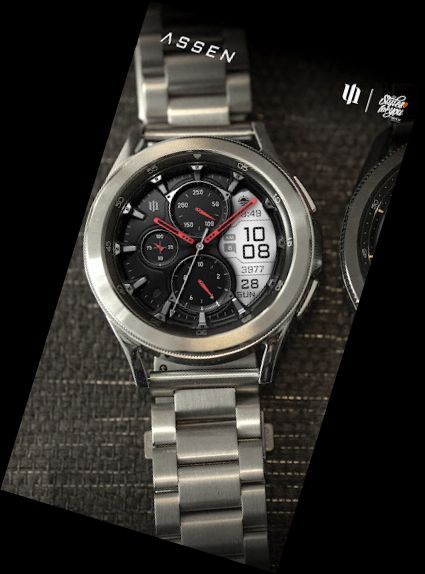
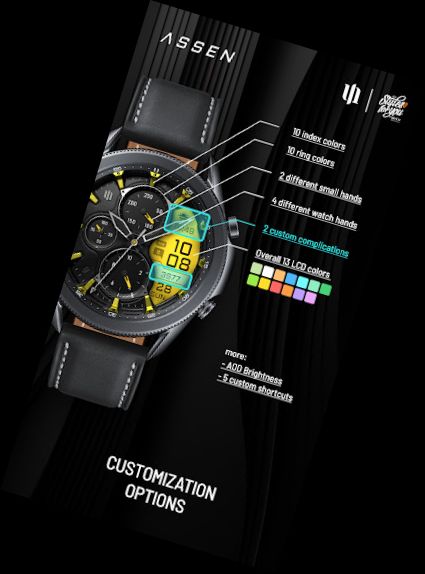
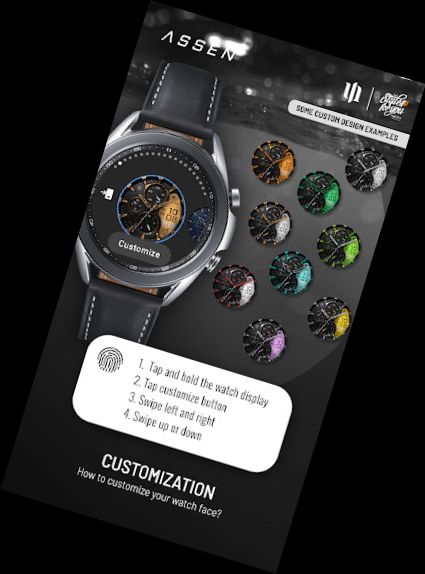
Elevate your Wear OS experience with the S4U Assen. A highly realistic analog watch face complemented by an LCD screen displaying useful information. Personalize colors, hands, and add custom complications to suit your preferences.
Highlights:
- Innovative hybrid dial combining digital and analog elements.
- Extensive color customization (13 LCD colors and 10 index colors).
- 2 user-defined complications for added functionality.
- 5 customizable shortcuts to access preferred widgets.
- 4 custom clock hands and 2 custom small hands.
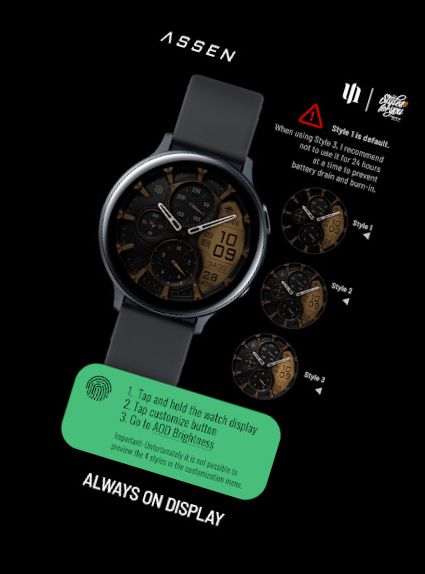
- 3 adjustable AOD brightness levels.
- Watch face showcases time, steps, heart rate, day of the week, day of the month, unread messages, and 2 custom complications.
***
IMPORTANT!
This is a Wear OS Watch Face app, compatible only with smartwatch devices running WEAR OS API 30+. Examples include Samsung Galaxy Watch 4, Samsung Galaxy Watch 5, and Samsung Galaxy Watch 6. For more information, visit: http://www.s4u-watches.com/faq or contact [email protected].
AOD:
The dial features an always-on display with 3 adjustable brightness levels. Colors synchronize with the normal view. Note that using AOD significantly reduces the runtime of a fully charged smartwatch.
Color adjustments:
1. Long-press the center of the watch display.
2. Press the adjustment button.
3. Swipe left or right to switch between customizable items.
4. Swipe up or down to change options or colors.
Available customization options:
Color: 30 themes with 13 colors (LCD display and hand color).
Index colors: 10 options.
Ring colors: 10 options.
Hands: 4 styles.
Small hands: 2 styles.
AOD brightness: 3 levels.
Complications: 2 custom complications and 5 shortcuts.
Additional functionality:
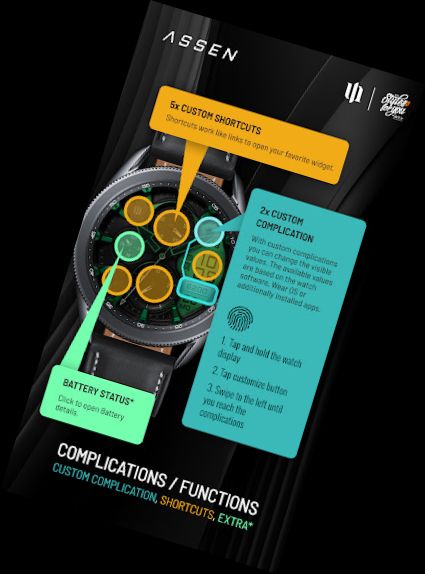
+ Tap the battery indicator to access battery details (not supported by all smartwatches).
Heart rate measurement (Version 1.0.4):
Automatic heart rate measurement is now available. Set the measurement interval in the watch's health settings (Watch Setting > Health).
****
Setting up app shortcuts and custom complications:
shortcuts = widget links
custom compl. = value changes
1. Long-press the watch display.
2. Press the customize button.
3. Swipe from right to left until you reach "complications".
4. 5 app shortcuts and 2 custom complications are highlighted. Click to make desired settings.
That's it.
If you like the design,
Versions
-
VARY
—
·
Download
Android VARY+
Version (1.0.4) Watch face - Update:
The heart rate measurement has been changed. (Previously manual, now automatic). Set the measurement interval in the watch's health settings (Watch Setting > Health).
The error with the heart rate complication should be fixed. (Previously only static text was displayed).
A new watch hand has been added.