Developer Information
Company: styles4you
Address: M.Adler Sterndamm 38 12487 Berlin
Website: Support Web
Email: Support Email
Privacy Policy: Privacy Policy
***
IMPORTANT!
This app requires a Wear OS smartwatch with API 30+ to function. Compatible devices include the Samsung Galaxy Watch 4, Samsung Galaxy Watch 5, and Samsung Galaxy Watch 6.
Installation issues with a compatible device?
Visit: http://www.s4u-watches.com/faq
or contact: [email protected]
***
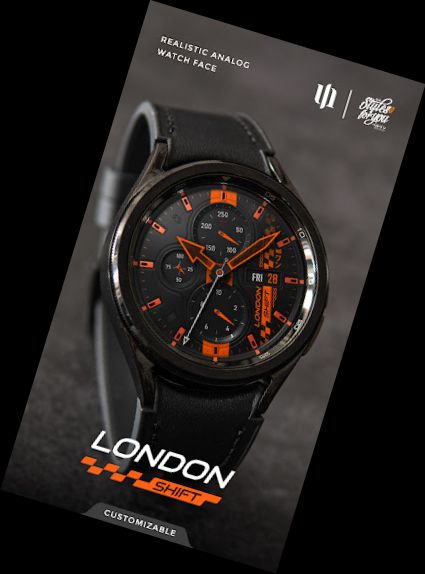
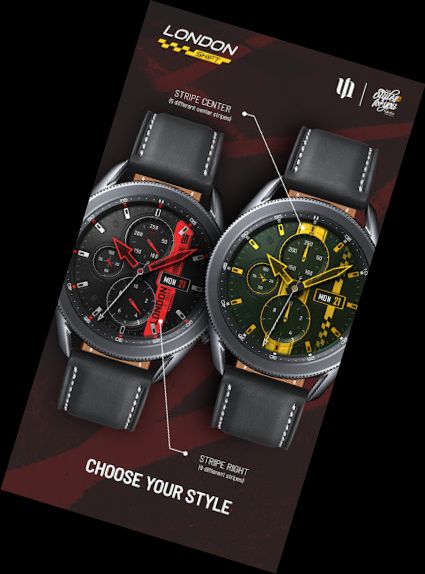
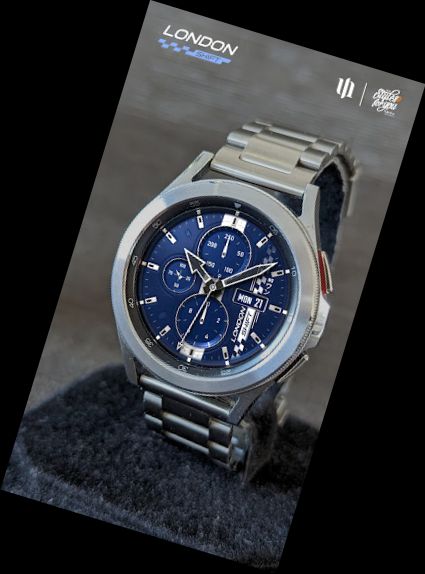
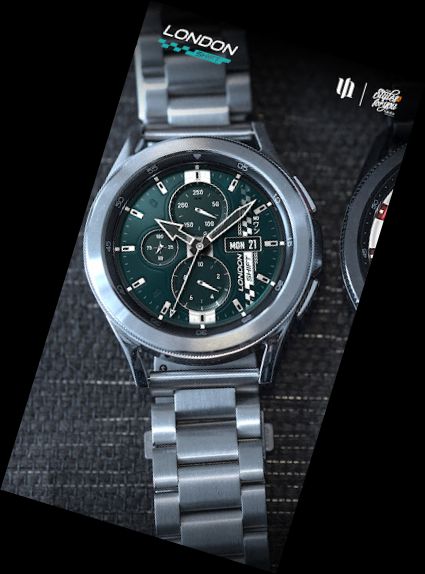
The "S4U London Shift" is a sporty analog watch face from the London Collection. It features an extremely realistic dial with high-quality graphics and extensive color customization options. The 3D effect creates a realistic watch experience. View the gallery for a better look.
Key Features:
- Highly realistic analog watch face
- Multiple color options
- 7 customizable shortcuts to access your favorite widgets
Detailed Description:
Right Display Area:
+ Day of the week and day of the month
Left Display Area:
+ Battery Status (0-100)
Click to view battery details.
Bottom Display Area:
+ Analog Pedometer (up to 39,999)
Top Display Area:
+ Heart rate display
AOD:
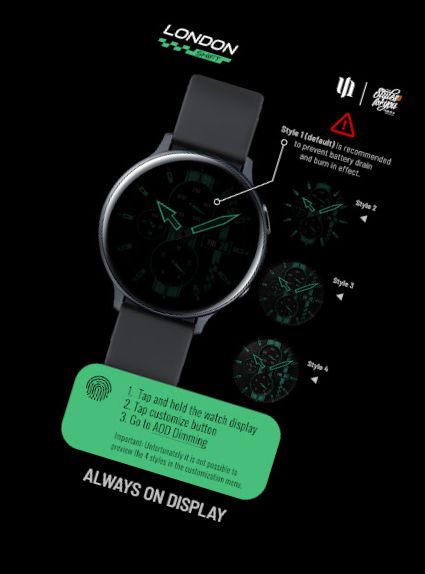
The dial features an always-on display with 4 dimming options (accessible via customization menu):
4 styles are available, with Style 1 (default) recommended for battery conservation and preventing burn-in. Styles 2-4 increase brightness, but use with caution. AOD is synchronized with the normal view.
*Note: AOD styles cannot be previewed in the customization menu.
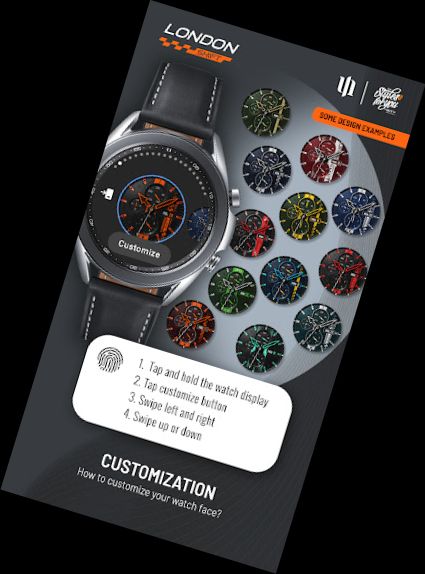
Color Customization:
1. Press and hold the watch display.
2. Press the adjustment button.
3. Swipe left/right to switch between customizable items.
4. Swipe up/down to change item options/colors.
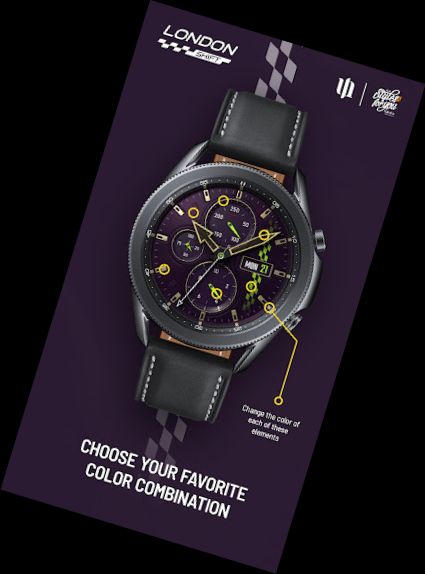
Available Color Options:
Background (8)
Stripe Center (Default OFF + 5 styles)
Stripe Right (Default OFF + 9 styles)
Color (13) = Color Stripes and Day of the month
Hands Main (9)
Hands Small (10)
Index Main (9)
Index Outside (9)
Dials Border (10)
Index 60min (9)
AOD (4)
Additional Features:
+ Tap the battery indicator to open Battery details
Heart Rate Measurement (Version 1.0.8):
Automatic heart rate measurement has been implemented. Set the measurement interval in the watch's health settings (Watch Setting > Health).
Some devices may not support all features.
****
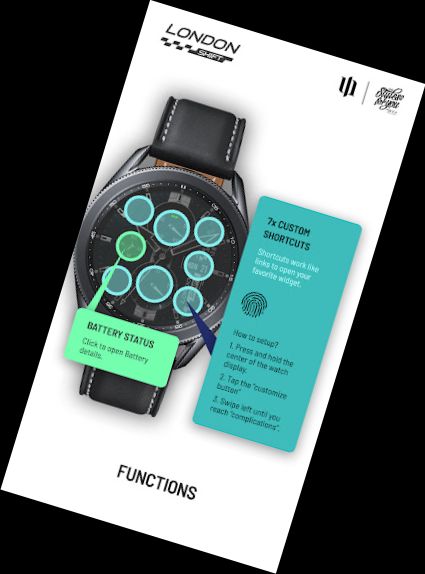
Setting Up Shortcuts/Buttons:
1. Press and hold the watch display.
2. Press the customize button.
3. Swipe right to left until reaching "comp
Versions
-
VARY
—
·
Download
Android VARY+
Version (1.0.7) - watch face
The heart rate measurement has been changed. (Previously manual, now automatic). Set the measurement interval in the watch's health settings (Watch Setting > Health).
This update only supports smartwatches with Wear OS 3 or higher.