Developer Information
Company: styles4you
Address: M.Adler Sterndamm 38 12487 Berlin
Website: Support Web
Email: Support Email
Privacy Policy: Privacy Policy
***
IMPORTANT!
This Wear OS Watch Face app requires a smartwatch device running WEAR OS API 30+. Compatible devices include the Samsung Galaxy Watch 4, Samsung Galaxy Watch 5, Samsung Galaxy Watch 6, and more.
EXPERIENCING INSTALLATION ISSUES WITH A COMPATIBLE SMARTWATCH?
Visit: http://www.s4u-watches.com/faq
or contact: [email protected]
***
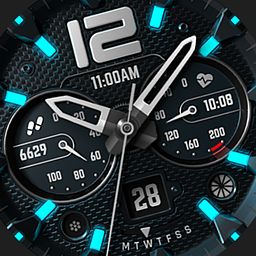
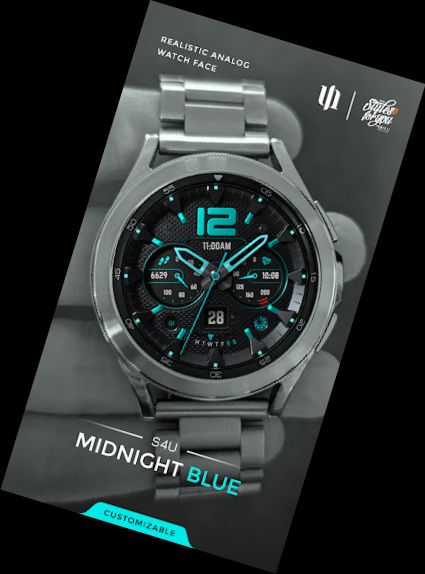
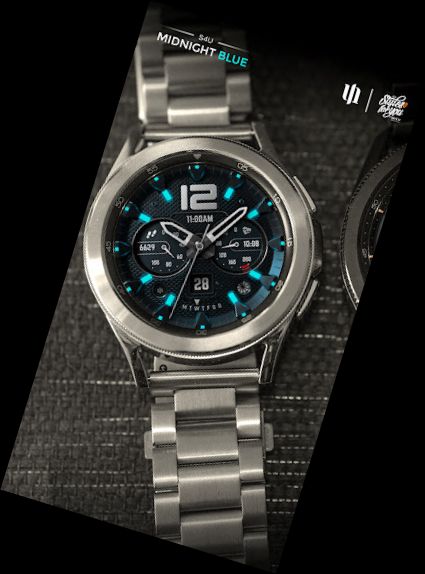
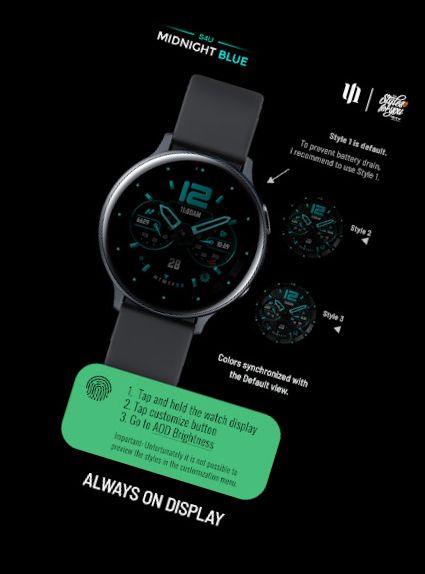
Elevate your Wear OS experience with S4U Midnight Blue. A classic analog watch face with customization options, varied color schemes, and editable complications.
Key Features:
- Classic analog watch face design
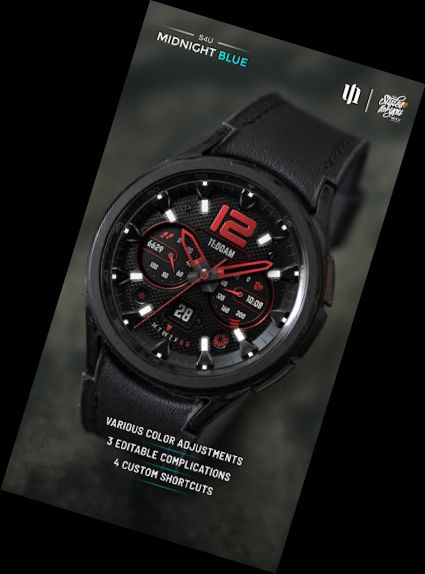
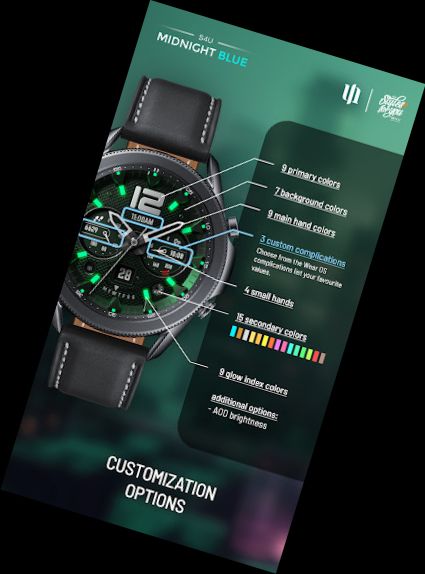
- Customizable colors (primary, secondary, background, glowing index, watch hands)
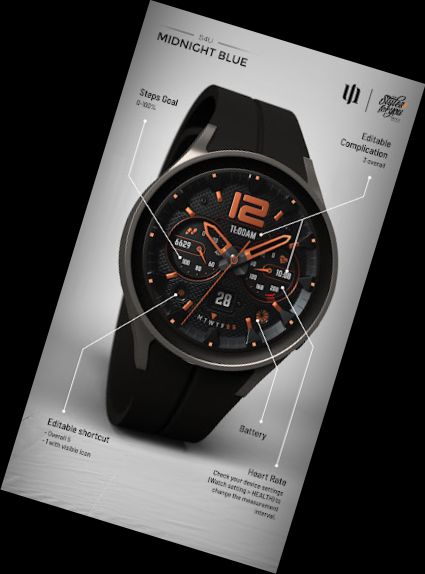
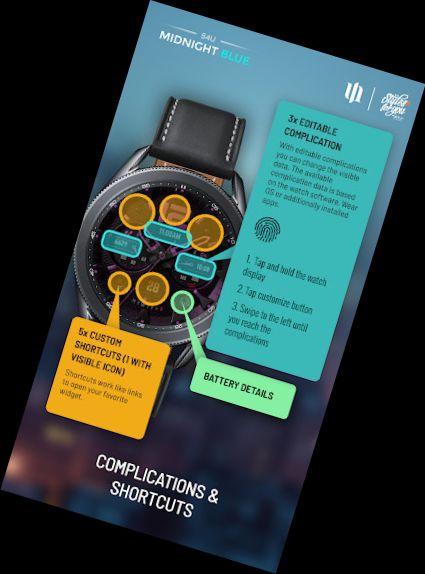
- 3 user-defined complications
- 5 customizable shortcuts to favorite widgets
- 4 custom small hand styles
- 3 AOD brightness levels
- Displays time, steps, heart rate, day of week, and watch battery status
AOD:
The always-on display has 3 brightness levels, accessible via the customization menu. Note that using AOD significantly reduces smartwatch battery life.
Color Customization:
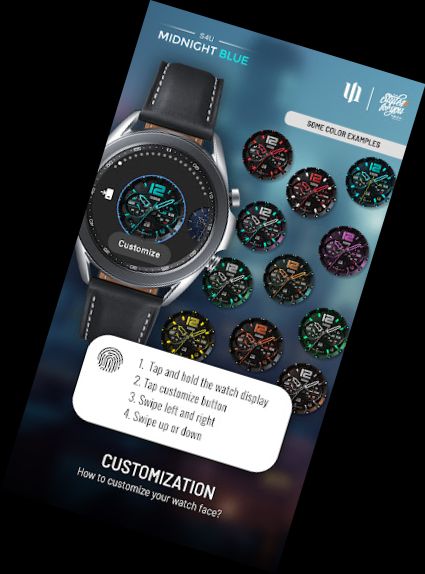
1. Press and hold the center of the watch display.
2. Press the adjustment button.
3. Swipe left/right to switch between customization options.
4. Swipe up/down to change options/colors.
Available Customization Options:
Color Primary: 9 options
Color Secondary: 15 options
Color Background: 7 options
Color Hands: 9 options
Small Hands: 4 styles
Index Glow: 9 options (default: OFF)
Weekday Language: EN, DE, FR, SP, IT, PO, KO, RU
Border Shadow: 4 options
AOD Brightness: 3 levels
Complications: 3 editable complications, 5 editable shortcuts
Additional Features:
+ Tap battery indicator to open battery details (not supported by all smartwatches)
Heart Rate Measurement:
Automatic heart rate measurement; set interval in watch's health settings (Watch Setting > Health).
Customizing Complications and Shortcuts:
1. Press and hold the watch display.
2. Push the customize button.
3. Swipe right to left to reach "complications".
4. Click on highlighted app shortcuts and custom complications to make desired settings.
Explore my other designs at https://www.s4u-watches.com. Follow me on social media for updates:
Instagram: https://www.instagram.com/matze_styles4you/
Facebook: https://www.facebook.com/styles4
Versions
-
VARY
—
·
Download
Android VARY+
Version (1.0.2) - watch face
The movement animation of the second hand has been changed.