Developer Information
Company: styles4you
Address: M.Adler Sterndamm 38 12487 Berlin
Website: Support Web
Email: Support Email
Privacy Policy: Privacy Policy
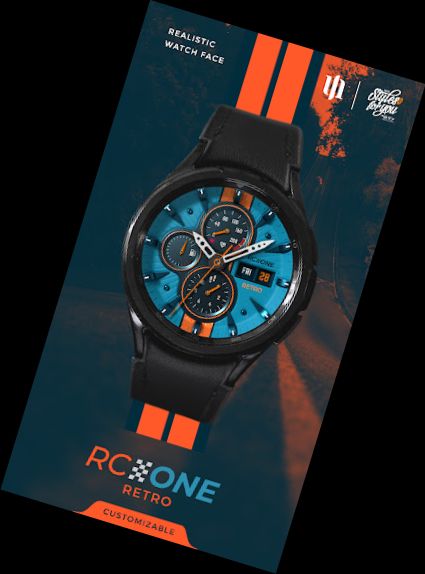
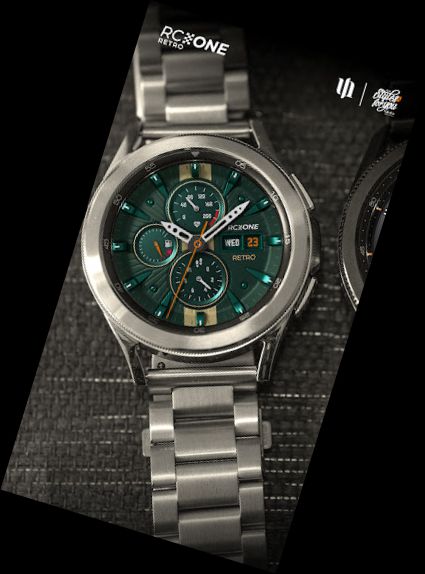
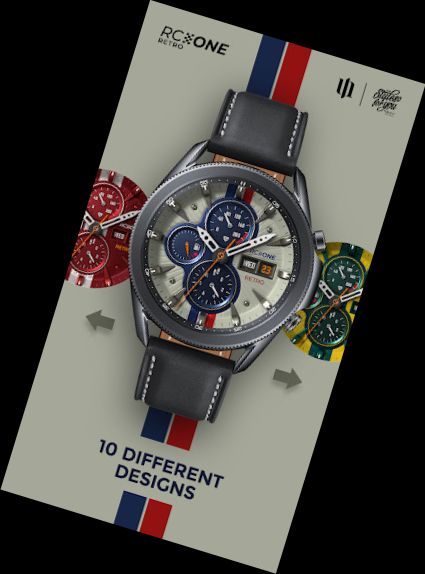
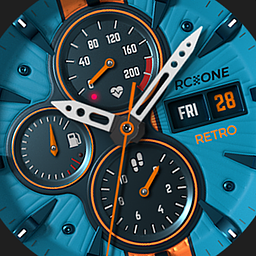
Boost your style with our vintage racing-themed watch face! On the S4U RC ONE Retro, you can toggle between 10 distinct background patterns, allowing you to tailor the watch face to suit your mood and aesthetic. This makes it ideal for racing enthusiasts and fans of classic designs. Experience the perfect blend of style and functionality with our unique and adaptable watch face. Download now and get ready to speed off!
Highlights:
- incredibly realistic analog watch face
- 10 vintage racing-inspired backgrounds
- ambient mode (AOD)
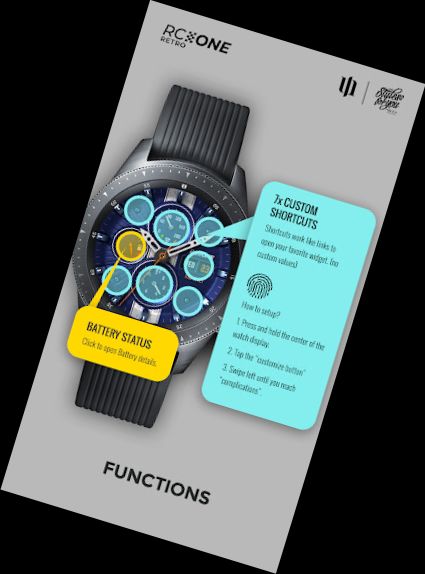
- 7 individual shortcuts (access your favorite app with a single tap)
***
IMPORTANT!
This is a Wear OS Watch Face app, compatible only with smartwatch devices running WEAR OS API 30+. Examples include: Samsung Galaxy Watch 4, Samsung Galaxy Watch 5, Samsung Galaxy Watch 6, and more.
Experiencing installation issues with a compatible smartwatch?
Visit: http://www.s4u-watches.com/faq
or contact me: [email protected]
***
Detailed summary:
Display in the right area:
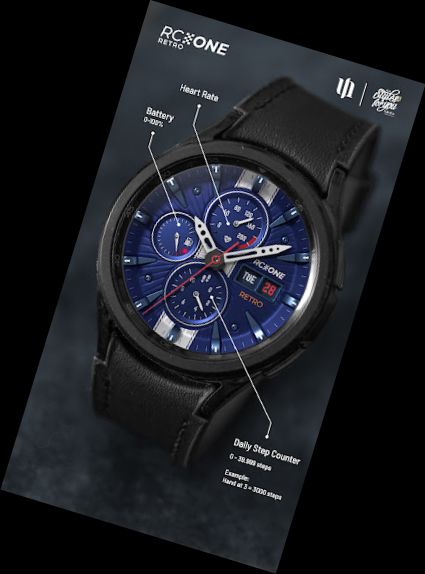
+ Day of the week and date
Bottom Dial:
+ Analog step counter (0-49,999 steps)
Top dial:
+ Heart rate monitor (0-220 bpm)
Left Dial:
+ Battery level (0-100%)
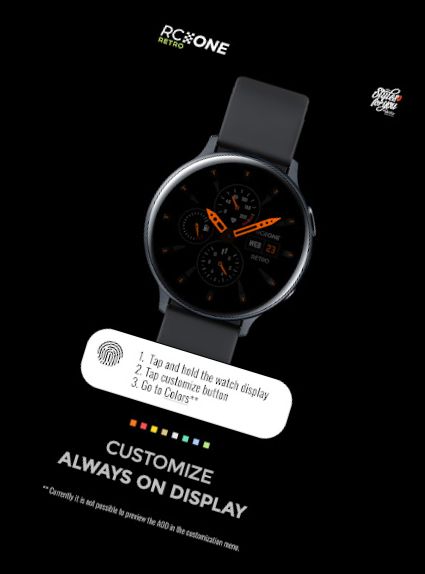
+ The watch face features a customizable always-on display with 8 color options.
*** Please note that using the always-on display will reduce battery life.
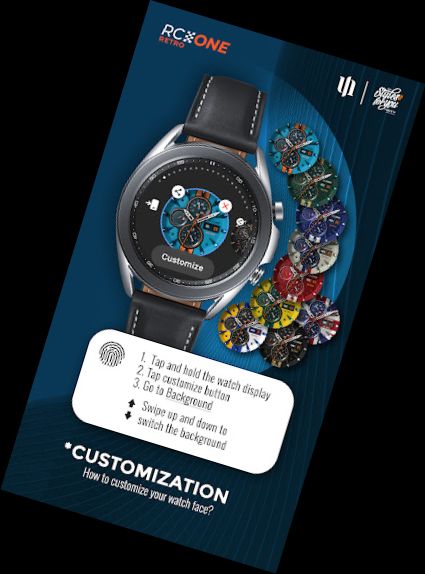
Color customization:
1. Press and hold the watch display.
2. Tap the customize button.
3. Swipe left or right to switch between customizable objects.
4. Swipe up or down to change options/colors for the selected object.
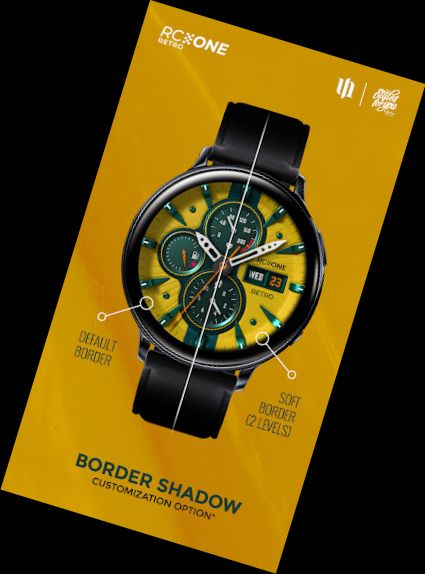
Background (9 options), Border Shadow (3 options), Color = AOD Color (8 options)
Heart rate measurement (Version 1.0.8):
The heart rate measurement has been updated. (Previously manual, now automatic). Set the measurement interval in the watch's health settings (Watch Setting > Health).
****
Setting up shortcuts:
1. Press and hold the watch display.
2. Tap the customize button.
3. Swipe from right to left until you reach the "complications".
4. The 7 shortcut fields are highlighted. Tap to set your desired shortcut.
Battery:
Tap the battery indicator to view battery details.
If you like the design, be sure to check out my other creations. More designs will be available for Wear OS in the future.
For quick contact, use the email. I appreciate any feedback in the play
Versions
-
VARY
—
·
Download
Android VARY+
Version (1.0.8) - Watch Face
The heart rate measurement has been changed. (Previously manual, now automatic). Set the measurement interval in the watch's health settings (Watch Setting > Health).