Developer Information
Company: Enkei Design
Address: K. A. Stepinca 15, 31000 Osijek, Croatia
Website: Support Web
Email: Support Email
Privacy Policy: Privacy Policy
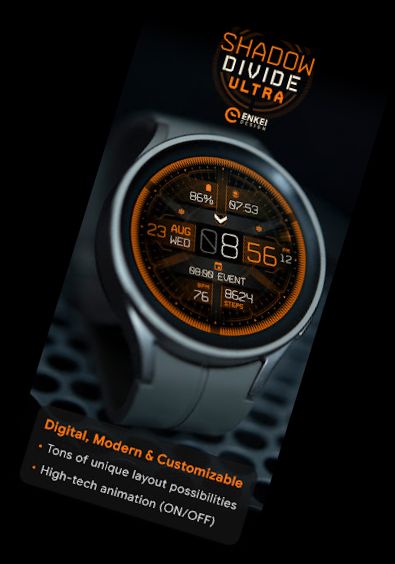
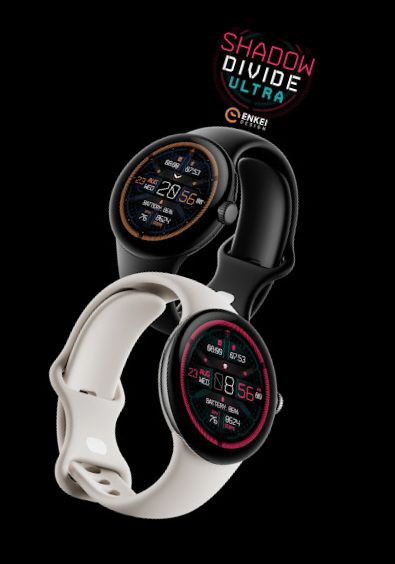
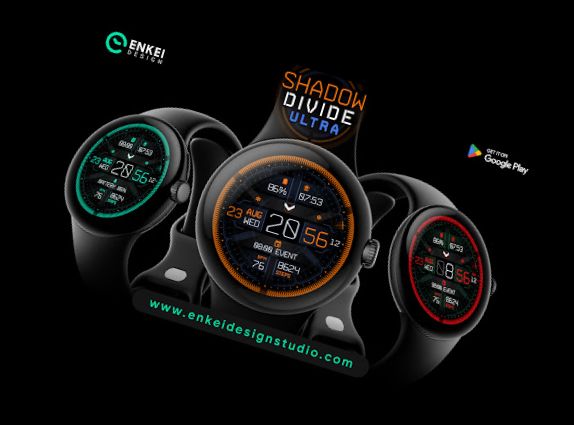
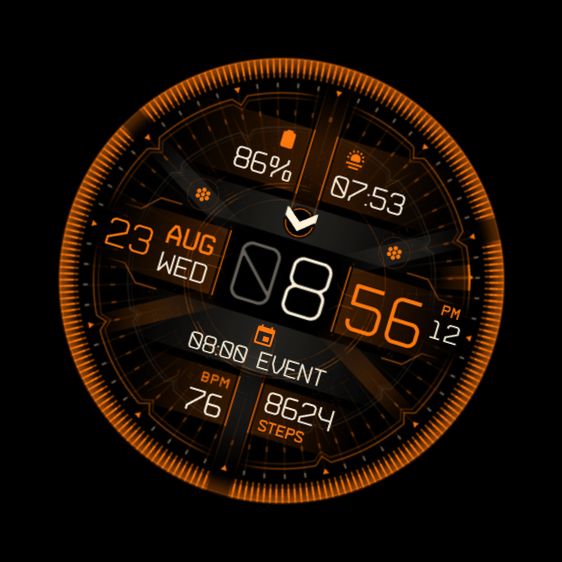
Shadow Divide Ultra is a cutting-edge animated watch face, boasting a futuristic interface and numerous personalization options!
Sophisticated background animation brings the watch face to life, while it can still be disabled for a more streamlined, power-saving look.
Now updated to support Google's latest Watch Face Format, offering seamless integration with the health app and additional useful features!
Disclaimer:
This Wear OS watch face is an unofficial, fan-made creation inspired by "The Division" games, with no official connection to "The Division", "Ubisoft" or "Ubisoft Entertainment".
Designed exclusively for Wear OS - Wear OS 3.0 and newer (API 30+)
Please install directly to your watch device.
Phone companion app is used solely to facilitate installation on your watch device.
Buy-One-Get-One PROMOTION
https://www.enkeidesignstudio.com/bogo-promotion
FEATURES:
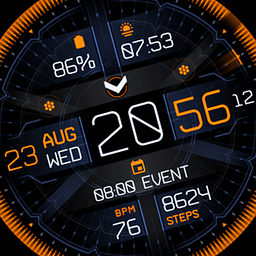
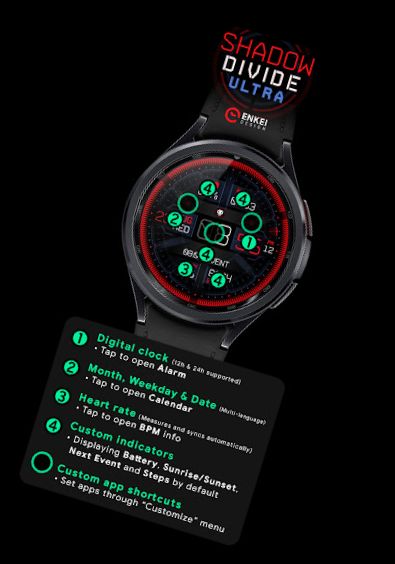
- 12h/24h digital clock
- TAP Minutes to open Alarm
- Date, Day of the week & Month indicators - Multi-language support
- TAP to open Calendar
- Heart rate indicator - Automatically measures and syncs
- TAP to open BPM info
- 4 Customizable short-text indicators
- Watch battery by default
- Sunrise/Sunset by default
- Next event by default
- Steps by default
- 4 Customizable app shortcuts
- 2 visible icons
- 1 hidden - Center (Hours)
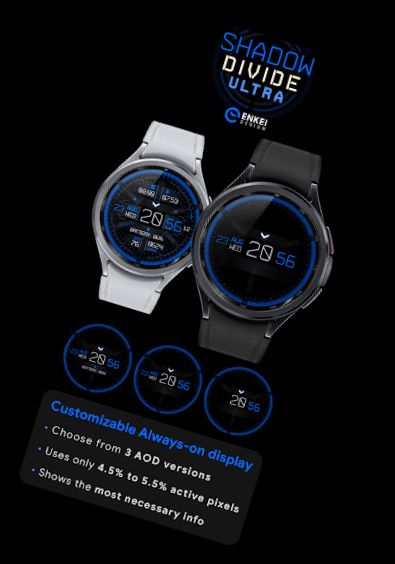
- Power-efficient AOD
- Utilizes only 4% - 6% active pixels
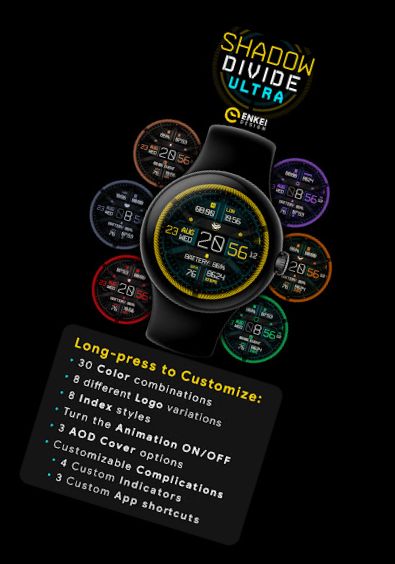
- Long-press to access Customize menu:
- Color - 30 combinations
- Logo - 8 variations
- Index - 8 styles
- Animation ON/OFF
- AOD Cover - 3 styles
- Complications
- 4 Custom indicators
- 3 Custom app shortcuts
INSTALLATION TIPS:
https://www.enkeidesignstudio.com/how-to-install
CONTACT:
[email protected]
Email us for any questions, issues or general feedback. We're here to help!
Customer satisfaction is our top priority, and we respond to each email within 24 hours.
The regular orange version is also available - Shadow Divide:
https://play.google.com/store/apps/details?id=com.watchfacestudio.shadow_division
More watch faces:
https://play.google.com/store/apps/dev?id
Versions
-
VARY
—
·
Download
Android VARY+
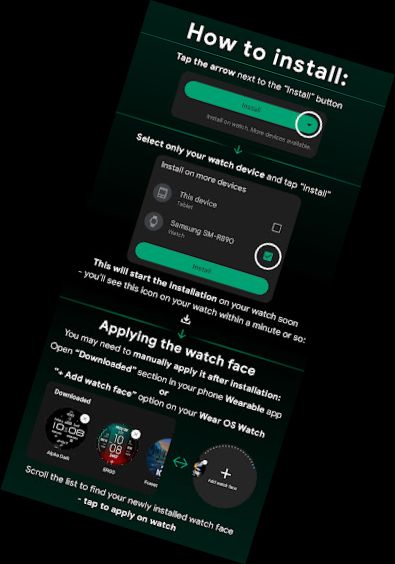
Select only your watch device from the "INSTALL" drop-down list.
Alternatively, use our provided phone companion app to help you install the watch face, or use Play Store in a web browser.
Apply the watch face after installation from the “Downloaded” section in the watch Wearable app on your phone.
NOTE - If you see "Buy" button on your watch after purchasing, wait a few minutes, reopen the apps or reboot device & try again.
HELP/INFO: [email protected]
Thank you!