Developer Information
Company: 2kit consulting
Address: Kraus und Karnath GbR Graf-Adolf-Straße 41 40210 Düsseldorf Germany
Website: Support Web
Email: Support Email
Privacy Policy: Privacy Policy
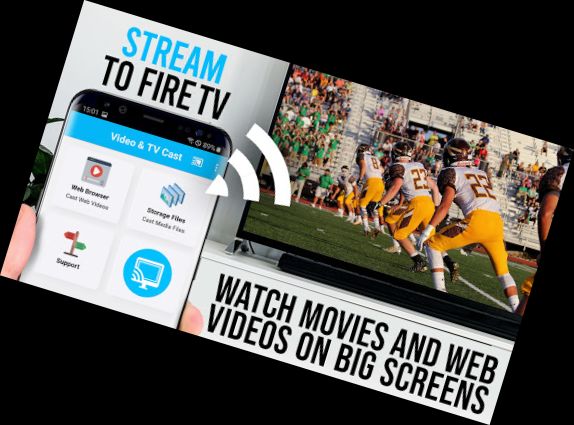
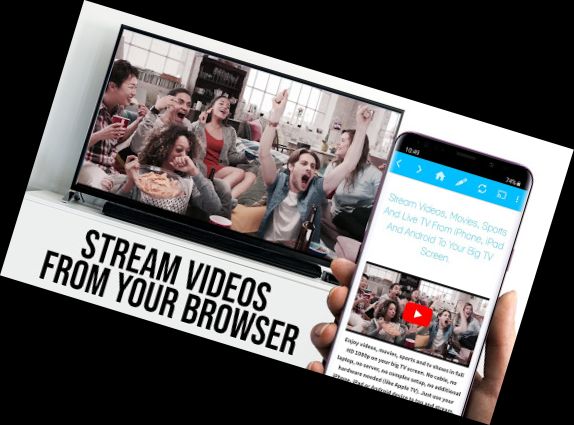
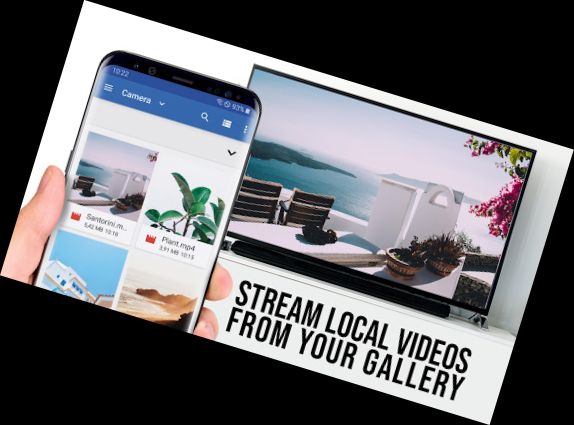
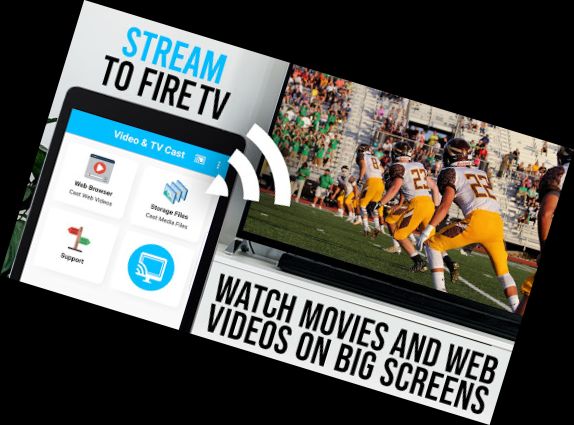
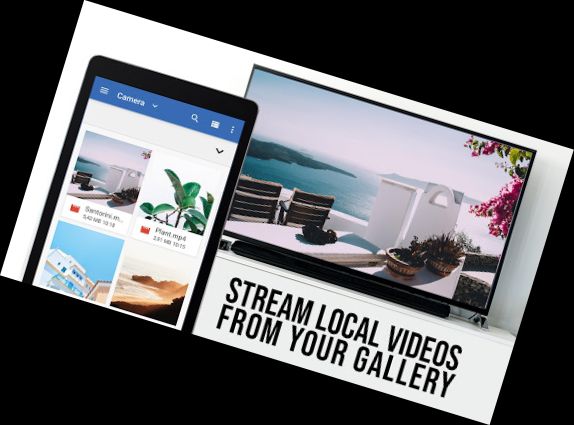
Elevate your Fire TV experience to stream web videos, online movies, live streams, and TV shows directly on your largest screen with the top-rated web video streamer. No complicated media server is required. The app supports Mp4, m3u8, hls live streams, video over https, and Full HD.
*** This PRO edition unlocks all Premium Features. Test basic features in the FREE edition ***
*** Compatible exclusively with Amazon Fire TV or Fire TV Stick ***
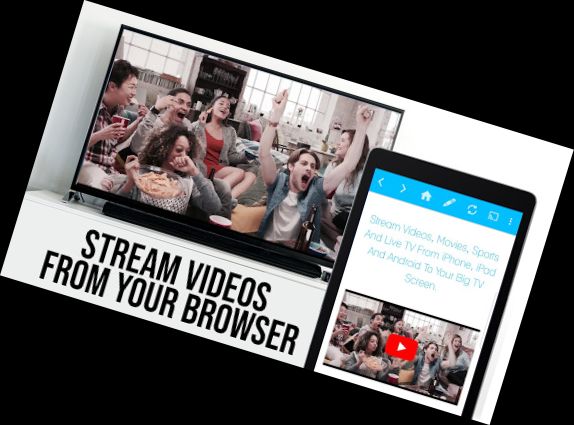
Using Video & TV Cast, browse the web and stream or cast any video on your Fire TV. Navigate to your favorite website and send the embedded video to your Fire TV with a single tap. The discovered video will appear below the browser. Tap the video link to send it to your Fire TV instantly.
>>> IMPORTANT INFORMATION
* UNSUPPORTED Videos: Flash video, Google Play movies, Netflix, Amazon, HBO, and other DRM-protected content.
* Test websites and videos in the free edition. Upgrading won't resolve casting issues.
* The app doesn't mirror your full Android device; it only pushes the video part of a website to your Fire TV.
* Enter or paste the full video-url in the browser address bar to play mp4, m3u8, or other videofiles directly on Fire TV.
* Sometimes, play the video on your Android device before the link is detected for casting.
* Restart your Android device, Fire TV, and wifi router if the connection fails.
* If a specific video doesn't cast, check our FAQ or report the issue with the website and video link to [email protected]. We'll try to add support as soon as possible. Negative reviews without information won't help us assist you.
* Security: Video & TV cast requires minimal Android permissions. We don't access your identity data, accounts, device id, phone status, gps location, or contacts. Always check app permissions before installing.
* Refunds: Available within 24 hours after purchase. Submit the Google Purchase ID.
>>> PRO FEATURES
* Remote Playbar: Control videos with the Playbar while browsing, including scrubbing, forward, rewind, play, pause, and stop. The playbar is synced across Android and iOS devices.
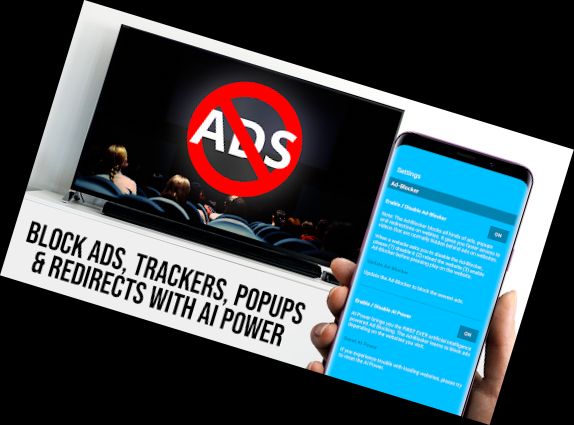
* Ad-Blocker + No Ads: The Pro app has no ads, and the Ad-Blocker blocks ads and popups on most websites. Enable or disable it in the settings.
* Bookmarks: Add and manage bookmarks in the bookmarks menu or directly in the browser
Versions
-
2.39
—
·
Download
Android 5.0+
- Bugfixes
Please rate us on Google Play == It‘s very quick and will help us improve this app to provide you with better features and services.