Developer Information
Company: 2kit consulting
Address: Kraus und Karnath GbR Graf-Adolf-Straße 41 40210 Düsseldorf Germany
Website: Support Web
Email: Support Email
Privacy Policy: Privacy Policy
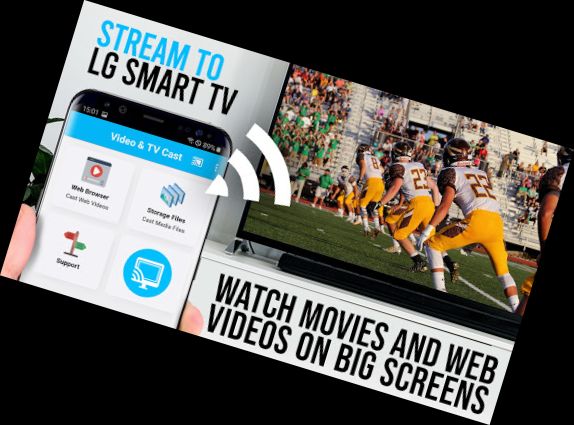
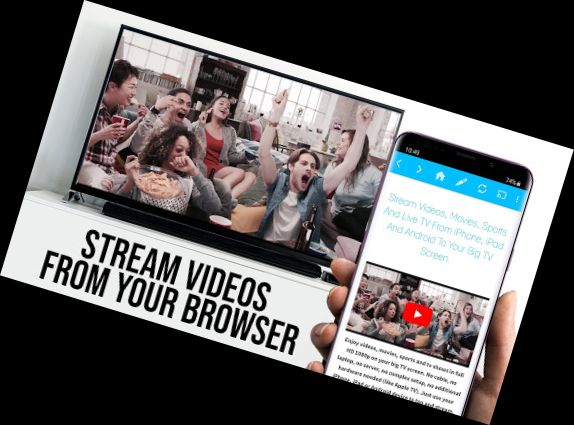
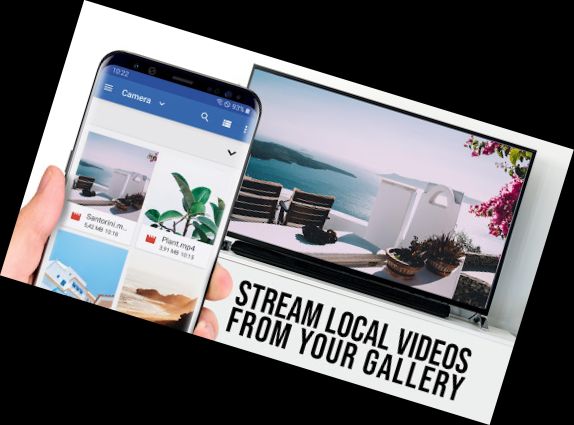
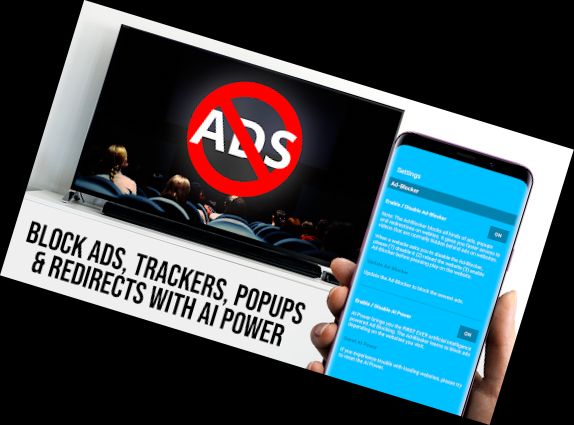
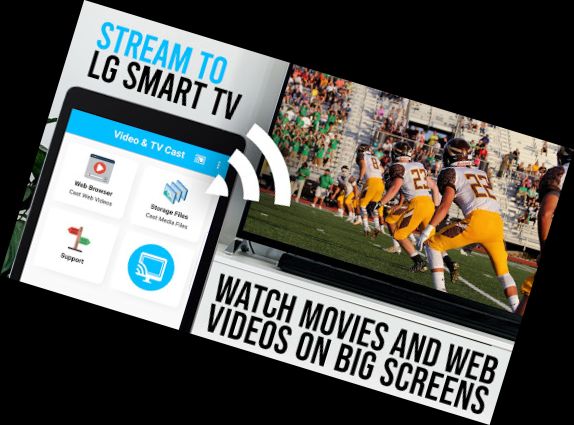
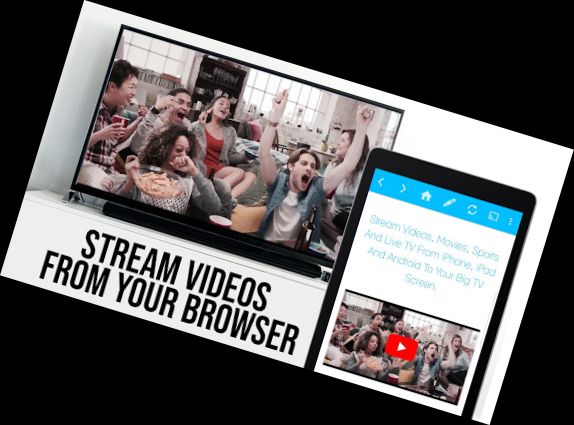
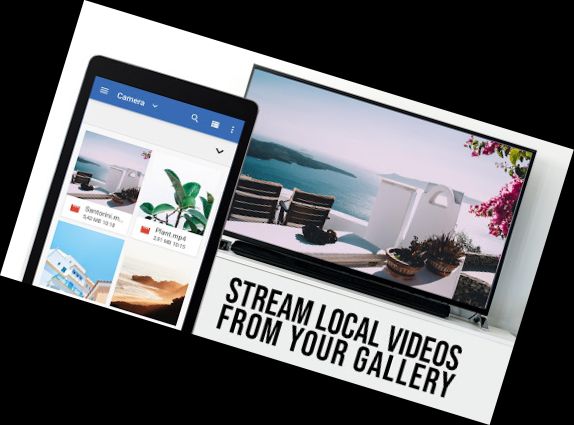
Enhance your LG TV (webOS or Netcast LG Smart TV) experience and enjoy web videos, online films, live streams, and live TV shows on your largest screen with the top web video streaming app. No additional streaming device is needed.
*** This PRO app edition includes all Premium Features unlocked. You can try the basic features in the FREE app edition ***
>>> VIDEO & TV CAST vs. MIRACAST
Video & TV Cast offers significant advantages over Miracast screen mirroring:
MULTI-TASKING: You can close the app while casting! Your phone can even be turned off, or you can make a call, send a message, or prepare the next video in the browser while casting.
FULL HD: Casting in Full HD is possible even on Android devices with low screen resolution. Miracast is limited to the Android resolution.
LESS WIFI-USAGE: Your Phone/Tablet is not used while casting. When using Miracast, all videos are routed through your phone.
DEVICE SUPPORT: Video & TV Cast works on all Android devices. Miracast does not.
>>> IMPORTANT NOTES FOR APP USAGE, PLEASE READ
With Video & TV Cast, you can browse the web and stream any web video, online film, live stream, or live TV show you want on your LG Smart TV. Mp4, m3u8, and other video formats are supported, of course, in full HD. Simply navigate to your favorite website and send the embedded video with a single tap to your LG TV. The discovered video will be shown below the browser. A tap on the video link will send it to your LG TV immediately.
* To enable video casting, please open the LG App Store (LG Smart World / LG Content Store) on your TV, search for 'TV Cast', and install the free companion app.
* To connect, please scan the QR Code shown on your TV or enter the IP Address of your Android device using the number pad and up/down/left/right keys or scroll wheel on your TV Remote.
* UNSUPPORTED VIDEOS: Third-party apps, Flash video, Google Play movies, Netflix, Amazon, and HBO, and other DRM-protected videos.
* Please test your websites and videos in the free edition! If casting fails, upgrading will NOT resolve the issue magically.
* If a web video, online film, live stream, or live TV show does not cast, please check the FAQ or get support via [email protected]. We will help you as soon as possible.
Versions
-
2.51
—
·
Download
Android 5.0+
- Bugfixes
Please rate us on Google Play == It‘s very quick and will help us improve this app to provide you with better features and services.