
Developer Information
Company: 2kit consulting
Address: Kraus und Karnath GbR Graf-Adolf-Straße 41 40210 Düsseldorf Germany
Website: Support Web
Email: Support Email
Privacy Policy: Privacy Policy
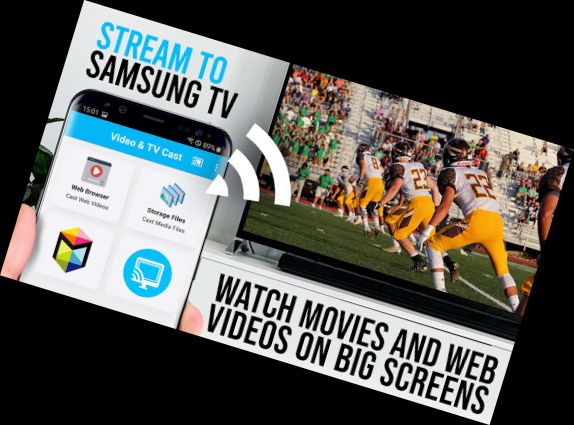
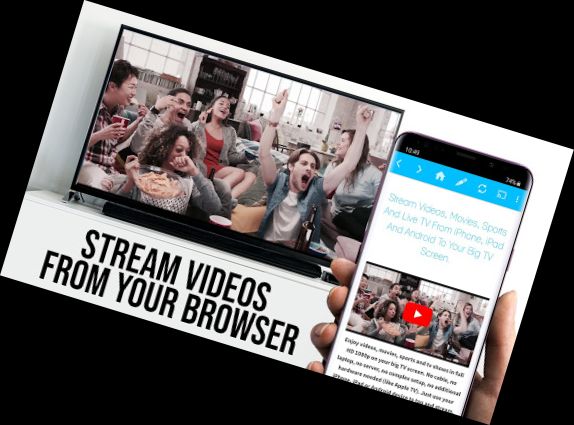
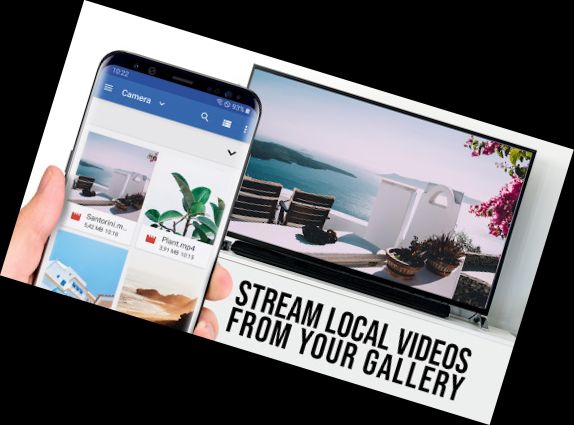

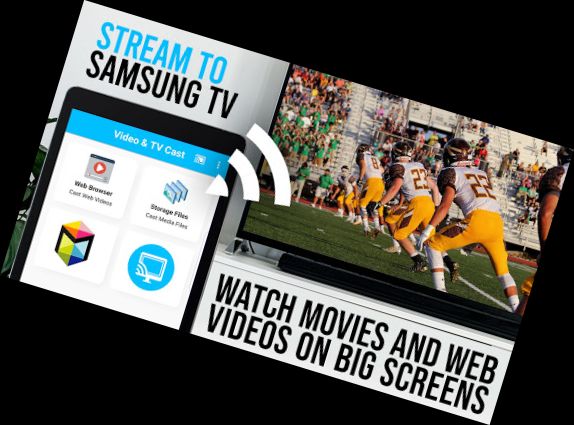
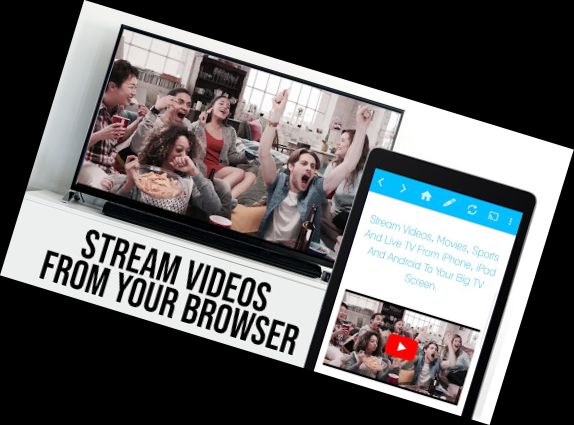
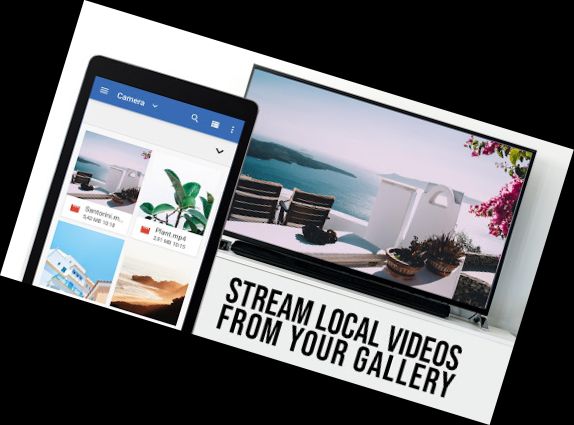
Enhance your Samsung Smart TV and Blu-ray Player experience with the top-rated web video streaming app, allowing you to watch online videos, movies, live streams, and TV shows directly on your largest screen. No additional streaming device is required. Supported formats include Mp4, m3u8, hls live streams, video over https, and Full HD.
*** This PRO edition unlocks all premium features. Test basic features with the FREE edition ***
*** Compatible with all Samsung Smart TV models (2010-2017) and Blu-ray Players with Smart Hub or VEWD (formerly Opera TV) ***
With Video & TV Cast, browse the web and stream or cast any video to your Samsung TV and Blu-ray Player. Simply navigate to your favorite website and send the embedded video with a single tap. The discovered video will be displayed below the browser, and a tap will send it to your TV/Blu-ray Player.
>>> IMPORTANT INFORMATION
* Enable video casting by installing the free 'TV Cast' companion app from the Samsung App Store on your TV or Blu-ray Player.
* Enter your Android device's IP address using the number pad and directional keys on your Samsung Remote.
* Unsupported videos include Flash, Google Play movies, Netflix, Amazon, HBO, and other DRM-protected content.
* Test websites and videos with the free edition before upgrading.
* The app only pushes video content to your TV/Blu-ray Player, not mirroring your Android device.
* Play mp4, m3u8, or other video files directly on your TV/Blu-ray Player by entering the full video URL in the browser address bar.
* Sometimes, playing the video on your Android device before casting is necessary.
* Restart your Android device, TV/Blu-ray Player, and wifi router if the connection fails.
* Report issues with specific web-videos, online-movies, live streams, or TV shows to [email protected], and we'll try to add support.
* Security Note: Video & TV cast requires minimal Android permissions and does not access your identity data, accounts, device id, phone status, gps location, or contacts.
* Refunds: Eligible within 24 hours after purchase. Please submit the Google Purchase ID.
>>> PRO FEATURES
* Remote Playbar: Advanced video control, including scrubbing, forward, rewind, play, pause, and stop, works on all Samsung Smart TVs.
* Ad-Blocker + No Sponsoring Ads: The Pro app version has no ads
Versions
-
2.59
—
·
Download
Android 5.0+
- Bugfixes
Please rate us on Google Play == It‘s very quick and will help us improve this app to provide you with better features and services.