
Developer Information
Company: Epic Systems Corporation
Website: Support Web
Email: Support Email
Privacy Policy: Privacy Policy
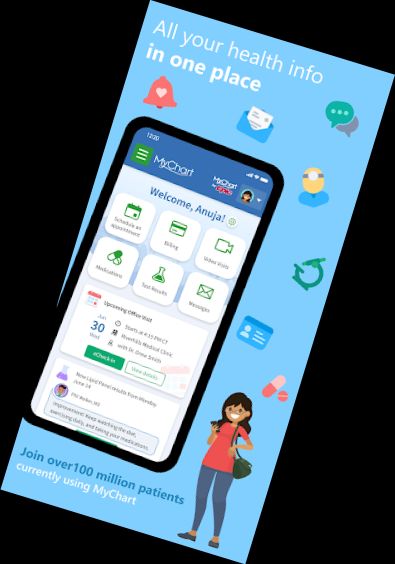
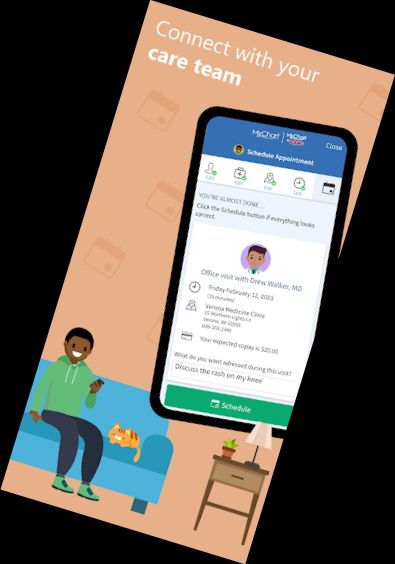
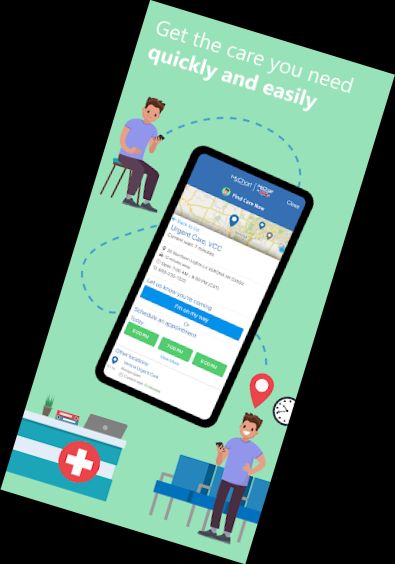
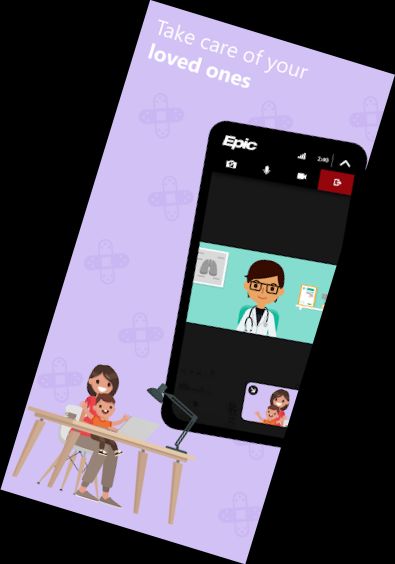
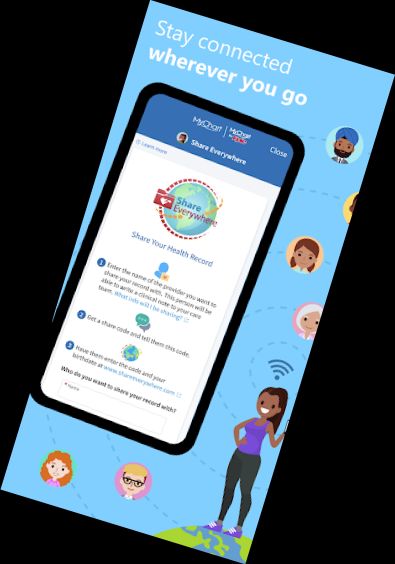
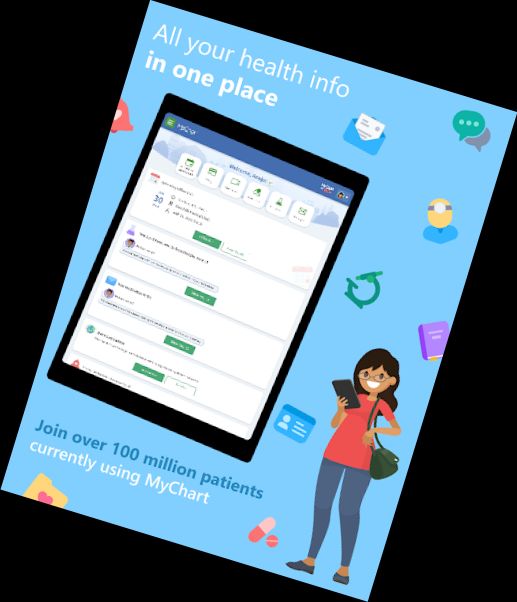
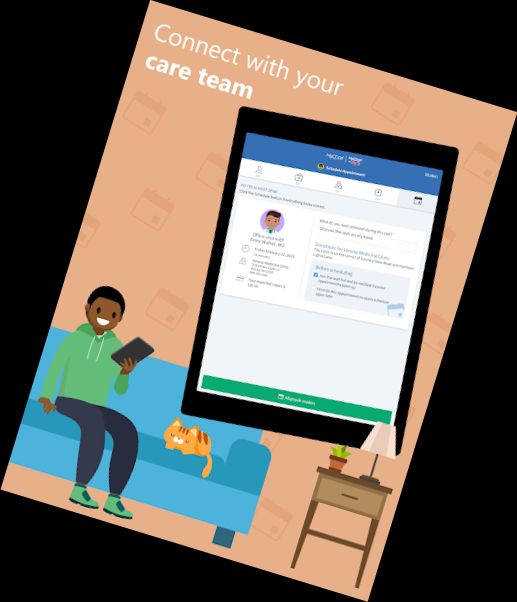
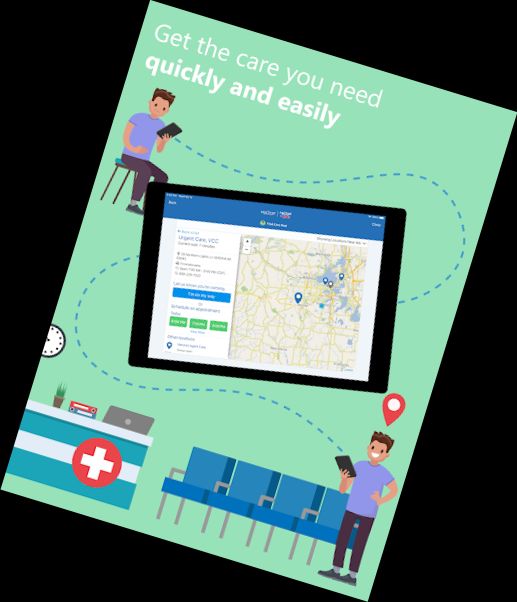
MyChart places your health information at your fingertips, making it easy to manage your care and that of your family members. With MyChart, you can:
• Exchange messages with your healthcare team.
• View medical records, including test results, medications, immunization history, and more.
• Link your Google Fit account to import health data from your devices.
• Access After Visit Summary for past appointments and hospital stays, along with shared clinical notes.
• Arrange and manage appointments, including in-person and video visits.
• Estimate care costs.
• View and settle medical bills.
• Share your medical record securely with anyone online.
• Connect accounts from multiple healthcare organizations to view all your health information in one place.
• Receive notifications when new information is available.
The features available in MyChart depend on your healthcare organization's settings and Epic software version. If you have questions, contact your healthcare organization.
To use MyChart, create an account with your healthcare organization. Download the app, search for your organization, or visit their MyChart website. Set up fingerprint authentication or a four-digit passcode for quick logins.
For more information about MyChart or to find a participating healthcare organization, visit www.mychart.com.
Have feedback? Email [email protected].
Versions
-
11.1.5
—
·
Download
Android 10+
Downloading and viewing files is now a more consistent experience. This feature is available immediately to all users who upgrade the app.
You can now see organisations that provide both your healthcare and insurance as two separate organisations in your linked accounts. This feature might become available to you after your healthcare organisation starts using the latest version of Epic.