Developer Information
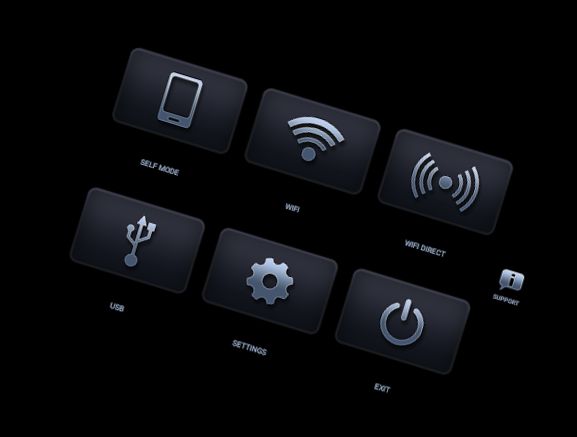
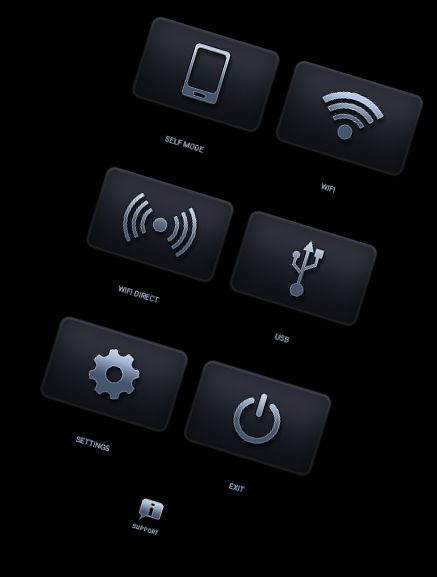
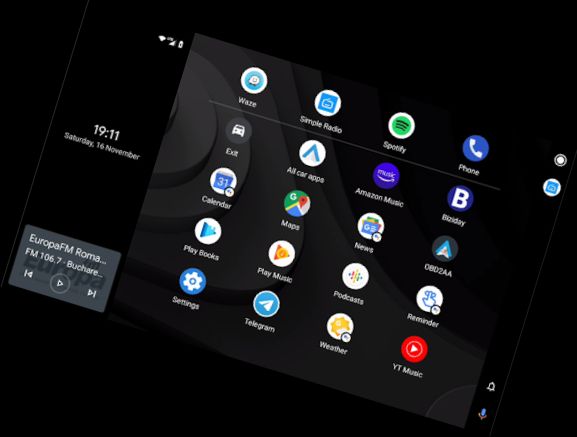
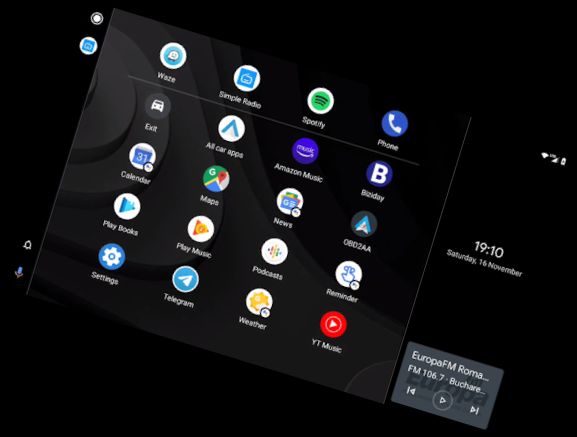
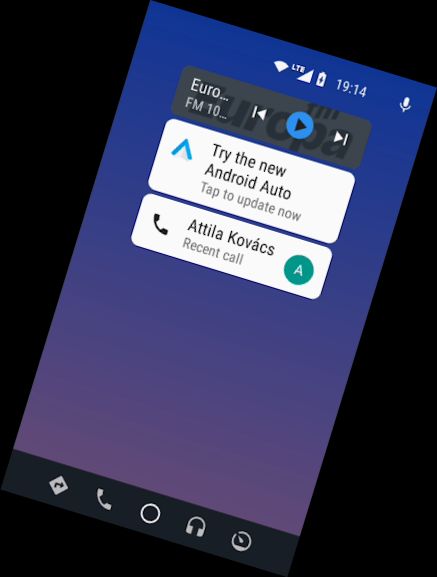
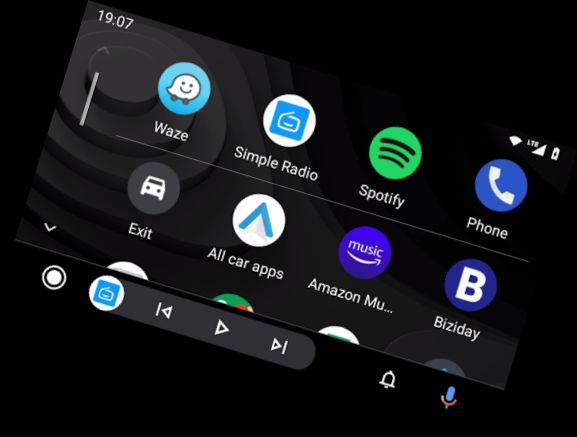
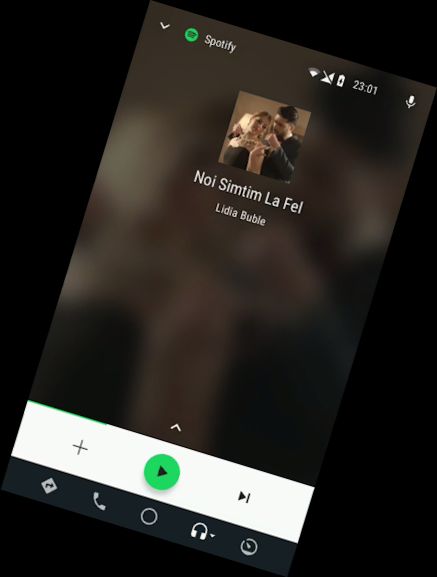
Android Auto Headunit Receiver Emulator.
Using the App:
USB Mode
Connect your device to the USB (use an OTG cable for tablets), and grant HUR default app permission, ensuring the 'always' box is checked.
For Android 7.0 and higher devices, you may need to select the connected USB device from the notification bar before the app starts.
Wifi
Download WiFi Launcher on your phone!Select your car's Bluetooth in WiFi Launcher to enable auto-start.Enable the WiFi Launcher hotspot, connect your car's unit, and open HeadUnit Reloaded (you can swap hotspot/client roles if desired).
Self Mode (Android Auto and HUR on the same device)
- Open HUR, press Self-mode, and ensure Android Auto is installed on your device.
Troubleshooting
Black Screen Issues
- Check your Android powered headunit (e.g., Joying, Xtrons) for a setting allowing video playback during driving.
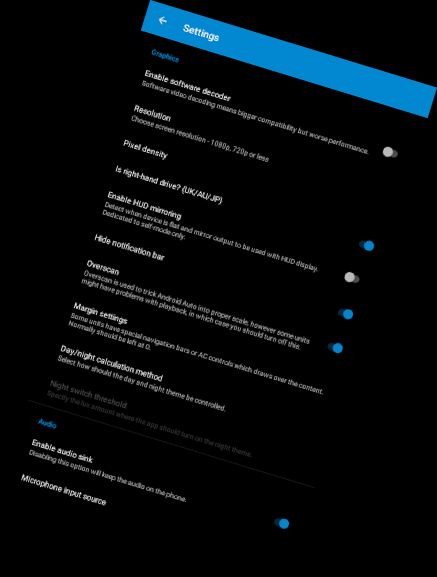
- Try enabling Software decoding in HUR settings.
Compatible Units:
Joying, Eonon, Grom Vline, Xtrons, PX5, PX3, A-Sure, RK3188, RK3066, Avin, and other Android powered head units.
More FAQs, including hardware key support and troubleshooting, are available: https://forum.xda-developers.com/general/paid-software/android-4-1-headunit-reloaded-android-t3432348
For app difficulties or support, feel free to contact me.
The original concept was created by MICHAEL READ.
Versions
-
Headunit Reloaded V7.2
—
·
Download
Android 4.1+
- Changed WiFi connection mode
- Fixed at least on USB connection bug
- Reverted to separate Activity for playback, fragments caused black screen after reverse on some devices
- Added option for AAC audio instead of PCM (helps with slow wifi connections)