
Developer Information
Best PDF Reader for Android!
Effortlessly view, annotate, and manage all your PDF files with this free PDF Reader & Viewer - A+ Read.
Highlight, add notes, bookmark, merge, split, and more.
Need a document viewer and editor for work and study?
Try this user-friendly PDF Reader & Viewer - A+ Read.
This professional app auto-detects and displays all your PDF files, allowing fast access and reading on your device. More than a viewer, it's also an editor and manager, enabling notes, merging & splitting files, password protection, bookmarking, and more. Sharing PDF documents is also convenient.
With all necessary features, PDF Reader & Viewer - A+ Read provides a perfect PDF reading experience.
Try it now for free!
Conventional PDF Viewer
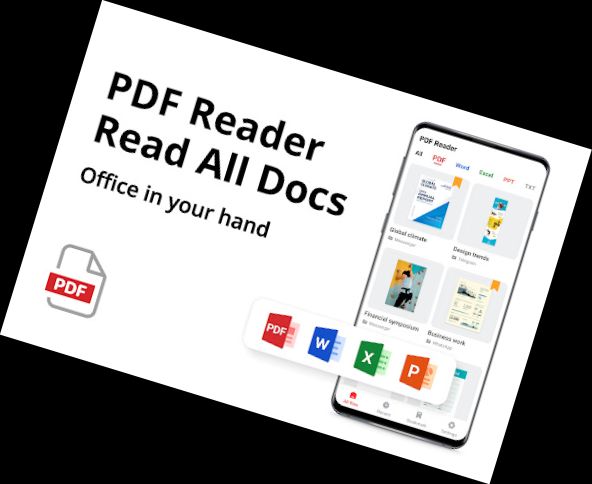
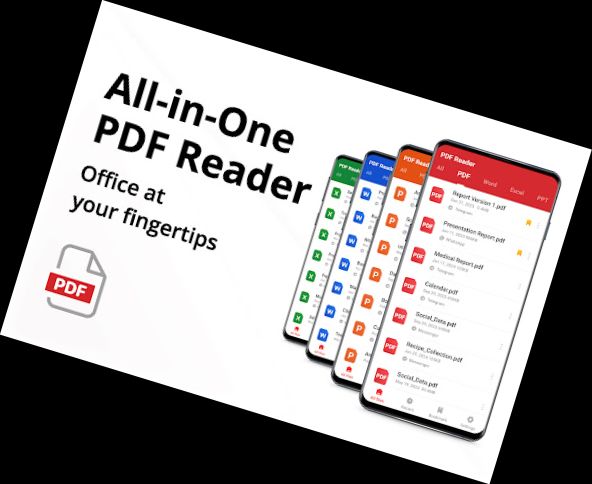
- Automatic detection and display of PDF files
- Quick access and reading of PDFs
- Simple and clear PDF file list
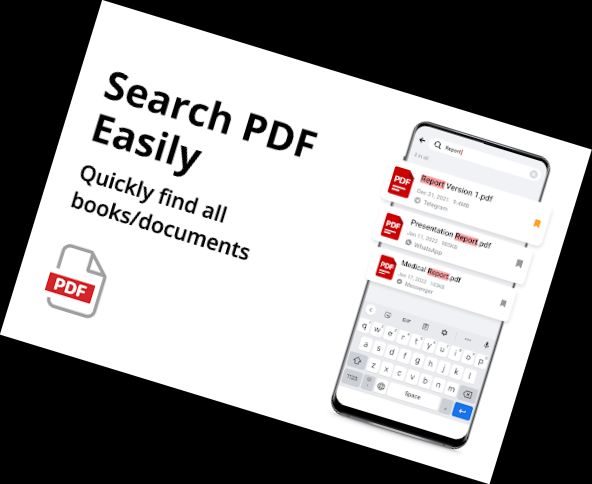
- Easy search and access to PDFs
- Bookmarking PDF pages for future reference
Smart PDF Reader
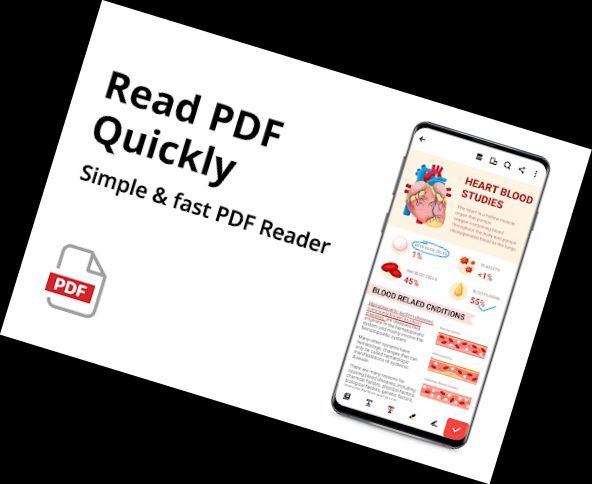
- Page-by-page and continuous scrolling
- Horizontal and vertical viewing
- Full-screen mode for optimal reading
- Zooming in and out as needed
- Direct page access via page number entry
Efficient PDF Editor
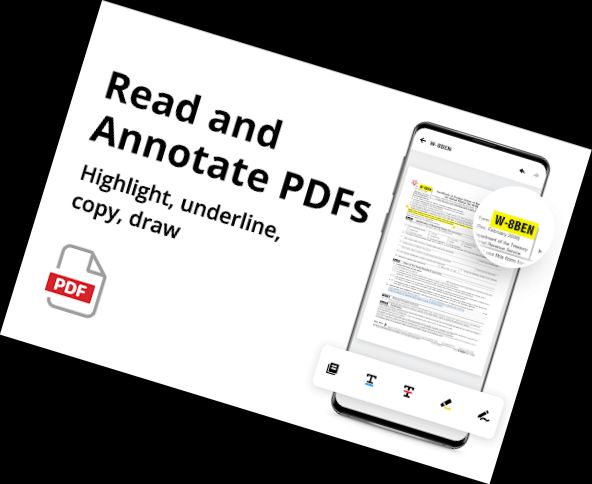
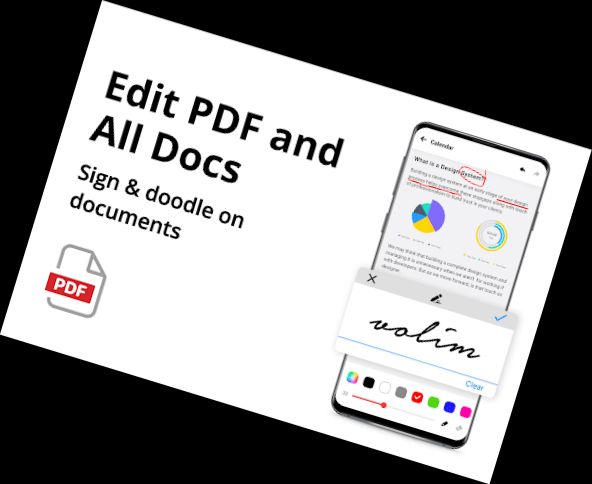
- Annotation on PDF files
- Highlighting phrases with color, underline, and strikethrough
- Doodling on PDFs
- Easy text search and copying in PDF files
Full-featured PDF Manager
- Merging & splitting PDF files
- Password protection for documents
- Recently opened files in a simple list
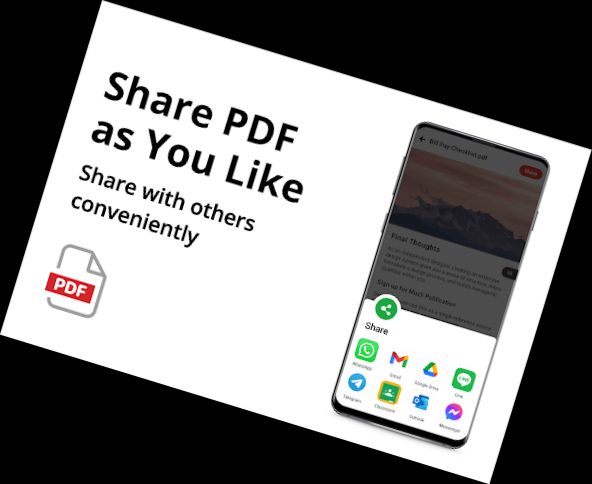
- Easy sharing of PDF files via social media
- Lightweight PDF Reader/Manager, only 12MB
- Renaming PDF files
- Printing PDF files from your device
More features coming soon
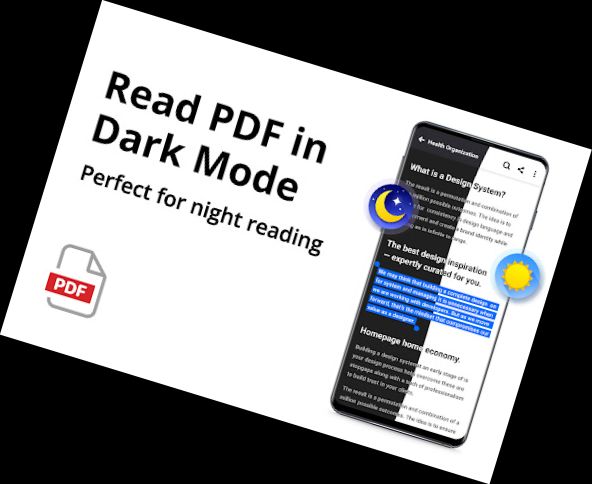
► Night mode
► PDF compression
► Filling PDF forms
► Adding e-signatures
► Adding/deleting PDF pages
► Smart PDF scanner
► Converting between PDF and Word, Excel, JPG, PNG, etc.
...
Enjoy superior PDF reading with this Android PDF Reader!
Your feedback and suggestions are welcome! Contact us at [email protected] with any questions.
Versions
-
1.6.0
—
·
Download
Android 6.0+
🌟 Add "Add text" feature
🌟 Optimize performance and interaction
🌟 Fix minor bugs
🌟 Improve user experience