Developer Information
Company: WatchBase
Address: 1700 Sofia, Prof. Georgi Bradistilov 6, fl. 4, Belvek Ltd.
Email: Support Email
Privacy Policy: Privacy Policy
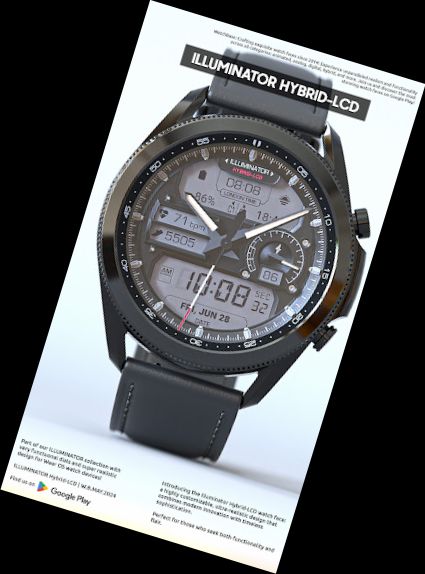
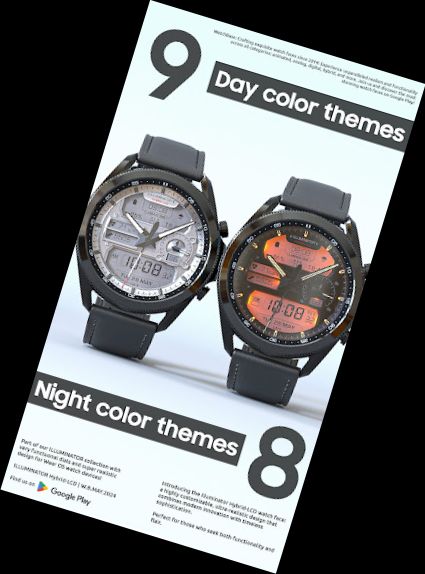
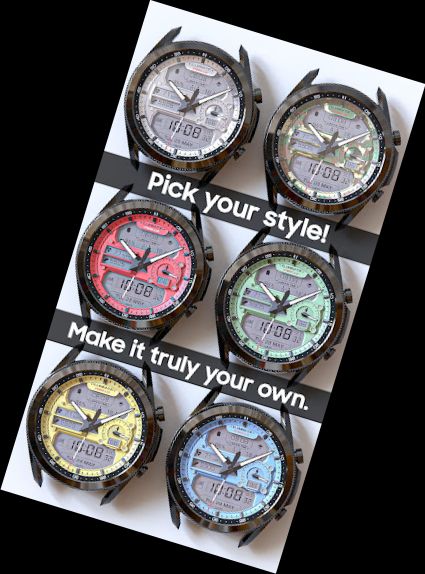
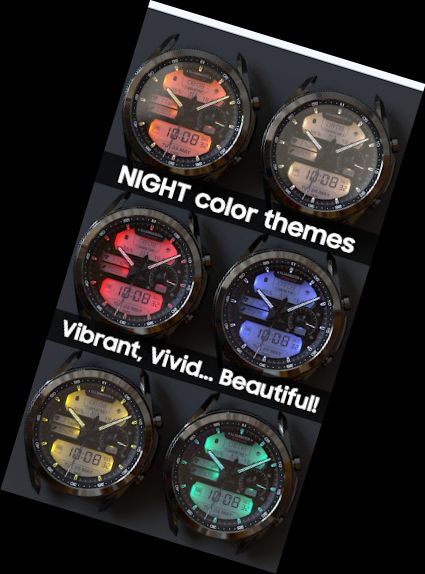
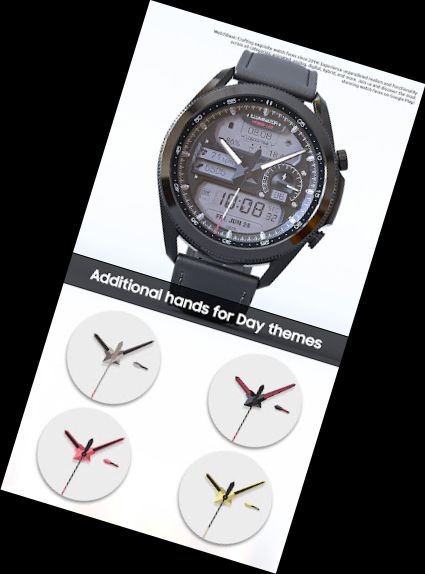
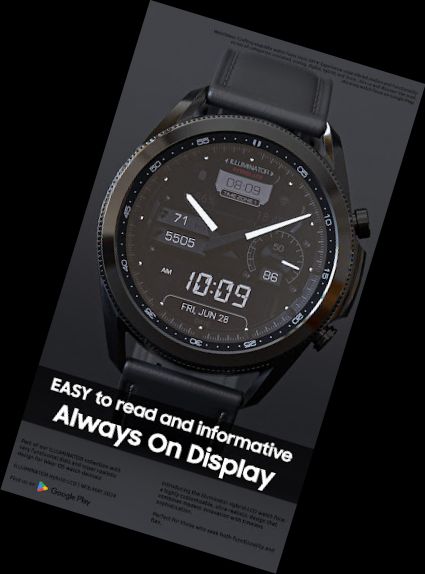
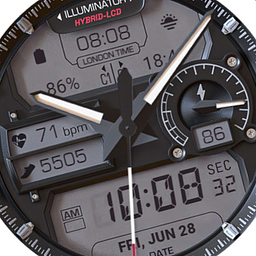
Highly realistic, extremely adaptable, and easy to read, this Illuminator-hybrid style watch face for Wear OS features 2 custom complications and stunning night modes.
Features:
- Lifelike design.
- Hybrid-LCD watch.
- 4 custom complications.
- Auto 12h/24h mode.
- 9 Day themes.
- 8 Night themes.
- 5 hands for Day mode.
- Heart rate indicator (LCD).
- Steps indicator (LCD).
- London time.
- Time and date.
- Battery indicator.
- AM/PM indicator (LCD).
- Always On Display.
- 3 AOD theme colors.
- 3 AOD hands colors.
How to:
- To customize your watch face, touch and hold on the screen, then tap on customize.
- AOD themes/hands. To change the AOD theme and/or hands select the second/first option in the "AOD Normal/Blue" and/or "AOD hands White/Blue".
Check out our top realistic watch faces:
Rally-X R.T. Delta - https://play.google.com/store/apps/details?id=we.rallyx.delta
Military ZULU Tactical - https://play.google.com/store/apps/details?id=wb.military.zulu
Moon Master PRO - https://play.google.com/store/apps/details?id=wb.moon.master
Installation
How to install: https://watchbase.store/static/ai/
After installation: https://watchbase.store/static/ai/ai.html
If you have any issues installing the watch face, please note that we have no control over the installation process or any other Google Play / Watch processes.
To apply the watch face after installation, touch and hold on the main screen, swipe left to look for it. If you can't see it, tap on the " + " sign at the end and find our watch face there.
We use a companion app for the phone to make the installation process easier. If you buy our watch face, tap on the install button on the phone app, check your watch, and tap install again.
If you encounter any issues during installation, please refer to our comprehensive guide or contact our support team for assistance.
Complications:
- Illuminator Hybrid-LCD offers two complications in the upper LCD screen. To change them tap and hold on the watch face and tap Customize.
- Illuminator Hybrid-LCD offers additional two compilations in the lower LCD screen set by default as Shortcuts complications.
SUBSCRIBE to our YouTube channel:
https://www.youtube.com
Versions
-
VARY
—
·
Download
Android VARY+