Developer Information
Company: WatchBase
Address: 1700 Sofia, Prof. Georgi Bradistilov 6, fl. 4, Belvek Ltd.
Email: Support Email
Privacy Policy: Privacy Policy
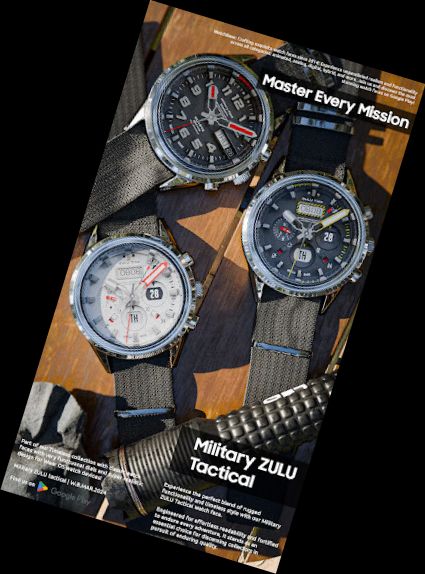
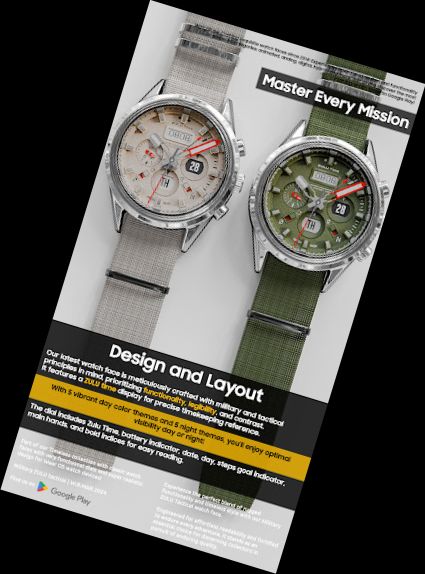
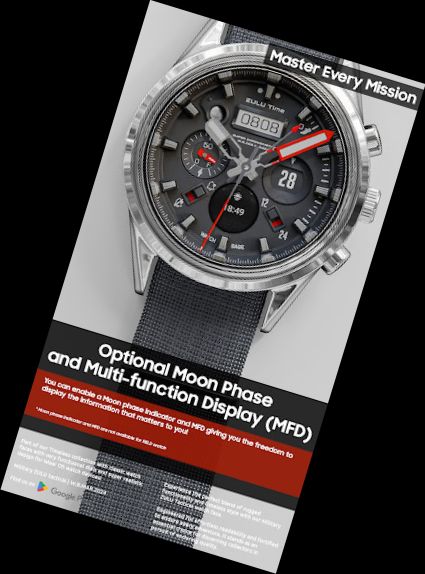
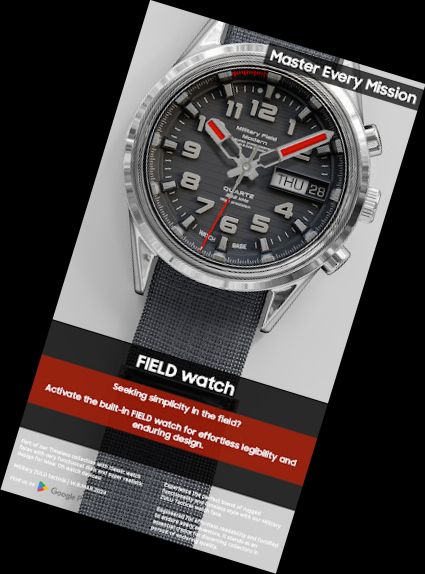
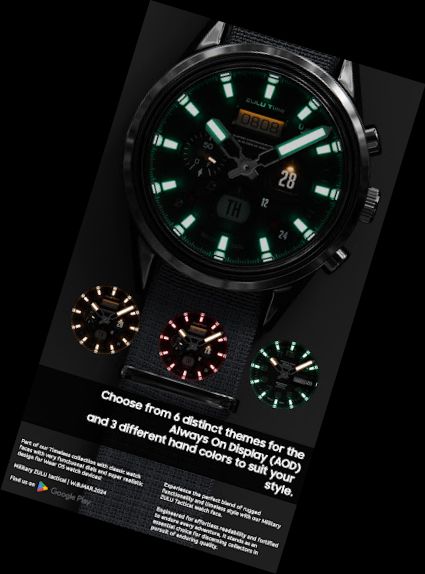
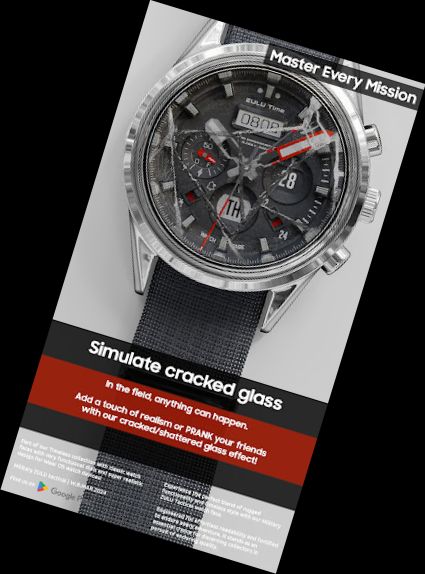
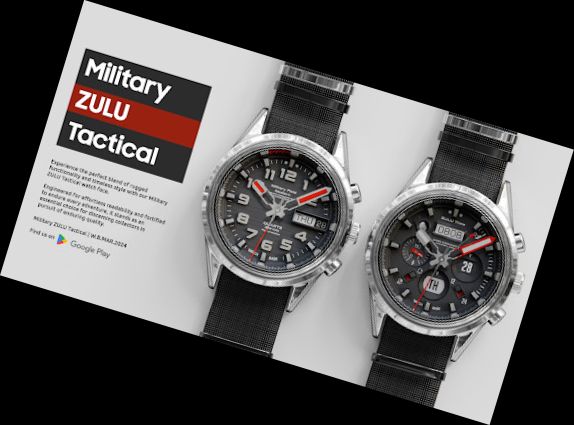
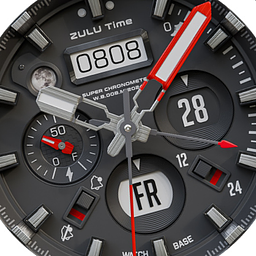
Our BRAND NEW Tactical Military ZULU watch face combines modern style, functionality, and authenticity. Designed with a tactical/field layout, it's one of the top choices for Wear OS, featuring a 'hidden' prank function.
ⓘ Features:
- Tactical-Military design.
- ZULU Time.
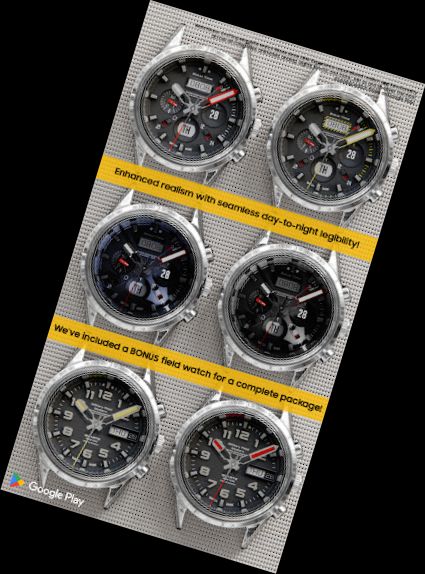
- Additional FIELD watch as an option.
- PRANK your friends! Cracked/Shattered glass for added realism or a prank.
- SUPER Authentic!
- MFD (Multi-Function Display).
- Day.
- Date.
- Battery level indicator.
- Steps goal indicator.
- Moon-phase indicator.
- Notifications indicator.
- 12/24 mode indicator.
- Realistic one LED illumination night modes.
- 10 different main dial color combinations.
- 6 different Always On Display modes to choose from.
ⓘ Customization:
- To personalize your watch face, touch and hold on the screen, then tap on customize.
ⓘ MFD (Multi-Function Display):
- If you enable the MFD display you must choose/customize it with the information you want. If you turn off the MFD you must choose "Empty" as a complication option to avoid text/info being displayed over the Day indicator.
The MFD is not available if the FIELD watch is selected.
ⓘ Moon-phase indicator:
- The Moon-phase indicator is not available if the FIELD watch is selected.
Don't miss out our top AUTHENTIC watch faces:
LUNA BENEDICTA - https://play.google.com/store/apps/details?id=wb.luna.benedicta
Harmony GT Premium - https://play.google.com/store/apps/details?id=wb.harmony.gt
Classic GMT President - https://play.google.com/store/apps/details?id=wb.classic.gmt
VOYAGER WorldTimer - https://play.google.com/store/apps/details?id=wb.voyager.automatic
Analog Master - https://play.google.com/store/apps/details?id=wb.analog.master
ⓘ Installation
How to install: https://watchbase.store/static/ai/
After installation: https://watchbase.store/static/ai/ai.html
* Luna Benedicta watch face shown in "How to install" and "After installation". The same installation process is valid for all of our watch faces.
If you have any issues installing the watch face, please note that we have no control over the installation process or any other Google Play / Watch processes. The most common issue that people face is after they buy the watch face and install it, they can't see/find
Versions
-
VARY
—
·
Download
Android VARY+
Fixed ZULU time when DST (Daylight saving time) is active.