Developer Information
Company: WatchBase
Address: 1700 Sofia, Prof. Georgi Bradistilov 6, fl. 4, Belvek Ltd.
Email: Support Email
Privacy Policy: Privacy Policy
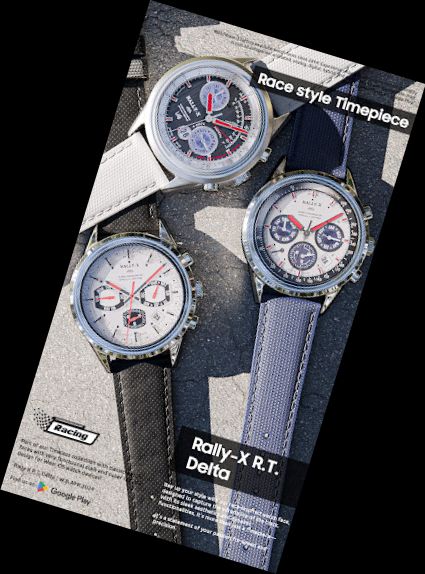
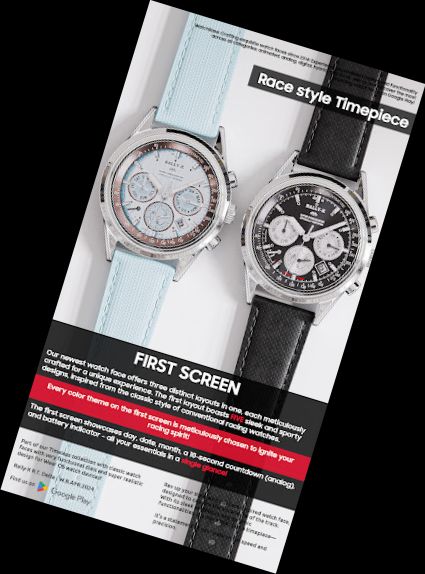
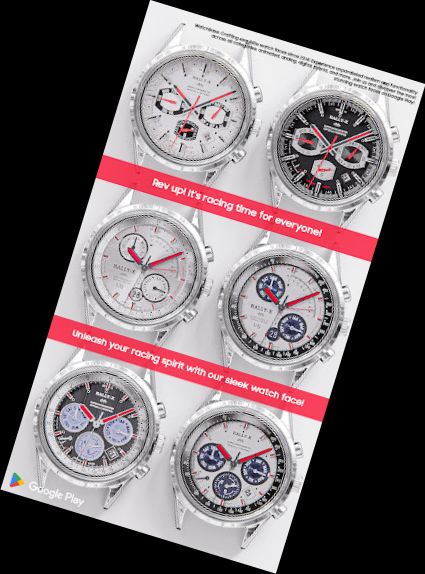
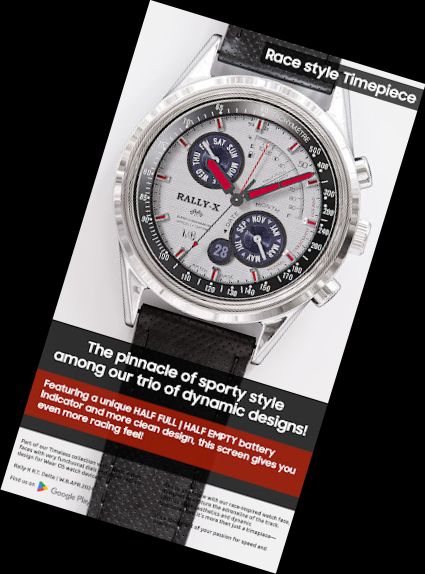
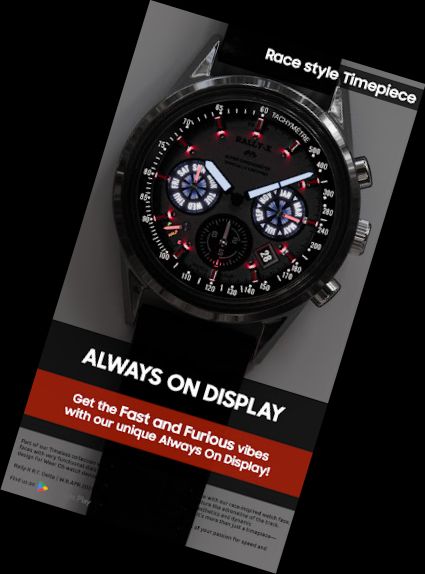
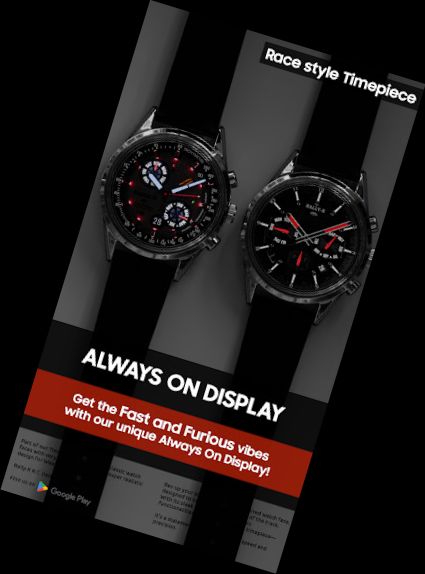
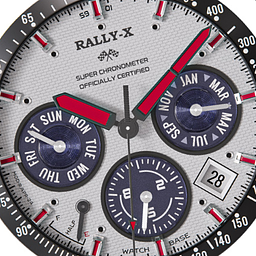
Accelerate your style with our incredibly realistic racing watch face, exclusively designed for Wear OS. Experience the thrill of racing every time you glance at your wrist!
Features:
- Authentic racing-inspired horology design.
- 3 versatile watch faces in one package.
- 10 diverse color themes to suit your mood.
- Day, Date, Month display.
- Battery life indicator.
- 10-second interval indicator.
- 3 distinct styles:
- First style offers 5 unique themes.
- Second style features 2 distinct themes.
- Third style boasts 3 different themes.
- Exceptionally realistic design.
- Always On Display functionality.
How to:
- To customize your watch face, simply touch and hold the screen, then tap on customize.
Discover our top-rated REALISTIC watch faces:
Milirary ZULU Tactical - https://play.google.com/store/apps/details?id=wb.military.zulu
Moon Master PRO - https://play.google.com/store/apps/details?id=wb.moon.master
Tourbillon Aquamarine - https://play.google.com/store/apps/details?id=wb.tourbillon.aquamarine
LUNA BENEDICTA - https://play.google.com/store/apps/details?id=wb.luna.benedicta
Harmony GT Premium - https://play.google.com/store/apps/details?id=wb.harmony.gt
Classic GMT President - https://play.google.com/store/apps/details?id=wb.classic.gmt
VOYAGER WorldTimer - https://play.google.com/store/apps/details?id=wb.voyager.automatic
Analog Master - https://play.google.com/store/apps/details?id=wb.analog.master
Installation
To install: https://watchbase.store/static/ai/
After installation: https://watchbase.store/static/ai/ai.html
* Luna Benedicta watch face is showcased in the "How to install" and "After installation" guides. The same installation process applies to all our watch faces.
If you encounter issues during installation, please note that we have no control over the installation process or any Google Play/Watch processes. The most common issue is not being able to find the watch face after installation.
To apply the watch face, touch and hold the main screen, swipe left, and look for it. If you can't find it, tap the "+" sign and add the watch face. We use a companion app to simplify the installation process. If you've purchased the watch face, tap the install button on the phone app, and check your
Versions
-
VARY
—
·
Download
Android VARY+
Outer (chapter) ring improved graphics.